Professional Photo Printers
cancel
Showing results for 
Show  only  | Search instead for 
Did you mean: 

Posts

Mastering Print Settings & Plug-Ins

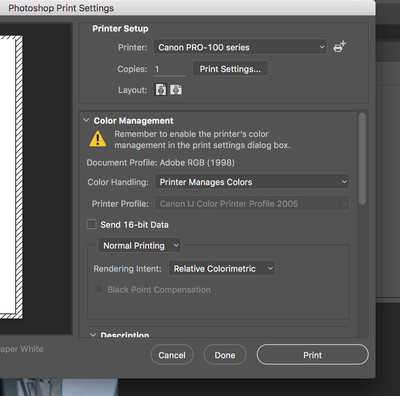
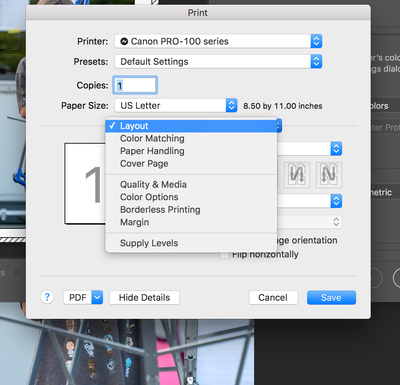
How to Get the Most from Canon’s Software Tools for its Professional Inkjet Photo Printers Getting a print to match what you see on screen isn’t magic - it’s a process. And a big part of that process happens in the software. Whether you’re using the...

banner_featured.png featured.png
ccanada by Administrator
  • 475 Views
  • 0 replies
  • 0 likes

pixma pro 100

HI I live in the UK and am purchasing a Pixma Pro 100 from the US will I have problems with UK ink cartridges. Thanks

jonrud by Apprentice
  • 4123 Views
  • 6 replies
  • 0 likes

Pixma Pro 1 and 9000

on both printers when I send a 13x19 print file, the output is 8x10.  I have checked all the settings and cannot see a problem.  Since this happens on both printers, Im thinking that there is some setting that is wrong maybe with 

glenng by Apprentice
  • 3486 Views
  • 3 replies
  • 0 likes

Resolved! Pixma Pro9000 no black!

I've been printing up a little cartoon book, that is all drawn in graphite. So after printing some tests - using the original RGB files, changing files to greyscale, printing in "greyscale mode" - that it was the latter that came best to how I want i...

toyboy by Contributor
  • 3566 Views
  • 2 replies
  • 0 likes
Getting started

New to the community? Here's some information to help you get acquainted:

Announcements