Professional Photo Printers
cancel
Showing results for 
Show  only  | Search instead for 
Did you mean: 

Posts

Mastering Print Settings & Plug-Ins

How to Get the Most from Canon’s Software Tools for its Professional Inkjet Photo Printers Getting a print to match what you see on screen isn’t magic - it’s a process. And a big part of that process happens in the software. Whether you’re using the...

banner_featured.png featured.png
ccanada by Administrator
  • 768 Views
  • 0 replies
  • 1 likes

imagePROGRAF PRO-310 - Errors on initial setup

Hello all, I just purchased a PROGRAF 310 from Canon's website about a week ago.  I just took it out of the box and started the initial setup.  I am getting errors almost every step of the way. Especially when trying to align the print head, it will ...

FoxMI by Apprentice
  • 1260 Views
  • 1 replies
  • 0 likes

PIXMA PRO-100 - Black Ink Not Printing

I'm using a Pixma Pro 100 purchased in December 2020 with a 2010 MacBook pro. Mainly print from Silhouette Studio and Photoshop with genuine Canon ink. I typically print at least a few times a week. The issue: Replaced the empty black cartridge last ...

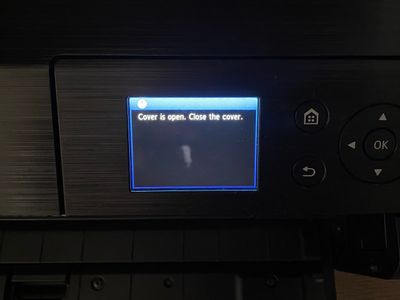
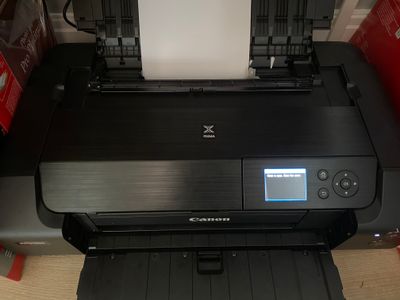
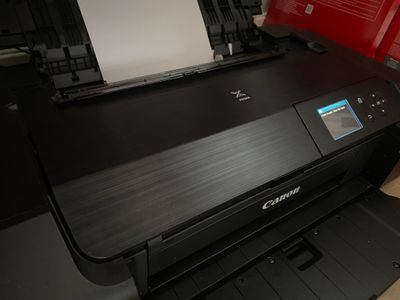
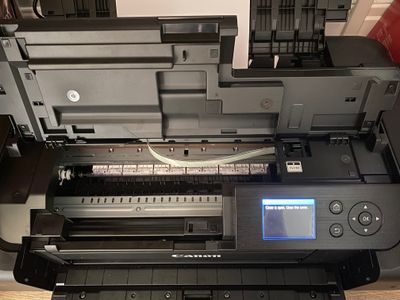
PXL_20230630_233957354.jpg PXL_20230630_225447639.jpg PXL_20230630_225513232.jpg PXL_20230630_225508127.jpg

imagePROGRAF PRO-300 error message 2115

Hi, I’m currently using Canon Professional Print & Layout (PPL) software, a Canon imagePROGRAAF Pro-300 printer and A3+ Hahnemuhle Fine Art Baryta paper. In accordance with Hahnemuhle’s instructions, I’ve been using a “Media Type” of “Baryta Photo Pa...

Getting started

New to the community? Here's some information to help you get acquainted:

Announcements