Hi KevinK.
I will be able to assist you.
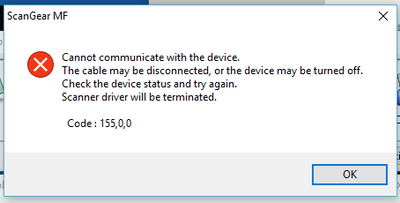
Although you have installed the Network/USB Scan Patch, I recommend uninstalling and reinstalling the drivers. Please disconnect the printer from the computer, and then follow the uninstallation/reinstallation instructions at the link below:
*NOTE: The instructions are located towards the bottom of the page.
Service Notice: Windows Scanning for imageCLASS
If the issue persists, we recommend that you call us at 1-800-OK-CANON (1-800-652-2666).
Did this answer your question? Please click the Accept as Solution button so that others may find the answer as well.