PIXMA MG3600 Only Prints in Yellow, Green, and Blue
So when i try to print something it only prints out in yellow green and blue and im not sure how to fix this problem
So when i try to print something it only prints out in yellow green and blue and im not sure how to fix this problem
I just got a canon pixma ip8720 and im trying to use the icc profiles for all the canon papers. When I loaded them into Lightroom from the printer the names don't match to the names of the papers (attached image). Are these the right icc profiles for...

I have recently switched from a windows laptop to a Mac Air M2 laptop. It does not offer the duplex / double sided print option for my canon pixma ix6820 inkjet printer. This printer offers duplex capability and works on my wife's windows laptop, s...
My new G7020 printer is working good except it only pulls paper from the rear feed when I try to print from my iPad. The iPhone was doing that also but I seemed to have fixed that.Lots of stuff on the net about that “rear feed only” issue even with ...
My orange lights on the printer flash 5 times and they keep flashing. Correspondence says that the printer head is malfunctioning. What are the maintenance procedures?
URGENT: Which Canon desktop inkjet printers work with Mac OS Ventura 13.1?Hello,Am urgently seeking feedback as I have a presentation deadline looming Monday.My PIXMA TS5320a printer will not connect to my laptop that runs Mac OS Ventura 13.1.I have ...
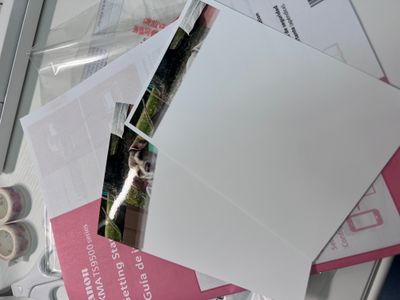
Printer just arrived today. It will not finish printing photos on the sample glossy II 4x6 photo papers. It is also taking a long time to process. I hate wasting paper and ink and don't really want to return the printer after just receiving it. I've ...
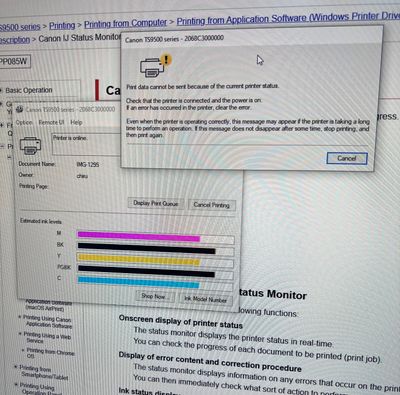
Greetings All,Keeping this post simple, a yes/no answer will suffice: will the absence of the print head prevent the printer from turning on/powering up? In other words, if I did not place the print head back in position, would this omission prevent ...
Greetings, I have a PIXMA printer with CD which was installed on Windows 10. Recently, I purchased a new laptop with windows 11 and without a CD drive, I am not able to install the software on the new laptop with my CDs. How do I install the software...
Every time I attempt to print on this TR4720 it won't respond. Then the queue is full and it just won't respond. The help line and chat help have been very nice about solving this issue, that is until the next time I try to use it. I've done every...
I use Canon TS9540 Prixma.My printer always jams whenever I print two sided only. Why does it do that, and how do I solve this?
My G3501 worked flawlessly until this summer, when we were away from home for two weeks. When we came back, it wasn't printing magenta at all. I did cleaning, deep cleaning, nothing helped. I took out the printer head and pushed some ethanol/distille...


good morningNeed help installing my PIXMA TS3522 to my laptop which have S mode on it.
MG2520WILL THIS PRINTER HANDLE MAGNETIC INK?WHERE CAN I BUY THAT INK?THANKS!
Hi,I just upgraded two of my computers to Windows 11. I don't recall how I installed my PIXM iP2820 on either, but it was installed and working on both. Suddenly, it's not working on one of the computers and I cannot get it installed. It shows up as ...
| Subject | Author | Posted |
|---|---|---|
| 09-08-2026 09:55 PM | ||
| 09-08-2026 05:31 PM | ||
| 08-23-2026 08:30 PM | ||
| 07-07-2026 07:06 PM | ||
| 02-03-2026 03:40 PM |
New to the community? Here's some information to help you get acquainted:
07/22/2026: New firmware updates are available.
EOS R6 Mark III - Version 1.1.0
05/13/2026: New firmware updates are available.
EOS R5 Mark II - Version 1.3.0
EOS R6 Mark II - Version 1.7.0
03/17/2026: New firmware updates are available.
SELPHY CP1500 - Version 1.0.7.0
01/20/2026: New firmware updates are available.
10/15/2025: New firmware updates are available.
Speedlite EL-5 - Version 1.2.0
Speedlite EL-1 - Version 1.1.0
Speedlite Transmitter ST-E10 - Version 1.2.0
Canon U.S.A Inc. All Rights Reserved. Reproduction in whole or part without permission is prohibited.


