Turn on suggestions
Auto-suggest helps you quickly narrow down your search results by suggesting possible matches as you type.
- Canon Community
- Discussions & Help
- Printer
- Desktop Inkjet Printers
- Re: Custom Page Size Pixma TS9521Ca
Options
- Subscribe to RSS Feed
- Mark Topic as New
- Mark Topic as Read
- Float this Topic for Current User
- Bookmark
- Subscribe
- Mute
- Printer Friendly Page
PIXMA TS9521Ca No luck adding custom paper size

Options
- Mark as New
- Bookmark
- Subscribe
- Mute
- Subscribe to RSS Feed
- Permalink
- Report Inappropriate Content
03-22-2026
09:42 PM
- last edited on
03-24-2026
09:47 AM
by
 Danny
Danny
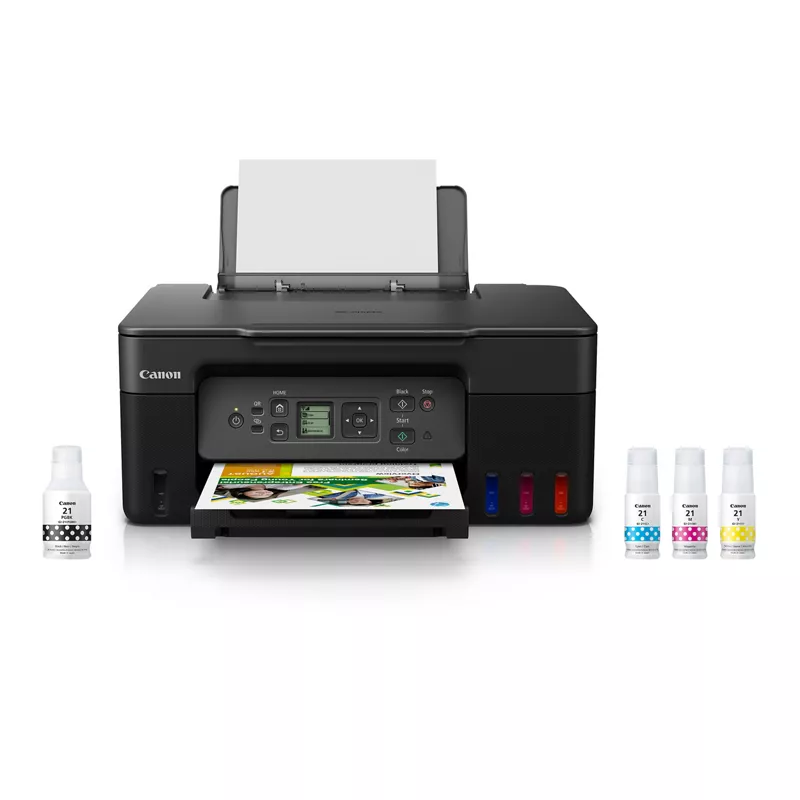
Hi everyone! Really looking for some help with adding a custom paper size. I have had no luck. I'm using a windows 13th Gen Intel and would like to print on custom paper size 4.5x6.25. I've attached a couple of images of what I am seeing. There is no option for custom sizing that I have found. Is there a work around for this? #pixmaTS9521 PIXMA G3270 Wireless MegaTank All-In-One Printer #TS9500


2 REPLIES 2


Options
- Mark as New
- Bookmark
- Subscribe
- Mute
- Subscribe to RSS Feed
- Permalink
- Report Inappropriate Content
03-23-2026 08:47 AM
Looks like you might be using the MS Windows driver rather than the Canon driver.

John Hoffman
Conway, NH
R6 Mark III, M200 (converted to infrared), RF lenses, Pixma PRO-100, Pixma TR8620a, Lr Classic
Conway, NH
R6 Mark III, M200 (converted to infrared), RF lenses, Pixma PRO-100, Pixma TR8620a, Lr Classic

Anonymous
Not applicable
Options
- Mark as New
- Bookmark
- Subscribe
- Mute
- Subscribe to RSS Feed
- Permalink
- Report Inappropriate Content
03-23-2026 09:16 AM
nnsmith, I am a bit confused as to why you have a link to g3270 support. If you have not installed the Canon driver package for your printer, you should do so. It has an option for custom sized paper.
https://www.usa.canon.com/support/p/pixma-ts9521ca-wireless-home-all-in-one-inkjet-printer


Announcements
07/22/2026: New firmware updates are available.
EOS R6 Mark III - Version 1.1.0
05/13/2026: New firmware updates are available.
EOS R5 Mark II - Version 1.3.0
EOS R6 Mark II - Version 1.7.0
04/28/2026: Service Notice: Caution Concerning use of Lithium Batteries
03/17/2026: New firmware updates are available.
SELPHY CP1500 - Version 1.0.7.0
02/23/2026: New firmware update is available for EOS C50- Version 1.0.3.1
01/23/2026: New firmware update is available for RF 24-105mm F4 IS USM- Version 2.0.7
01/20/2026: New firmware updates are available.
10/21/2025: Service Notice: To Users of the Compact Digital Camera PowerShot V1
10/15/2025: New firmware updates are available.
Speedlite EL-5 - Version 1.2.0
Speedlite EL-1 - Version 1.1.0
Speedlite Transmitter ST-E10 - Version 1.2.0
07/28/2025: Notice of Free Repair Service for the Mirrorless Camera EOS R50 (Black)
05/21/2025: New firmware update available for EOS C500 Mark II - Version 1.1.5.1
Related Content
- PIXMA TS9521Ca Printed pages missing half the ink in Desktop Inkjet Printers
- PIXMA TS9521Ca-Can't upload most Problematic Receipt to Register AND Scan print white paper as gray in Desktop Inkjet Printers
- Anyone know how to make PIXMA TS9521Ca Main Tray the default? in Desktop Inkjet Printers
- PIXMA PRO-200S won't print using custom print size in Professional Photo Printers
- Urgent help - PIXMA PRO-200S Intermittent buckling in Professional Photo Printers

Ⓒ 2026
Canon U.S.A Inc. All Rights Reserved. Reproduction in whole or part without permission is prohibited.
