08-11-2015 09:45 AM
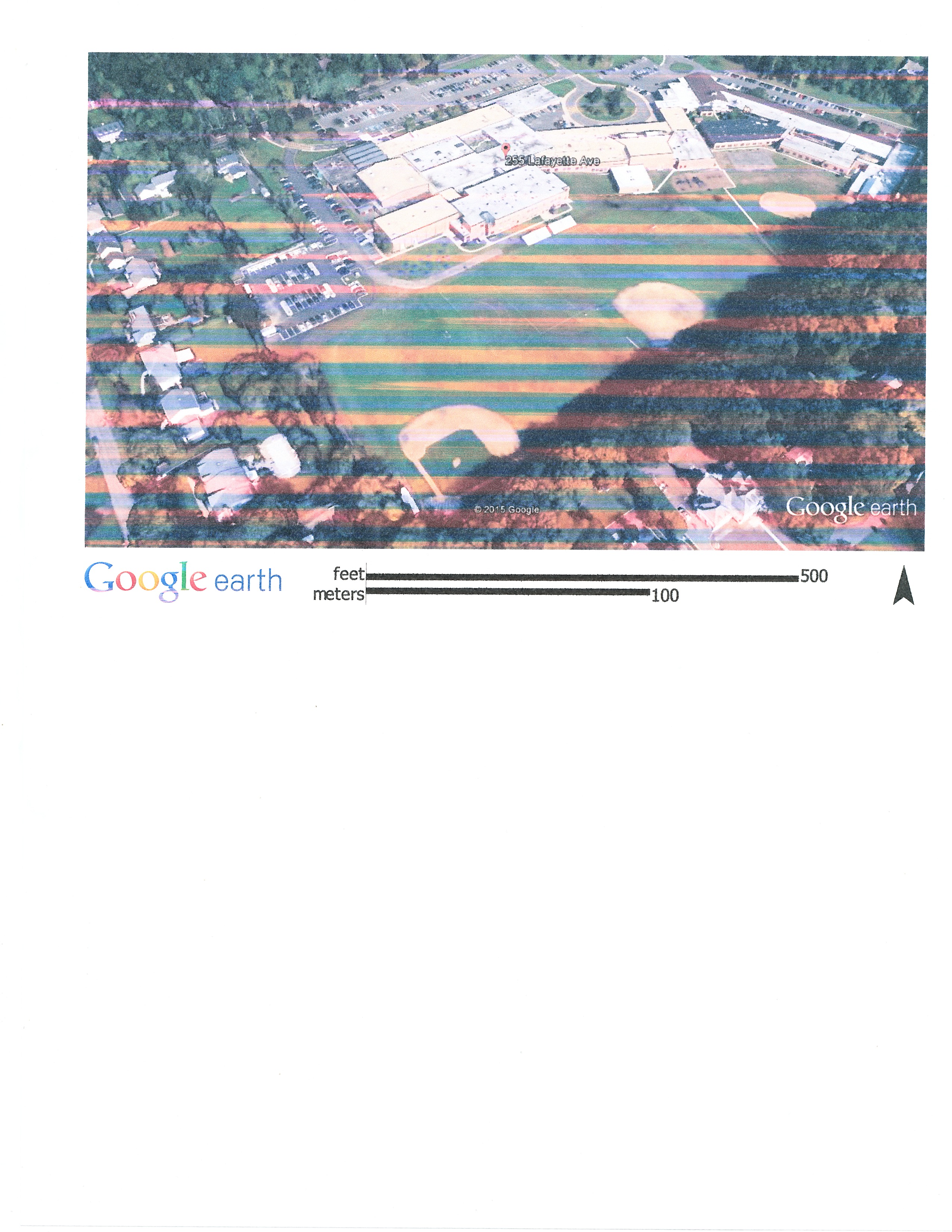
When I print a Jpg on the MP990, I get streaks in the photo as shown below. I have tried Clean and Deep Clean and I notice a slight improvemnet after the Deep Clean. Is there anything else I can do or should I keep trying the Deep Clean?
08-11-2015 12:22 PM
Before I started working on this, I did a nozzle check and everything looked okay and the pattern looked fione with no streaks. Now after trying various options, the nozzle check is only printing the PGBK, BK and G but no C, M or Y. Any photo I print now is in gray scale with no streaks. I must of changed a setting to lose the color somewhere but don't know what. Any ideas?

08-12-2015 05:01 PM
I must have turned the color off when testing. Turned it back on and ran the Clean on the color cartridges 4-5 times and every thing lookls good now.
12/18/2025: New firmware updates are available.
11/20/2025: New firmware updates are available.
EOS R5 Mark II - Version 1.2.0
PowerShot G7 X Mark III - Version 1.4.0
PowerShot SX740 HS - Version 1.0.2
10/15/2025: New firmware updates are available.
Speedlite EL-5 - Version 1.2.0
Speedlite EL-1 - Version 1.1.0
Speedlite Transmitter ST-E10 - Version 1.2.0
7/17/2025: New firmware updates are available.
02/20/2025: New firmware updates are available.
RF70-200mm F2.8 L IS USM Z - Version 1.0.6
RF24-105mm F2.8 L IS USM Z - Version 1.0.9
RF100-300mm F2.8 L IS USM - Version 1.0.8
Canon U.S.A Inc. All Rights Reserved. Reproduction in whole or part without permission is prohibited.