09-06-2014
04:24 PM
- last edited on
09-24-2022
09:25 AM
by
Danny
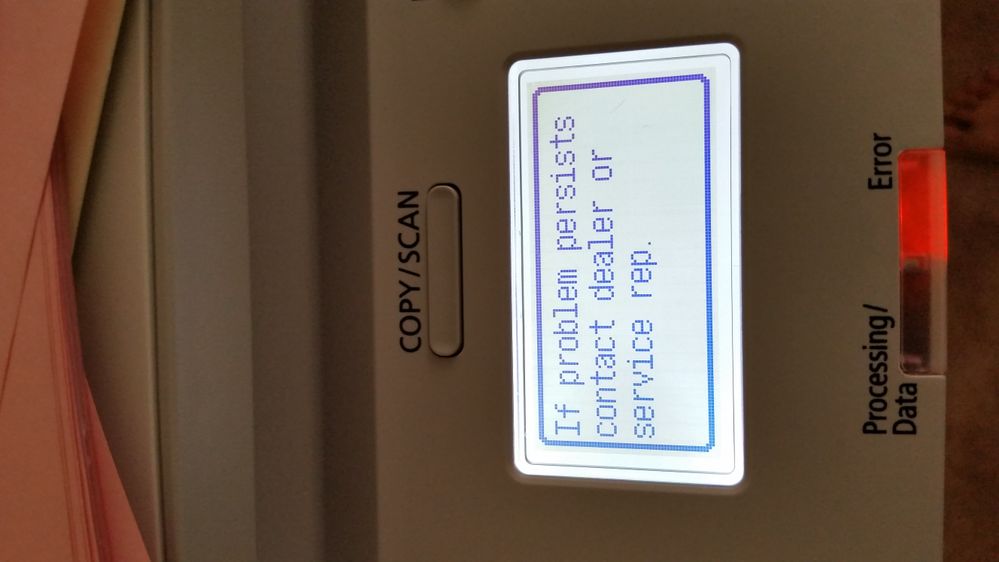
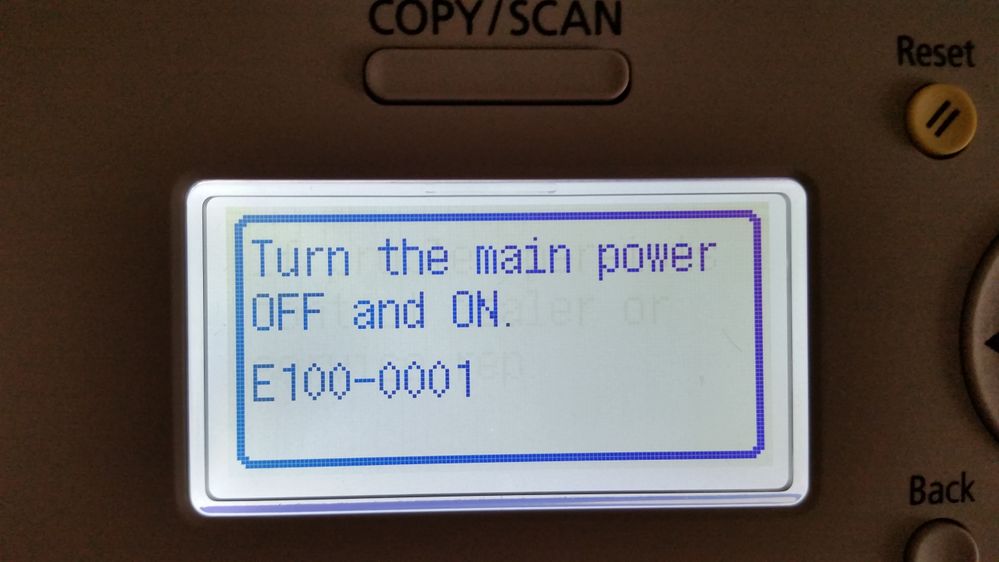
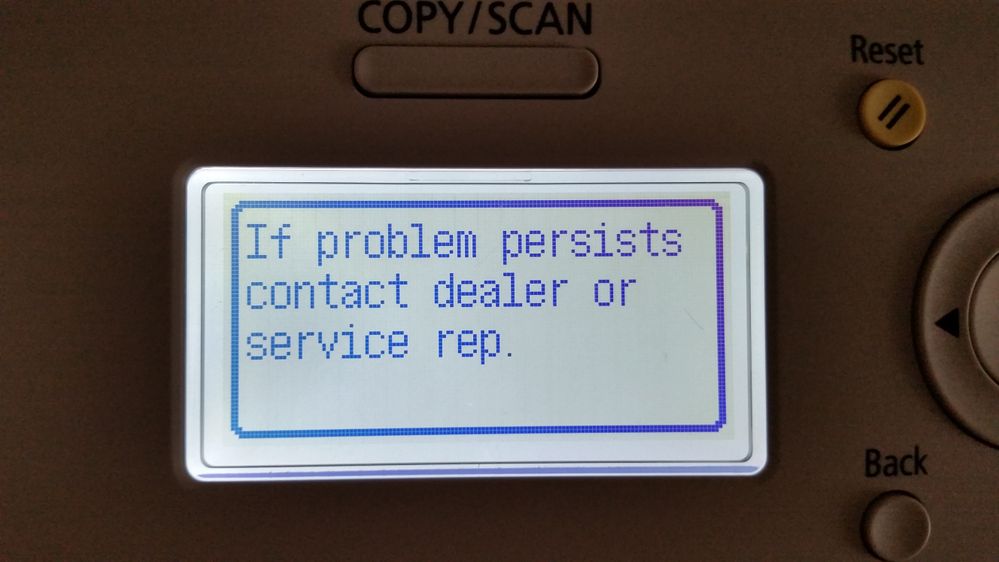
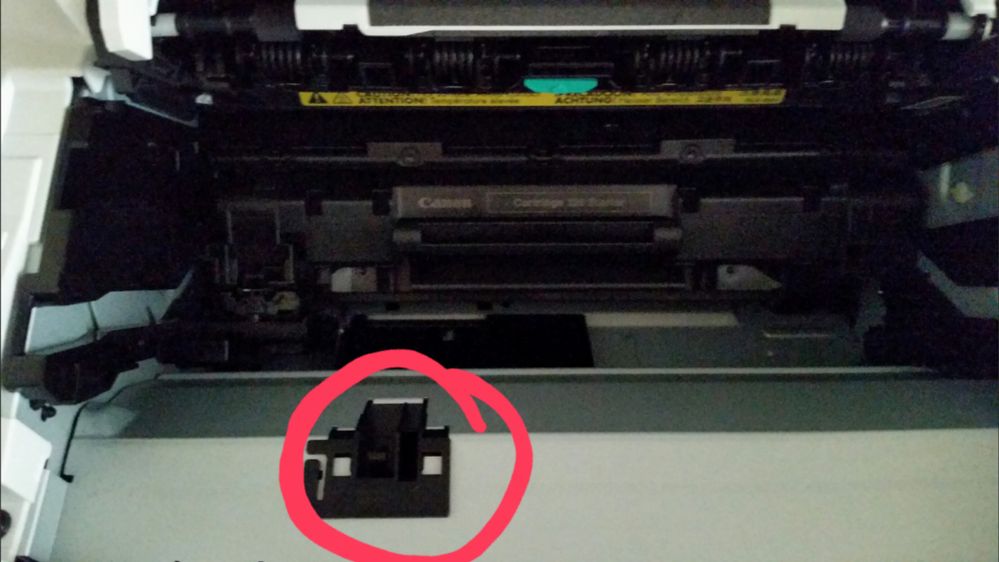
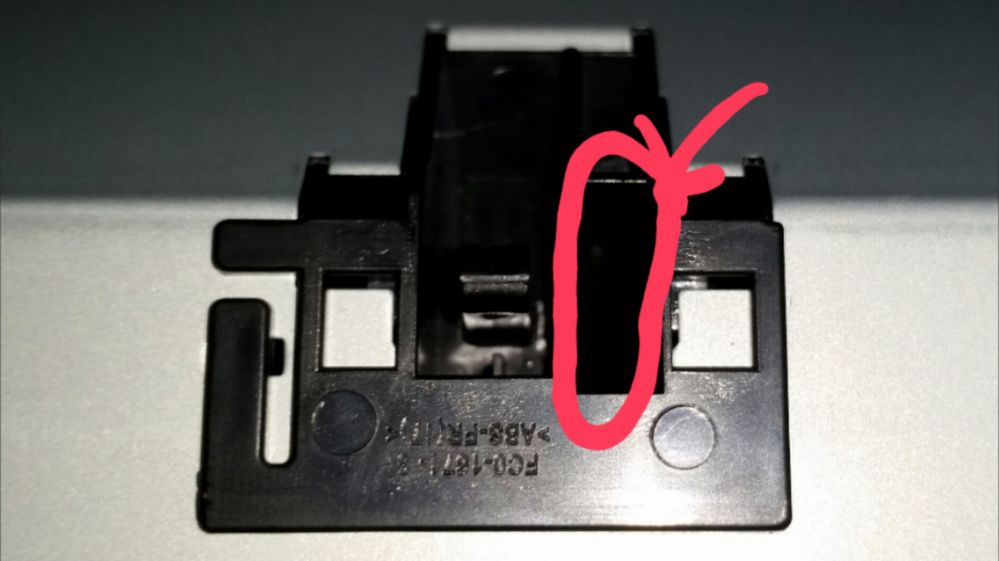
I just pressed a "button" under the toner cover then the button dropped in, now the display show an error code "e100-0001"
please help..
09-15-2014 11:02 AM
Hi Khainguyen97.
Please power off the unit and unplug it from the wall for thirty minutes. If the error persists, it is recommended that you contact our telephone technical support department at 1-800-OK-CANON (1-800-652-2666), and speak with a support representative. The representative will be able to assist you with the E100 error, as well as assist you with the toner cover door sensor.
I hope this information is helpful to you.
12/18/2025: New firmware updates are available.
11/20/2025: New firmware updates are available.
EOS R6 Mark III - Version 1.0.1
EOS R5 Mark II - Version 1.2.0
PowerShot G7 X Mark III - Version 1.4.0
PowerShot SX740 HS - Version 1.0.2
10/15/2025: New firmware updates are available.
Speedlite EL-5 - Version 1.2.0
Speedlite EL-1 - Version 1.1.0
Speedlite Transmitter ST-E10 - Version 1.2.0
7/17/2025: New firmware updates are available.
02/20/2025: New firmware updates are available.
RF70-200mm F2.8 L IS USM Z - Version 1.0.6
RF24-105mm F2.8 L IS USM Z - Version 1.0.9
RF100-300mm F2.8 L IS USM - Version 1.0.8
RF50mm F1.4 L VCM - Version 1.0.2
RF24mm F1.4 L VCM - Version 1.0.3
Canon U.S.A Inc. All Rights Reserved. Reproduction in whole or part without permission is prohibited.