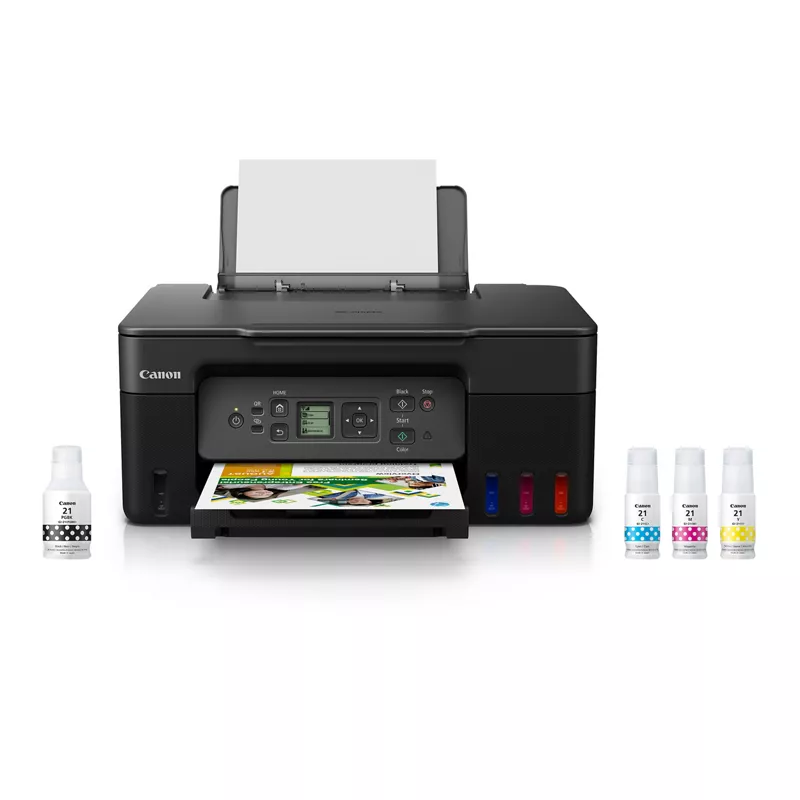
guide for filling g3270 tanks:
https://support.usa.canon.com/kb/s/article/ART180951
Meaning of the Ink Drop Icon with Crossed-Out Circle
The ink drop icon with a crossed-out circle on the Canon PIXMA G3270 indicates an issue with the ink tank. Specifically, it means that:
- The ink tank is empty: There may be no ink left in the tank.
- The ink tank is not installed properly: The tank may not be seated correctly in the printer.
Troubleshooting Steps
To resolve this issue, follow these steps:
- Check Ink Levels: Open the printer and inspect the ink tanks to see if any are empty.
- Reinstall the Ink Tank: If the tank is not empty, remove it and reinstall it securely to ensure proper contact.
- Perform a Nozzle Check: After addressing the tank, print a nozzle check pattern to confirm that the printer is functioning correctly.
By ensuring the ink tanks are full and properly installed, you can eliminate the warning indicated by the icon.