Turn on suggestions
Auto-suggest helps you quickly narrow down your search results by suggesting possible matches as you type.
- Canon Community
- Discussions & Help
- Camera
- Camera Software
- Re: EOS VR Plugin for Adobe Premiere Pro not visib...
Options
- Subscribe to RSS Feed
- Mark Topic as New
- Mark Topic as Read
- Float this Topic for Current User
- Bookmark
- Subscribe
- Mute
- Printer Friendly Page
EOS VR Plugin for Adobe Premiere Pro not visible

Options
- Mark as New
- Bookmark
- Subscribe
- Mute
- Subscribe to RSS Feed
- Permalink
- Report Inappropriate Content
09-12-2024
04:10 AM
- last edited on
09-15-2024
09:12 AM
by
 James_C
Hi,
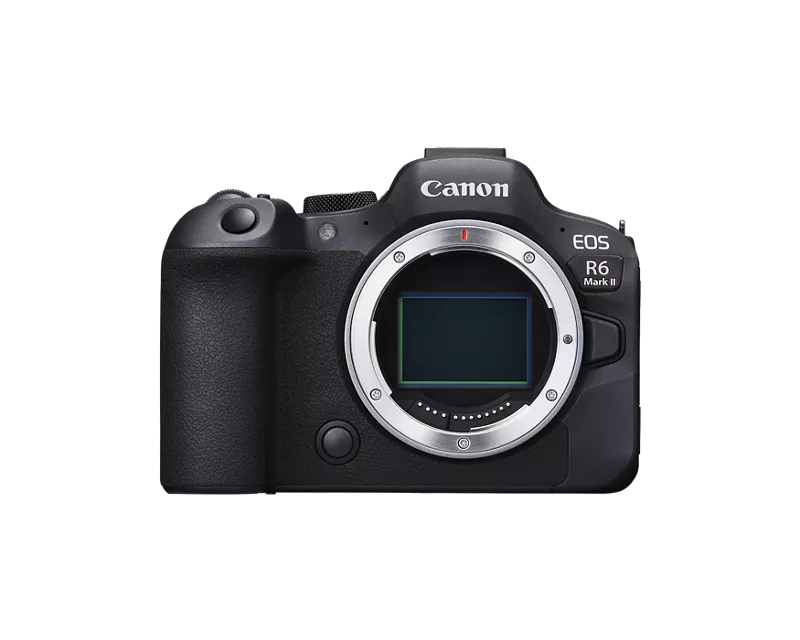
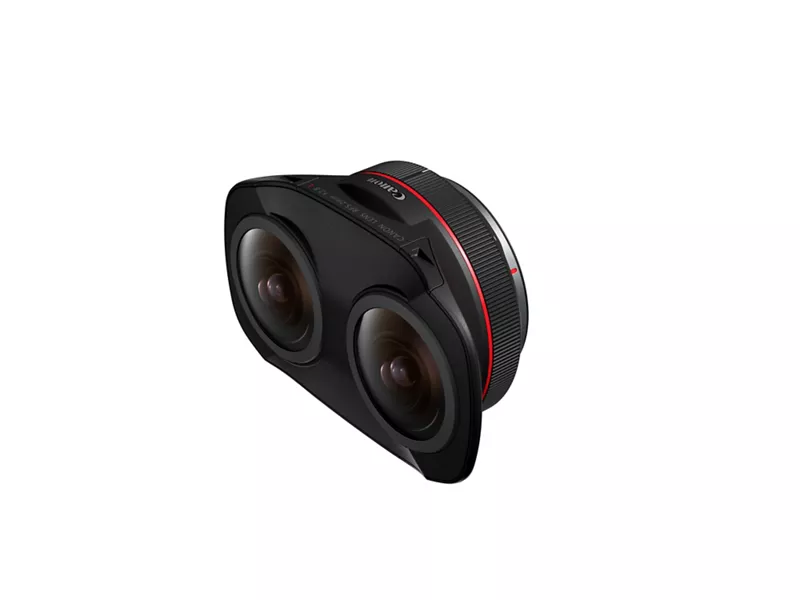
I have an R6 Mark II and the RF Dual Fish Eye lens. I'm trying to figure out a work flow for processing 180VR videos and keep running in to walls.
I have used the EOS VR Utility to process my videos, but I haven't been able to process them in Adobe Premiere Pro.
I have run the installer for Eos VR Plugin 1.4.10, but then when I launch Premiere Pro Version 24.6.1 (Build 2) the plugins are not available in the app.
I have tried uninstalling and reinstalling both the plugin and premiere pro.
I've tried installing Premiere and the plugin on both my desktop and on my laptop, same result.
I've confirmed that the EOSVRPlugin.bundle is located in the Library/Application/Adobe/Common/Plug-ins/7.0/MediaCore folder.
I tried copying the bundle to another location, deleting it from the mediacore folder, clearing the plugin cache when launching Premiere, then replacing the bundle in the mediacore folder.
I have tried searching the Adobe Creative Cloud marketplace to see if the plugin is available to install there, but it is not.
Both my machines are running macOS 14.6.1
Open to any and all suggestions. Thanks!
3 REPLIES 3

Options
- Mark as New
- Bookmark
- Subscribe
- Mute
- Subscribe to RSS Feed
- Permalink
- Report Inappropriate Content
09-15-2024 05:12 PM
Greetings friendhat,
Thank you for providing a detailed list of the troubleshooting steps you have already taken to try to get the plugin to work with Adobe Premiere Pro. Aside from the steps you have already taken, I would recommend on following the instructions provided in the following link about setting up the EOS VR Plugin for Adobe Premiere Pro. Using the plugin requires a Canon ID along with a subscription.
https://app.ssw.imaging-saas.canon/app/en/vrp.html?region=1
Options
- Mark as New
- Bookmark
- Subscribe
- Mute
- Subscribe to RSS Feed
- Permalink
- Report Inappropriate Content
01-09-2025 04:10 AM
If anybody seeing this:
If you already exported it in canons VR utility app, it wont show in premiere pro.
If its untreated video, and you drag and drop it into premiere, it will be under Source when the clip is marked.
This took me two days to figure out after installing and re-installing.
Hope this helps.
Options
- Mark as New
- Bookmark
- Subscribe
- Mute
- Subscribe to RSS Feed
- Permalink
- Report Inappropriate Content
10-17-2025 08:39 PM
Thanks but what do you mean by:
" it will be under Source when the clip is marked "
TIA

Announcements
07/22/2026: New firmware updates are available.
EOS R6 Mark III - Version 1.1.0
05/13/2026: New firmware updates are available.
EOS R5 Mark II - Version 1.3.0
EOS R6 Mark II - Version 1.7.0
04/28/2026: Service Notice: Caution Concerning use of Lithium Batteries
03/17/2026: New firmware updates are available.
SELPHY CP1500 - Version 1.0.7.0
02/23/2026: New firmware update is available for EOS C50- Version 1.0.3.1
01/23/2026: New firmware update is available for RF 24-105mm F4 IS USM- Version 2.0.7
01/20/2026: New firmware updates are available.
10/21/2025: Service Notice: To Users of the Compact Digital Camera PowerShot V1
10/15/2025: New firmware updates are available.
Speedlite EL-5 - Version 1.2.0
Speedlite EL-1 - Version 1.1.0
Speedlite Transmitter ST-E10 - Version 1.2.0
07/28/2025: Notice of Free Repair Service for the Mirrorless Camera EOS R50 (Black)
05/21/2025: New firmware update available for EOS C500 Mark II - Version 1.1.5.1
Related Content
- Viewing Content Produced via EOS VR Plugin for Premiere Pro in Camera Software
- VR Utility controls not showing up in Premiere Pro plugin in Camera Software
- EOS R5 C & Dual Fisheye: Double vision when exporting raw files with adobe premiere pro raw files. in Camera Software
- EOS VR Plugin Not Appearing in Adobe Premiere Pro After Installation on Windows 11 in Camera Software
- How can I disable the EOS VR Plugin in AfterEffects? in Camera Software

Ⓒ 2026
Canon U.S.A Inc. All Rights Reserved. Reproduction in whole or part without permission is prohibited.
