Turn on suggestions
Auto-suggest helps you quickly narrow down your search results by suggesting possible matches as you type.
- Canon Community
- Discussions & Help
- Video
- Professional Video
- Re: C70 media has digital artifacts
Options
- Subscribe to RSS Feed
- Mark Topic as New
- Mark Topic as Read
- Float this Topic for Current User
- Bookmark
- Subscribe
- Mute
- Printer Friendly Page
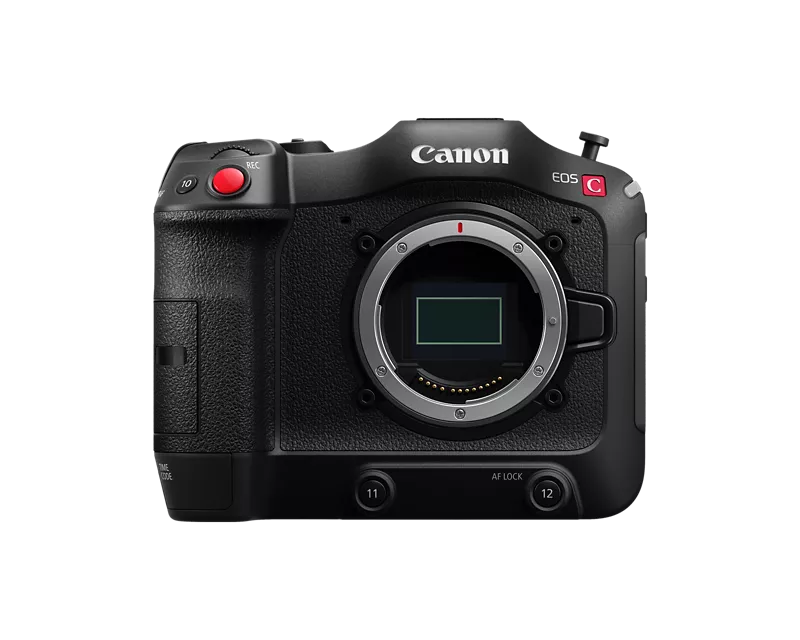
C70 media has digital artifacts

Options
- Mark as New
- Bookmark
- Subscribe
- Mute
- Subscribe to RSS Feed
- Permalink
- Report Inappropriate Content
08-27-2024 03:14 PM
Seeing random digital artifacts on media shot on C70, lasting anywhere between 2-5 frames.
Recording on ProGrade 128GB SDXC, V90II (R:300MB/s, W 250MB/s)
Conditions were not excessively hot and camera has latest firmware.
See attached frame grabs. Do you think it's the card or the camera?


4 REPLIES 4


Options
- Mark as New
- Bookmark
- Subscribe
- Mute
- Subscribe to RSS Feed
- Permalink
- Report Inappropriate Content
08-29-2024 05:23 PM
Hello randywarren,
I would definitely suggest shooting some more test footage using a different card if you have not done so. This will help to narrow down the issue. Does the footage show this way when played back on the camera or when connected to a TV or other display right from the camera or only after being downloaded to a computer? The footage could possibly be corrupted during transfer to the computer.
Options
- Mark as New
- Bookmark
- Subscribe
- Mute
- Subscribe to RSS Feed
- Permalink
- Report Inappropriate Content
08-29-2024 05:30 PM
Thank you John. Great suggestions. I have four of these cards, but I will definitely be tracking in the future which card was used for each reel transfered. I did not see the issue in the camera on playback and the card has since been wiped. Perhaps I should consider using an app like ShotPut Pro for SD card xfer. It just takes so much longer. I'm just using Mac Finder with built in SD slot on MBP.
Options
- Mark as New
- Bookmark
- Subscribe
- Mute
- Subscribe to RSS Feed
- Permalink
- Report Inappropriate Content
09-06-2024 03:18 PM
@John_Q
I did some long recordings on all my cards, transferred them and found no glitches. Would you recommend an app like ShotPut Pro, Hedge or Silverstack Offloader Manager? Would these apps prevent glitches in transfer? Is there a potential this could be an internal camera issue?

Options
- Mark as New
- Bookmark
- Subscribe
- Mute
- Subscribe to RSS Feed
- Permalink
- Report Inappropriate Content
09-07-2024 01:48 AM
Hi randywarren,
Thanks for your response. You are welcome to try different applications that use checksum or other verification approaches to confirm that all of the data has properly transferred from the card, but we don't have any specific programs we recommend. Perhaps others who have used those programs can comment about how well they've worked.
I would encourage you to initialize new cards in camera before use and then on a regular basis after successful transfers. If you run into corrupted data again, try doing tests where you playback the file in camera as well as on your computer. That could help isolate the issue.


Announcements
07/22/2026: New firmware updates are available.
EOS R6 Mark III - Version 1.1.0
05/13/2026: New firmware updates are available.
EOS R5 Mark II - Version 1.3.0
EOS R6 Mark II - Version 1.7.0
04/28/2026: Service Notice: Caution Concerning use of Lithium Batteries
03/17/2026: New firmware updates are available.
SELPHY CP1500 - Version 1.0.7.0
02/23/2026: New firmware update is available for EOS C50- Version 1.0.3.1
01/23/2026: New firmware update is available for RF 24-105mm F4 IS USM- Version 2.0.7
01/20/2026: New firmware updates are available.
10/21/2025: Service Notice: To Users of the Compact Digital Camera PowerShot V1
10/15/2025: New firmware updates are available.
Speedlite EL-5 - Version 1.2.0
Speedlite EL-1 - Version 1.1.0
Speedlite Transmitter ST-E10 - Version 1.2.0
07/28/2025: Notice of Free Repair Service for the Mirrorless Camera EOS R50 (Black)
05/21/2025: New firmware update available for EOS C500 Mark II - Version 1.1.5.1
Related Content

Ⓒ 2026
Canon U.S.A Inc. All Rights Reserved. Reproduction in whole or part without permission is prohibited.
