Turn on suggestions
Auto-suggest helps you quickly narrow down your search results by suggesting possible matches as you type.
- Canon Community
- Discussions & Help
- Printer
- Professional Photo Printers
- PIXMA PRO-200 - "Cover is open" error message
Options
- Subscribe to RSS Feed
- Mark Topic as New
- Mark Topic as Read
- Float this Topic for Current User
- Bookmark
- Subscribe
- Mute
- Printer Friendly Page
PIXMA PRO-200 - "Cover is open" error message

Options
- Mark as New
- Bookmark
- Subscribe
- Mute
- Subscribe to RSS Feed
- Permalink
- Report Inappropriate Content
05-16-2023
05:06 AM
- last edited on
08-28-2024
01:12 PM
by
 James_C
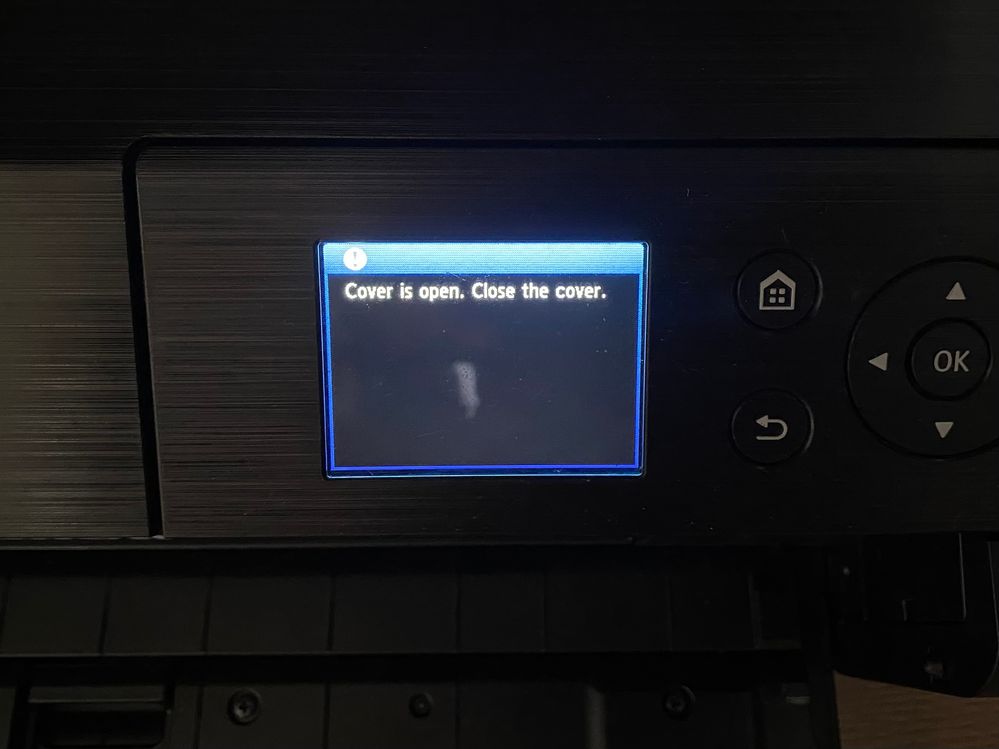
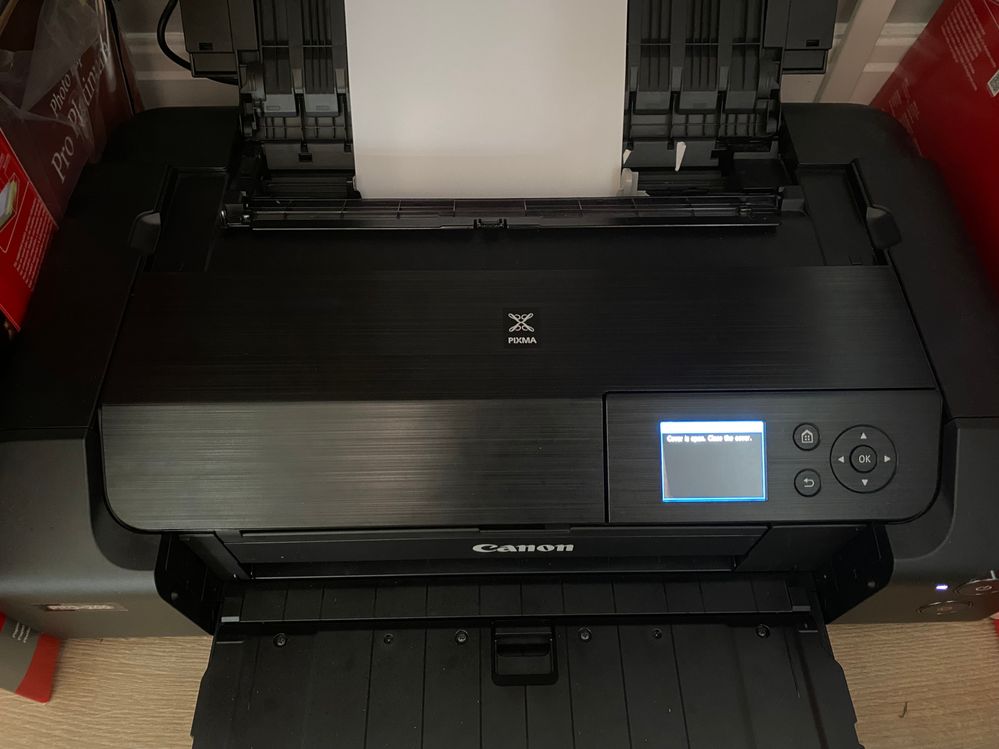
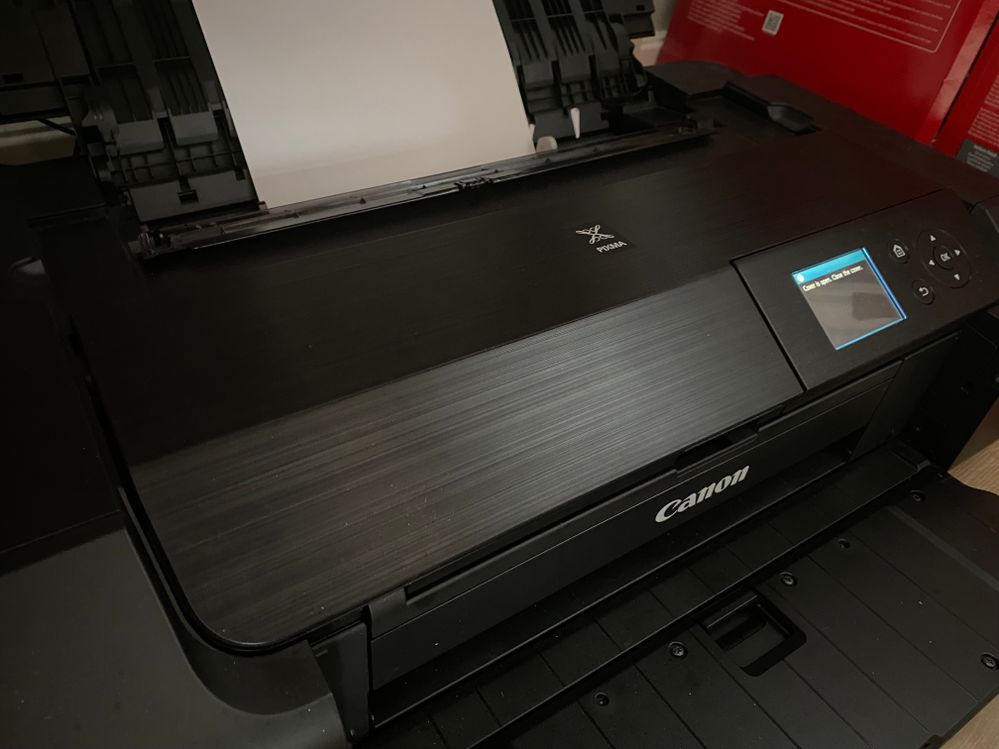
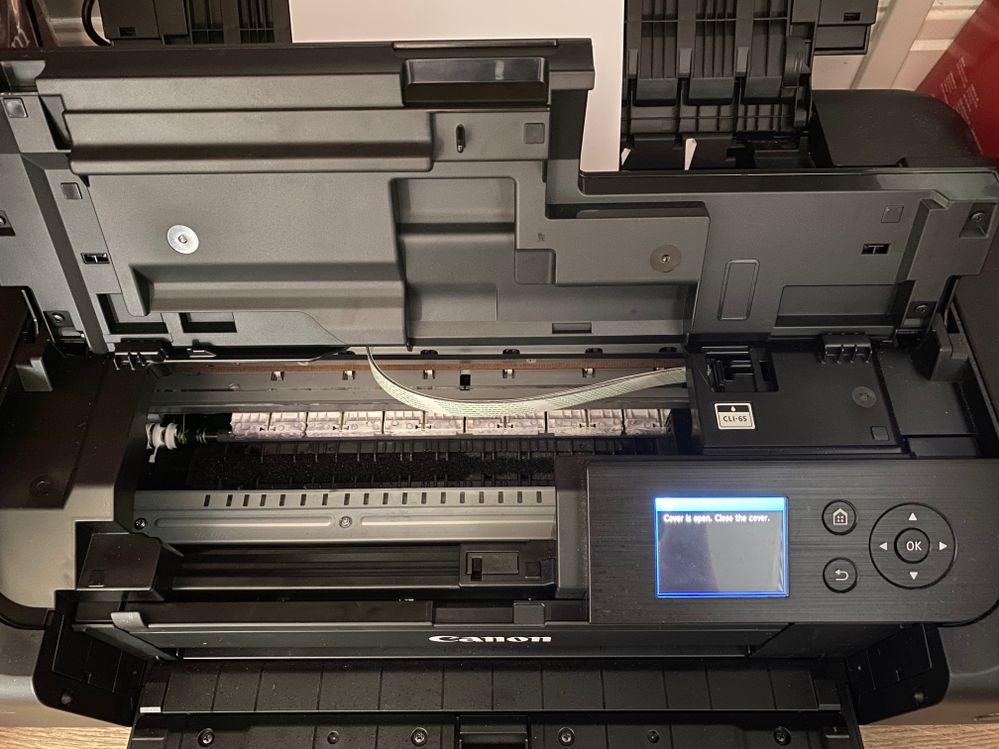
Hi all, don't suppose anybody can shed any light on this issue? My Canon Pixma Pro-200 has worked faultlessly for just over 12 months but yesterday I turned it on to be greeted with the error message "Cover is open. Close the cover" - referring to the flip up cover for changing the in cartridges - even though this cover is firmly shut. I've turned it off and on again, no luck. I've left it overnight with the power cable removed from the back of the printer (as advised by Canon live chat), plugged it back in this morning and I'm still getting the error message. Does anybody know how to fix this? I've got orders for photos and posters on an online store I run which are starting to back up so I'm getting sligthly worried
For reference - I use only Genuine Canon ink cartridges. I am running macOS Monterey 12.6.3 and my printer is connected to my iMac via a USB cable. All drivers on the printer are up-to-date
15 REPLIES 15
Options
- Mark as New
- Bookmark
- Subscribe
- Mute
- Subscribe to RSS Feed
- Permalink
- Report Inappropriate Content
06-29-2025 11:36 AM
If you get the pics, can you share with me, please. Having same problem. Extremely frustrated. Thanks
Options
- Mark as New
- Bookmark
- Subscribe
- Mute
- Subscribe to RSS Feed
- Permalink
- Report Inappropriate Content
06-29-2025 12:02 PM
It's most likely a hardware problem. I had to deal with it last year. My issue was that somehow ink had seeped into and my waste ink pad was soaked. I even had ink leaking out the printer (from the front bottom right corner) and onto my desk. Somehow it had messed up the cover sensor. I had to take it to get it repaired at the authorized repair shop. It was $50 for the repair including labor cost.
Options
- Mark as New
- Bookmark
- Subscribe
- Mute
- Subscribe to RSS Feed
- Permalink
- Report Inappropriate Content
06-30-2025 05:12 AM

so where the circled area is, that should have a little black cover it, I was able to take that off with a knife and then i was able to manually move the lever up and down, if you try that you might need to come with an ingenious way of keeping it either up or down, but mine seems to just work fine if I just pull it back up or hold it down to change inks etc, hope this helps!!
Options
- Mark as New
- Bookmark
- Subscribe
- Mute
- Subscribe to RSS Feed
- Permalink
- Report Inappropriate Content
06-30-2025 05:12 AM - edited 06-30-2025 05:13 AM
so where the circled area is, that should have a little black cover it, I was able to take that off with a knife and then i was able to manually move the lever up and down, if you try that you might need to come with an ingenious way of keeping it either up or down, but mine seems to just work fine if I just pull it back up or hold it down to change inks etc, hope this helps!!
Options
- Mark as New
- Bookmark
- Subscribe
- Mute
- Subscribe to RSS Feed
- Permalink
- Report Inappropriate Content
09-17-2025 05:59 AM
Hi!
Same problem here. Katieoohlala replied above about a lever/spring. Do you refer to the one in the photo below?

I took away the visible lever part. Below is another small lever that I suppose trigger the sensor. However, when I moved it to its endposition with a small screwdriver, there was no difference. "close cover" still active.
Other ideas? Where is CANON in this? It seems like a pretty common issue. Thanks!
Options
- Mark as New
- Bookmark
- Subscribe
- Mute
- Subscribe to RSS Feed
- Permalink
- Report Inappropriate Content
09-17-2025 07:02 AM
Hi Tony, yes that's the one. And then the little lever underneath needs to be pulled slightly up, that should then get rid of the error message, its then having something make shift in place to keep the lever pulled slightly up, and then removing it if you ever need to change the inks etc. I found i pulled mine up just enough that it kind of sticks on its own now, even without the cover on and then I just push it back down if I need to change the ink etc

- « Previous
-
- 1
- 2
- Next »
- « Previous
-
- 1
- 2
- Next »
Announcements
07/22/2026: New firmware updates are available.
EOS R6 Mark III - Version 1.1.0
05/13/2026: New firmware updates are available.
EOS R5 Mark II - Version 1.3.0
EOS R6 Mark II - Version 1.7.0
04/28/2026: Service Notice: Caution Concerning use of Lithium Batteries
03/17/2026: New firmware updates are available.
SELPHY CP1500 - Version 1.0.7.0
02/23/2026: New firmware update is available for EOS C50- Version 1.0.3.1
01/23/2026: New firmware update is available for RF 24-105mm F4 IS USM- Version 2.0.7
01/20/2026: New firmware updates are available.
10/21/2025: Service Notice: To Users of the Compact Digital Camera PowerShot V1
10/15/2025: New firmware updates are available.
Speedlite EL-5 - Version 1.2.0
Speedlite EL-1 - Version 1.1.0
Speedlite Transmitter ST-E10 - Version 1.2.0
07/28/2025: Notice of Free Repair Service for the Mirrorless Camera EOS R50 (Black)
05/21/2025: New firmware update available for EOS C500 Mark II - Version 1.1.5.1
Related Content
- PIXMA TS3720 not responding in Desktop Inkjet Printers
- Can't get AirPrint to work on a new PIXMA TS6520 in Printer Software & Networking
- After system rebuild, cannot use PIXMA TR4720 printer in Printer Software & Networking
- Laptop not connecting with PIXMA G3202 in Printer Software & Networking
- CanoScan LiDE 300 "You do not have the required privileges to access the specified folder" in Scanners

Ⓒ 2026
Canon U.S.A Inc. All Rights Reserved. Reproduction in whole or part without permission is prohibited.
