I just picked up this printer for my small stationery business yesterday. I got it all set up (proper paper settings, drivers, etc.) to start to print planner inserts. I print on custom size sheets mostly, so I use the MP tray. I need them to be double-sided. I have to run them through twice - first the odd pages, put the paper back in, proceed to print the even pages.
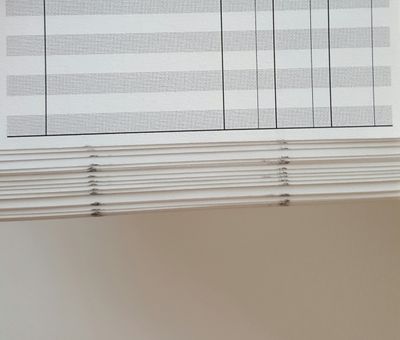
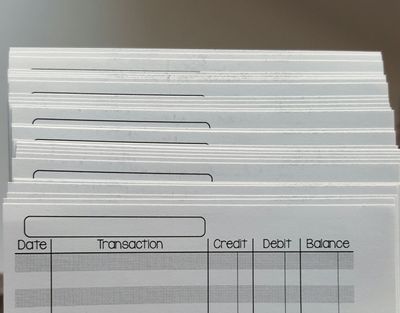
Well, my problem is when I run the pages through again to print the second sides. I get smudges that look like a dusting of toner across the top. Also, I get what looks like roller marks in the same spot every page on the bottom. I am using the correct media settings with 28lb paper. I have run the cleaning three times (once without the cleaning sheet and twice with it). I feel I shouldn't have to clean it out of the box. I have played around with density. Nothing is helping. It is really weird that it only happens on the second run through. I have attached pictures, so you can see exactly what it's doing. I need help as this is a replacement for another brand that failed me. I have to get orders out to my customers fast. They will send back pages that look like this. I don't want to lose money. 🙂
If it helps anything- printer is hooked up by USB to my Surface Pro 3 with Windows 10 (x64). Printing from a PDF I created myself in Adobe Illustrator CC 2015. Thanks for any help you can give!