Turn on suggestions
Auto-suggest helps you quickly narrow down your search results by suggesting possible matches as you type.
- Canon Community
- Discussions & Help
- Camera
- Camera Software
- Re: How to install firmware update r6 Mark ii 1.3....
Options
- Subscribe to RSS Feed
- Mark Topic as New
- Mark Topic as Read
- Float this Topic for Current User
- Bookmark
- Subscribe
- Mute
- Printer Friendly Page

Options
- Mark as New
- Bookmark
- Subscribe
- Mute
- Subscribe to RSS Feed
- Permalink
- Report Inappropriate Content
04-18-2024 02:30 PM
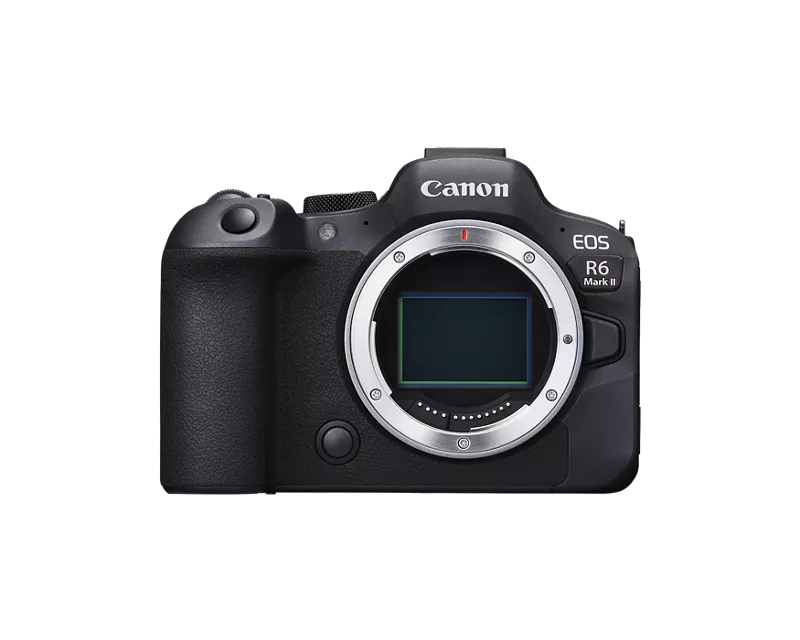
Hi~ Since there is only a Windows exe file to update the firmware, how does one update the firmware on their R6 Mark II? I downloaded the file per instructed by the support team, but my computer can't run it so now what???
#r6markii
Solved! Go to Solution.
11 REPLIES 11


Options
- Mark as New
- Bookmark
- Subscribe
- Mute
- Subscribe to RSS Feed
- Permalink
- Report Inappropriate Content
05-26-2024 12:01 PM - edited 05-26-2024 12:02 PM
See the folder that says "update-procedure-pdf" - open that. Then open the PDF that includes the language you're most fluent in (for me, I speak English). It gives you step-by-step instructions. Most pertinent info starts on page 3, but your battery needs to be fully charged, or you can brick your camera.
But yes, you drag the fir file to your SD card. You don't open it.


Options
- Mark as New
- Bookmark
- Subscribe
- Mute
- Subscribe to RSS Feed
- Permalink
- Report Inappropriate Content
05-26-2024 12:21 PM - edited 05-26-2024 12:23 PM
kreynolds821,
Greetings. Please be aware, inserting yourself into someone else's topic which has already been marked solved makes it difficult for others searching for solutions.
We are happy to assist you, but for your benefit and other's its best to start a new topic, your own, so that support and assistance for your (specific) device, OS and issue can be addressed. You are also not able to mark a reply as a solution in a thread started by another user. Thanks for your understanding 😃
Yes, the .FIR file is the firmware you copy to the root of your SD Card. Please review the upgrade instructions Stephen referenced. If you continue to experience issues, please start a new topic. We'd be happy to help start to finish. 🙂
~Rick
Bay Area - CA
~R5 C (1.1.3.1), ~RF Trinity, ~RF 100 Macro, ~RF 100~400, ~RF 100~500, ~RF 200-800, ~RF 1.4x TC, BG-R10, 430EX III-RT ~DxO PhotoLab Elite ~DaVinci Resolve Studio ~ImageClass MF644Cdw MF656Cdw ~Pixel 10 ~CarePaks Are Worth It

- « Previous
-
- 1
- 2
- Next »
- « Previous
-
- 1
- 2
- Next »
Announcements
07/22/2026: New firmware updates are available.
EOS R6 Mark III - Version 1.1.0
05/13/2026: New firmware updates are available.
EOS R5 Mark II - Version 1.3.0
EOS R6 Mark II - Version 1.7.0
04/28/2026: Service Notice: Caution Concerning use of Lithium Batteries
03/17/2026: New firmware updates are available.
SELPHY CP1500 - Version 1.0.7.0
02/23/2026: New firmware update is available for EOS C50- Version 1.0.3.1
01/23/2026: New firmware update is available for RF 24-105mm F4 IS USM- Version 2.0.7
01/20/2026: New firmware updates are available.
10/21/2025: Service Notice: To Users of the Compact Digital Camera PowerShot V1
10/15/2025: New firmware updates are available.
Speedlite EL-5 - Version 1.2.0
Speedlite EL-1 - Version 1.1.0
Speedlite Transmitter ST-E10 - Version 1.2.0
07/28/2025: Notice of Free Repair Service for the Mirrorless Camera EOS R50 (Black)
05/21/2025: New firmware update available for EOS C500 Mark II - Version 1.1.5.1
Related Content
- New Firmware Available For All R5 Mark II Owners... in EOS DSLR & Mirrorless Cameras
- EOS R5 Mark II firmware won't update in EOS DSLR & Mirrorless Cameras
- EOS R highest jpg resolution isn't in EOS DSLR & Mirrorless Cameras
- Color vertical linea in visor R8 in EOS DSLR & Mirrorless Cameras
- EOS Rebel T3 No option to check firmware version in menu in Camera Software

Ⓒ 2026
Canon U.S.A Inc. All Rights Reserved. Reproduction in whole or part without permission is prohibited.
