Turn on suggestions
Auto-suggest helps you quickly narrow down your search results by suggesting possible matches as you type.
- Canon Community
- Discussions & Help
- Printer
- Professional Photo Printers
- Re: Pixma Pro 9000 mark II printing yellow where t...
Options
- Subscribe to RSS Feed
- Mark Topic as New
- Mark Topic as Read
- Float this Topic for Current User
- Bookmark
- Subscribe
- Mute
- Printer Friendly Page
Pixma Pro 9000 mark II printing yellow where there should be NO COLOR

Options
- Mark as New
- Bookmark
- Subscribe
- Mute
- Subscribe to RSS Feed
- Permalink
- Report Inappropriate Content
05-28-2021 07:11 AM
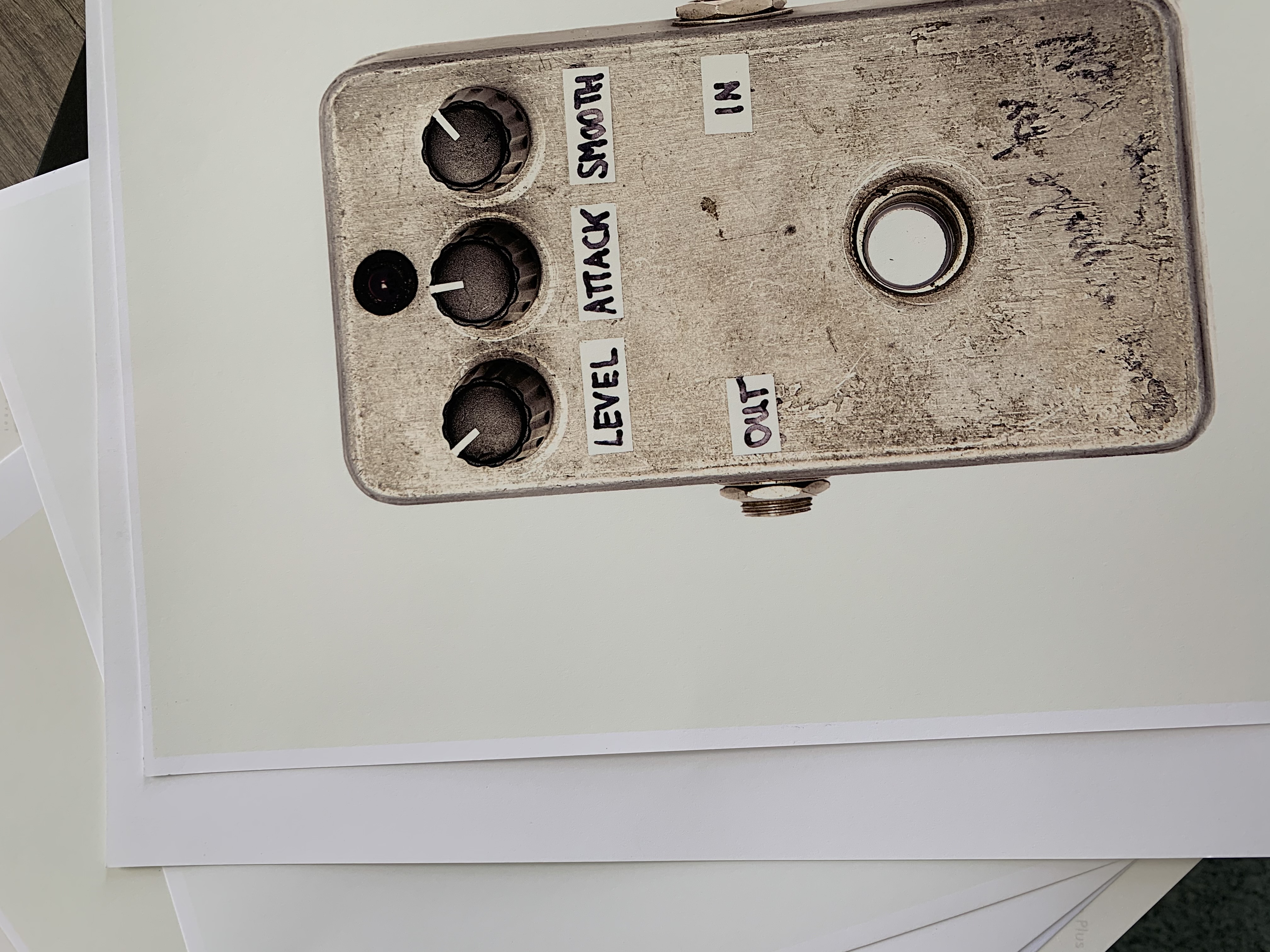
Help. For some reason my Pro 9000 Mark II is adding a yellow tint around my images. At first I had the images on a pure white background and thought maybe for some reason it wanted to print white as yellow, so i selected the subject and placed it on a transparent background and it is still printing yellow. I have tried several papers, have saved as PSD and as TIFF, tried from front source and rear source and it always does the same. I recently changed some cartridges and moved my printer to a new location. But it seemed to be printing fine before. This issue has never come up in the many years I've had the printer. Problem is I have to make 12 prints for an exhibit in a few days and it is too late to outsource them. If anyone knows how to resolve this issue I coud really use the advice.
Many thanks,
Sandrine
2 REPLIES 2


Options
- Mark as New
- Bookmark
- Subscribe
- Mute
- Subscribe to RSS Feed
- Permalink
- Report Inappropriate Content
05-28-2021 01:13 PM
Run a nozzle check and see how that prints.
What software are you printing from?
John Hoffman
Conway, NH
R6 Mark III, M200 (converted to infrared), RF lenses, Pixma PRO-100, Pixma TR8620a, Lr Classic
Conway, NH
R6 Mark III, M200 (converted to infrared), RF lenses, Pixma PRO-100, Pixma TR8620a, Lr Classic
Options
- Mark as New
- Bookmark
- Subscribe
- Mute
- Subscribe to RSS Feed
- Permalink
- Report Inappropriate Content
05-29-2021 01:45 AM
Hi. I did all that and I finally got in touch with Canon Tech Support yesterday and after several attemps with the same result he suggested I print from a different program (I was printing from Photoshop) and we quickly discovered that the yellowing doesn't occue if I print from Preview or Lightroom so there seems to be some issue with my photoshop settings or a compatibility issue. Although this is a bit strange since I've ALWAYS printed from photoshop with this printer. Anyway, I was relieved to know that the problem wasn't printer related!!
Thanks for your response though.
Sandrine


Announcements
05/13/2026: New firmware updates are available.
EOS R5 Mark II - Version 1.3.0
EOS R6 Mark II - Version 1.7.0
04/28/2026: Service Notice: Caution Concerning use of Lithium Batteries
03/17/2026: New firmware updates are available.
SELPHY CP1500 - Version 1.0.7.0
02/23/2026: New firmware update is available for EOS C50- Version 1.0.3.1
01/23/2026: New firmware update is available for RF 24-105mm F4 IS USM- Version 2.0.7
01/20/2026: New firmware updates are available.
12/22/2025: New firmware update is available for EOS R6 Mark III- Version 1.0.2
10/21/2025: Service Notice: To Users of the Compact Digital Camera PowerShot V1
10/15/2025: New firmware updates are available.
Speedlite EL-5 - Version 1.2.0
Speedlite EL-1 - Version 1.1.0
Speedlite Transmitter ST-E10 - Version 1.2.0
07/28/2025: Notice of Free Repair Service for the Mirrorless Camera EOS R50 (Black)
05/21/2025: New firmware update available for EOS C500 Mark II - Version 1.1.5.1
Related Content
- G3270 uneven margins in Desktop Inkjet Printers
- Can't connect new PIXMA iP8720 via USB or Wi-Fi in Printer Software & Networking
- imageCLASS MF753Cdw Not printing from iPhone suddenly in Office Printers
- GX2020 Extremely Blurry and smudgy, brand new in Office Printers
- MF247dw Printer -- Can't Print with New Wifi NEED HELP in Printer Software & Networking

Ⓒ 2026
Canon U.S.A Inc. All Rights Reserved. Reproduction in whole or part without permission is prohibited.
