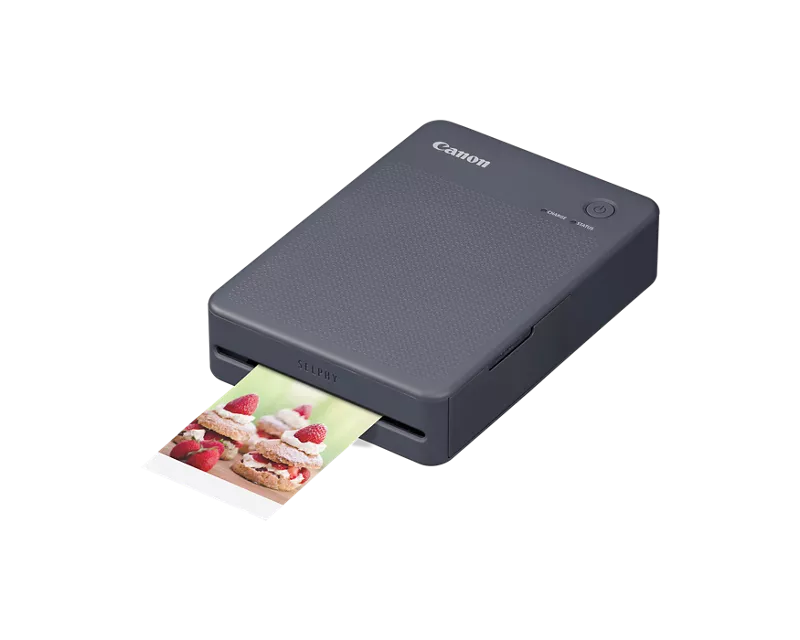
I am trying to set up my SELPHY QX20 without success (with an iPhone on iOS 26.2). I have registered the printer and re-registered the printer. I even found a reference page for WiFI security settings but that didn't help. No matter what I try to do in the SPL app, I get a "SELPHY" Wants to Join Wi-Fi Network "QX20 WoV". No matter which option I choose, I get a connection has failed check the following printer power. The charge light indicates that it is fully charged. I've looked online and followed everything in the manual and there is nothing regarding this issue. I saw another link with a link to product support and tried to contact Canon, but other than setting up an account, there was no other options on the page. If I cannot get this addressed I'll need to return the printer as I can't use it. SELPHY QX20 Compact Photo Printer #