cancel
Showing results for 
Show  only  | Search instead for 
Did you mean: 

CanoScan 9000F MarkII stripe through scanned image

folkertverdoorn
Apprentice

Hi, 


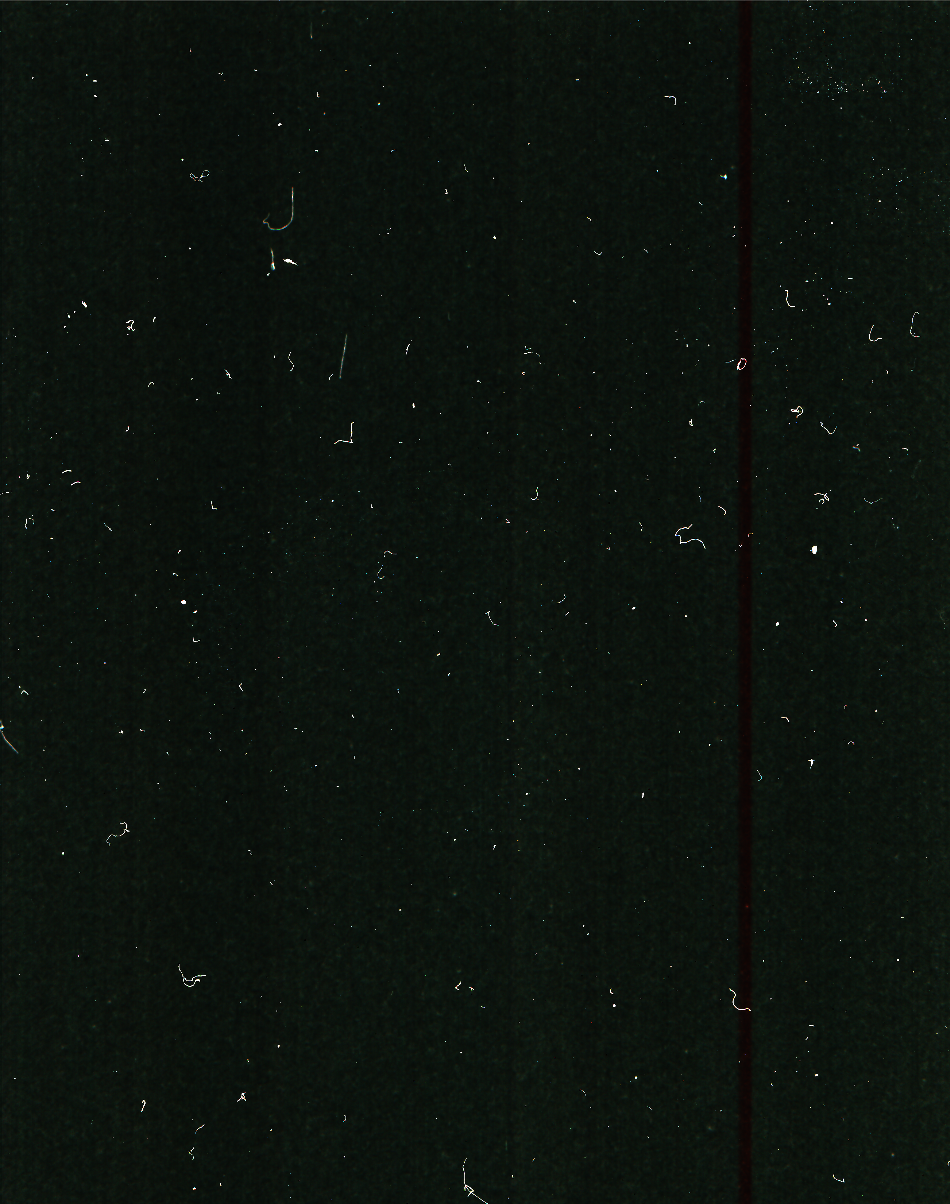
When i try to scan photos there's a faint line running trough the image. I've tried it with a negative and that didn't resolve the issue. (Also tried turning on recalibtrating after every image and turning the scanner off and on etc) I've attached 2 examples to clearify. hope you guys can help! 


Screenshot 2020-04-13 at 17.45.20.png

Screenshot 2020-04-13 at 17.53.22.png

1 REPLY 1

Hector
Product Expert
Product Expert

Hi folkertverdorn,


If you have turned on the option to calibrate for every scan and you are still getting the issue after several scans, it looks like there is a hardware issue or a communication problem.


In this situation, you can try a new USB cable and/or a different port on your computer. I would avoid any USB hubs or extensions and use a port directly on the computer. To see if I can assist further, I would need some additional information. If you could reply to the message with the information below.


  1. What version of the Mac or Windows operating system are you using on the computer?
  2. Do you get any errors when scanning?
  3. Is the scanner connected directly to the computer?

Holiday
Announcements
12/15/2025: New firmware update available for EOS C50 - Version 1.0.1.1

11/20/2025: New firmware updates are available.

EOS R6 Mark III - Version 1.0.1

EOS R3 - Version 2.0.0

EOS R1 - Version 1.2.0

EOS R5 Mark II - Version 1.2.0

EOS R5 - Version 2.2.1

PowerShot G7 X Mark III - Version 1.4.0

PowerShot SX740 HS - Version 1.0.2


10/21/2025: Service Notice: To Users of the Compact Digital Camera PowerShot V1

10/15/2025: New firmware updates are available.

Speedlite EL-5 - Version 1.2.0

Speedlite EL-1 - Version 1.1.0

Speedlite Transmitter ST-E10 - Version 1.2.0


07/28/2025: Notice of Free Repair Service for the Mirrorless Camera EOS R50 (Black)

07/24/2025: New firmware updates are available.


07/23/2025: New firmware updates are available.

EOS R5C - Version 1.1.1.1

EOS C80 - Version 1.0.3.1


7/17/2025: New firmware updates are available.

EOS R7 - Version 1.7.1

EOS R10 - Version 1.7.0

EOS R8 - Version 1.5.0

EOS R50 - Version 1.4.0

Powershot V10 - Version 1.4.0

Powershot V1 - Version 1.1.0

EOS R50V - Version 1.1.1


05/21/2025: New firmware update available for EOS C500 Mark II - Version 1.1.5.1

02/20/2025: New firmware updates are available.

RF70-200mm F2.8 L IS USM Z - Version 1.0.6

RF24-105mm F2.8 L IS USM Z - Version 1.0.9

RF100-300mm F2.8 L IS USM - Version 1.0.8

RF50mm F1.4 L VCM - Version 1.0.2

RF24mm F1.4 L VCM - Version 1.0.3


01/22/2024: Canon Supports Disaster Relief Efforts in California
01/14/2025: Steps to resolve still image problem when using certain SanDisk SD cards with the Canon EOS R5 Mark II