Turn on suggestions
Auto-suggest helps you quickly narrow down your search results by suggesting possible matches as you type.
- Canon Community
- Discussions & Help
- Camera
- EOS DSLR & Mirrorless Cameras
- Re: EOS R5 Mark II shutter priority during video
Options
- Subscribe to RSS Feed
- Mark Topic as New
- Mark Topic as Read
- Float this Topic for Current User
- Bookmark
- Subscribe
- Mute
- Printer Friendly Page
EOS R5 Mark II shutter priority during video

Options
- Mark as New
- Bookmark
- Subscribe
- Mute
- Subscribe to RSS Feed
- Permalink
- Report Inappropriate Content
10-27-2025 02:15 AM
Hi,
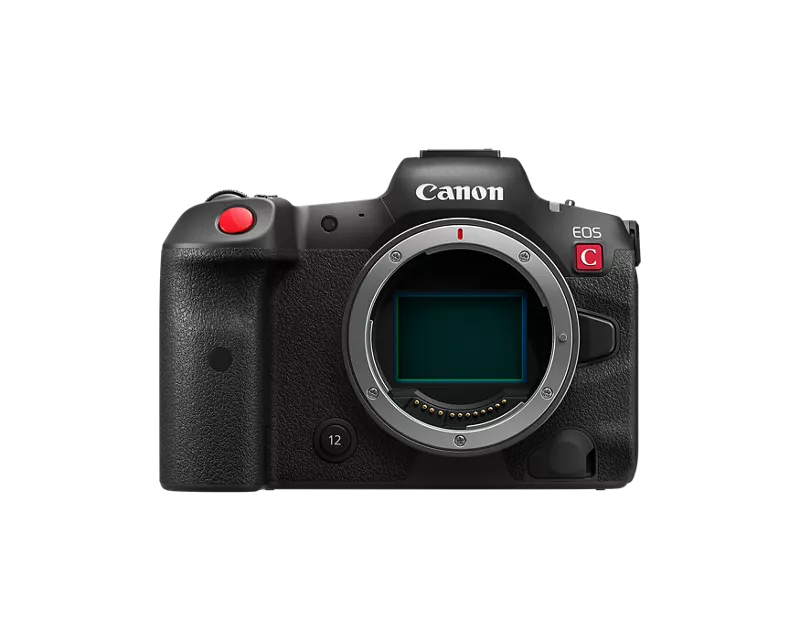
I'm a hybrid shooter working within entertainment, my primary bodies consist of the R5 C, and my R5 Mark II as a backup. Currently my R5 C is away for repairs and I had to use my Mark II as my A camera on a shoot.
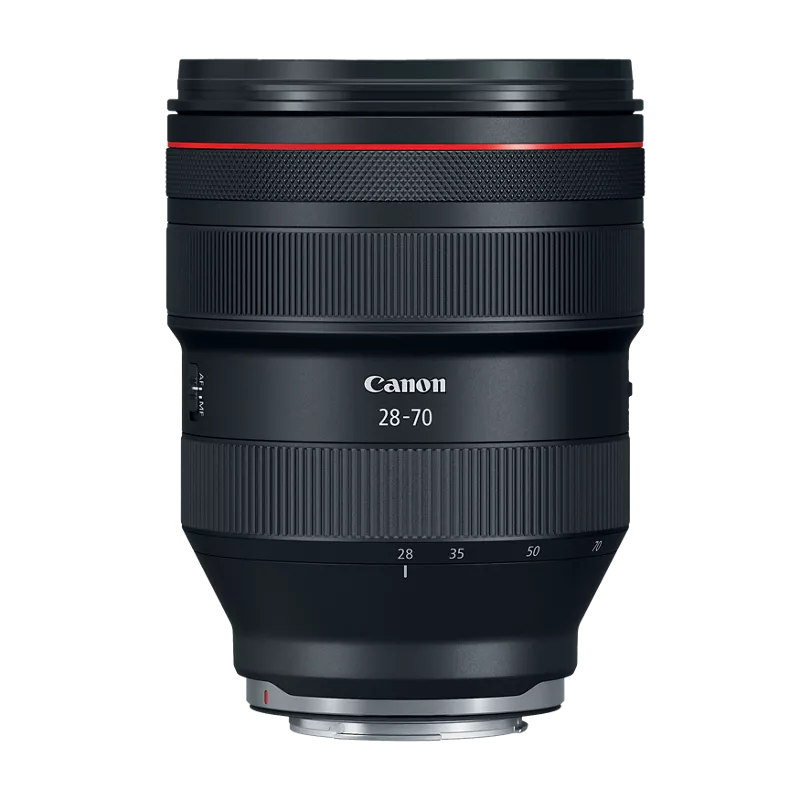
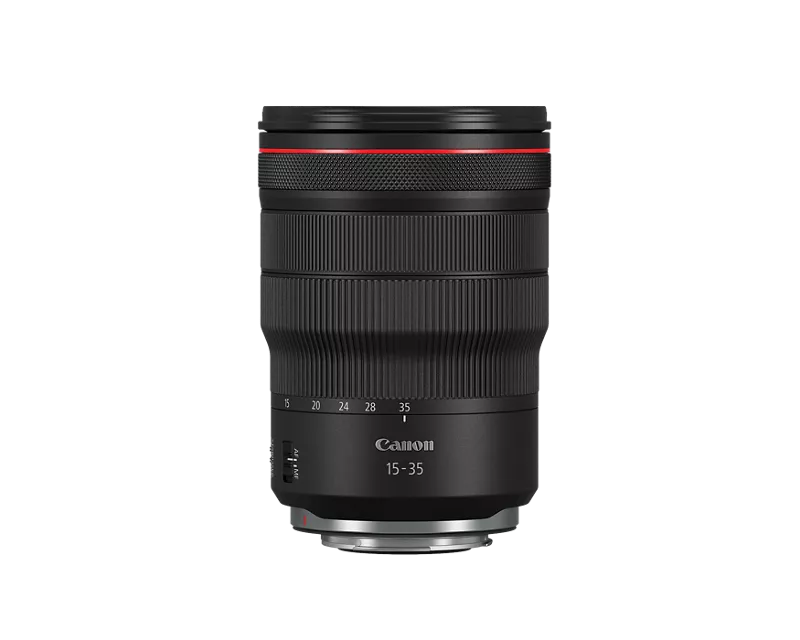
For context, I always shoot shutter priority allowing for auto aperture with my RF28-70mm F2, and my RF15-35mm F2.8. Something I couldn't figure out for the life of my was how to lock my ISO/Shutter Speed, but have my aperture still be set to auto. For my specific use case, I film concerts with varying levels of pyro and flames, so this has always been essential when I'm flying my camera on a gimbal and can't adjust aperture on the fly.
Fv mode is great for stills, but a video equivalent would be great, I threw in the footage in Davinci and the auto iso during Tv mode has so much noise going in and out depending on the lighting. Having a Native ISO of 800/4000 is great, but kind of defeats the purpose if it's varying between while shooting CLog3.
Wondering if anyone has run into this type of problem as well.

4 REPLIES 4


Options
- Mark as New
- Bookmark
- Subscribe
- Mute
- Subscribe to RSS Feed
- Permalink
- Report Inappropriate Content
10-28-2025 05:58 AM
“ Something I couldn't figure out for the life of my was how to lock my ISO/Shutter Speed, but have my aperture still be set to auto. “
Try Tv mode.
--------------------------------------------------------
"Enjoying photography since 1972."
"Enjoying photography since 1972."
Options
- Mark as New
- Bookmark
- Subscribe
- Mute
- Subscribe to RSS Feed
- Permalink
- Report Inappropriate Content
10-30-2025 06:36 PM
That's the main issue. In Tv Mode during video, it defaults to auto iso/aperture. Shooting in LOG format, I need to have my iso's at the native bases to avoid noise.
The R5 C for example, I can set/lock my iso and shutter speed, then set my aperture to auto when using an RF lens to compensate for bright flashes during concert recording if I am using a gimbal.

Options
- Mark as New
- Bookmark
- Subscribe
- Mute
- Subscribe to RSS Feed
- Permalink
- Report Inappropriate Content
10-31-2025 10:11 AM
afterburnfdigi,
I have T8i. If I set my camera to Av or TV Mode in video shooting, the camera defaults to P Mode, and I can't make any changes. If I want to adjust any of the settings, I have to set the the camera to M mode.
Perhaps your camera has some variation of the same defaults.
Steve Thomas
Options
- Mark as New
- Bookmark
- Subscribe
- Mute
- Subscribe to RSS Feed
- Permalink
- Report Inappropriate Content
11-01-2025 09:34 AM - edited 11-01-2025 09:52 AM
What lens are you using? Are you using an RF lens?
Many DSLR lenses are not to smoothly transition from one aperture setting to the next. Instead, they will “jump” from one setting to the next, behaving much like an aperture ring would. They do not exhibit what is known as “declicked” aperture ring behavior, although there are a few exceptions.
Some DSLR lenses make smooth, continuous settings from one aperture to the next. But the vast majority do not and can actually quite noisy. The slap of the mirror in a DSLR tends to mask the sounds the aperture system may make.
Canon first introduced the STM lenses for the their DSLRs with video in mind. Not only are the focusing motors quieter than the contemporary lens designs, the apertures were quieter and exhibited the declicked behavior. I think the entire RF line of lenses has smooth aperture behavior.
I tested my R6ii shooting video in Tv mode. I tested with different L Series DSLR lenses and the RF 50mm f/1.8. I had mixed results depending upon the lens design, but mainly the maximum aperture.
Using a very wide aperture lens may not be a complete cure, but it may resolve the issue in many shooting scenarios. The wider the better, it seems. I suggest using the widest aperture lens in your bag. Here’s why
Yes, the ISO switched to Auto. But it did not go below 800. The only times when it seemed to raise above 800 was in low light situations when the aperture could not go wide enough to maintain the exposure. When there was more than enough light, the aperture would stop down while ISO maintained at 800.
Again. Exactly what lens are you using?
--------------------------------------------------------
"Enjoying photography since 1972."
"Enjoying photography since 1972."

Announcements
07/22/2026: New firmware updates are available.
EOS R6 Mark III - Version 1.1.0
05/13/2026: New firmware updates are available.
EOS R5 Mark II - Version 1.3.0
EOS R6 Mark II - Version 1.7.0
04/28/2026: Service Notice: Caution Concerning use of Lithium Batteries
03/17/2026: New firmware updates are available.
SELPHY CP1500 - Version 1.0.7.0
02/23/2026: New firmware update is available for EOS C50- Version 1.0.3.1
01/23/2026: New firmware update is available for RF 24-105mm F4 IS USM- Version 2.0.7
01/20/2026: New firmware updates are available.
10/21/2025: Service Notice: To Users of the Compact Digital Camera PowerShot V1
10/15/2025: New firmware updates are available.
Speedlite EL-5 - Version 1.2.0
Speedlite EL-1 - Version 1.1.0
Speedlite Transmitter ST-E10 - Version 1.2.0
07/28/2025: Notice of Free Repair Service for the Mirrorless Camera EOS R50 (Black)
05/21/2025: New firmware update available for EOS C500 Mark II - Version 1.1.5.1
Related Content
- EOS Canon R6 mkIII Image write failure in EOS DSLR & Mirrorless Cameras
- Tips for safely changing lenses outside? in EOS DSLR & Mirrorless Cameras
- T8i AEB and 2 second time delay in EOS DSLR & Mirrorless Cameras
- Rebel SL3 - Screen is dark (can't see subject matter) when I choose "on" setting in EOS DSLR & Mirrorless Cameras
- EOS R5 Mark II How to use Pre-Continuous shooting in High Burst Rate. in EOS DSLR & Mirrorless Cameras

Ⓒ 2026
Canon U.S.A Inc. All Rights Reserved. Reproduction in whole or part without permission is prohibited.
