Turn on suggestions
Auto-suggest helps you quickly narrow down your search results by suggesting possible matches as you type.
- Canon Community
- Discussions & Help
- Camera
- EOS DSLR & Mirrorless Cameras
- Re: EOS R5 Mark II -set up multiple AF options wit...
Options
- Subscribe to RSS Feed
- Mark Topic as New
- Mark Topic as Read
- Float this Topic for Current User
- Bookmark
- Subscribe
- Mute
- Printer Friendly Page
EOS R5 Mark II -set up multiple AF options with BBF for movie/video shooting


Options
- Mark as New
- Bookmark
- Subscribe
- Mute
- Subscribe to RSS Feed
- Permalink
- Report Inappropriate Content
04-20-2025
09:46 PM
- last edited on
04-21-2025
08:28 AM
by
 James_C
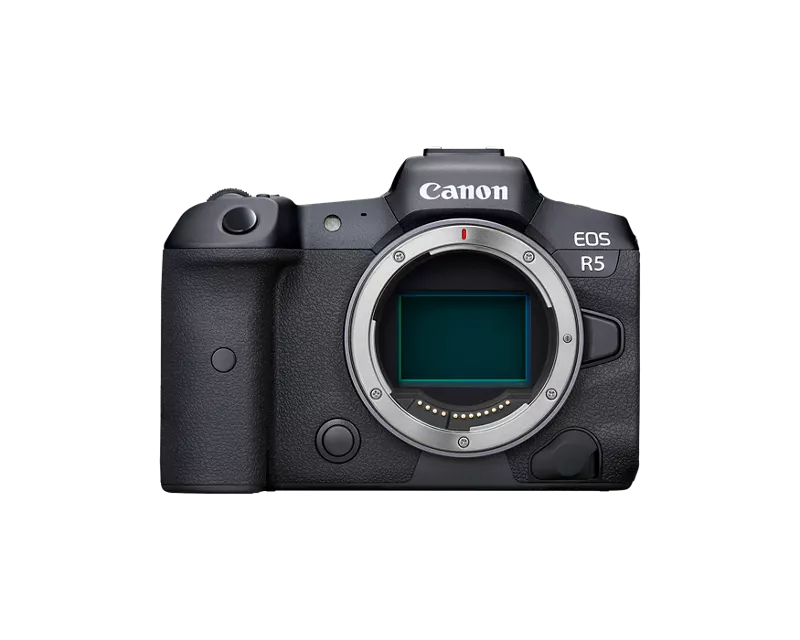
I have my R5 Mii set up with back button focus for stills - one for full zone, one zone, one spot. Trying to set it up for video with a similar arrangement, or at least full zone and spot. I now have it so that the AF on button gives me full zone with eye detection - great. But I find that at times I want so zero in on a specific target (bird). Using Customize buttons, like i used to set up still shooting, I can’t find a way to do something similar for video shooting. What am I missing?
Thanks!
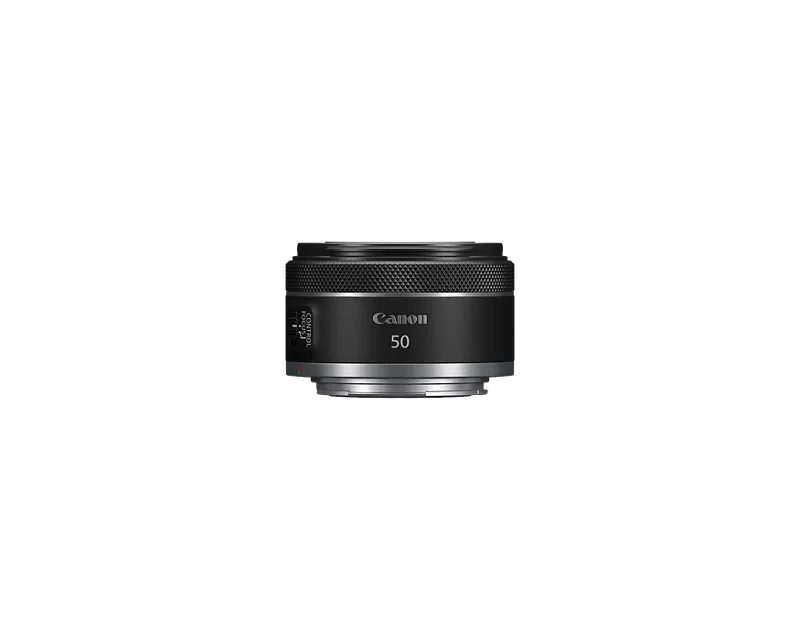
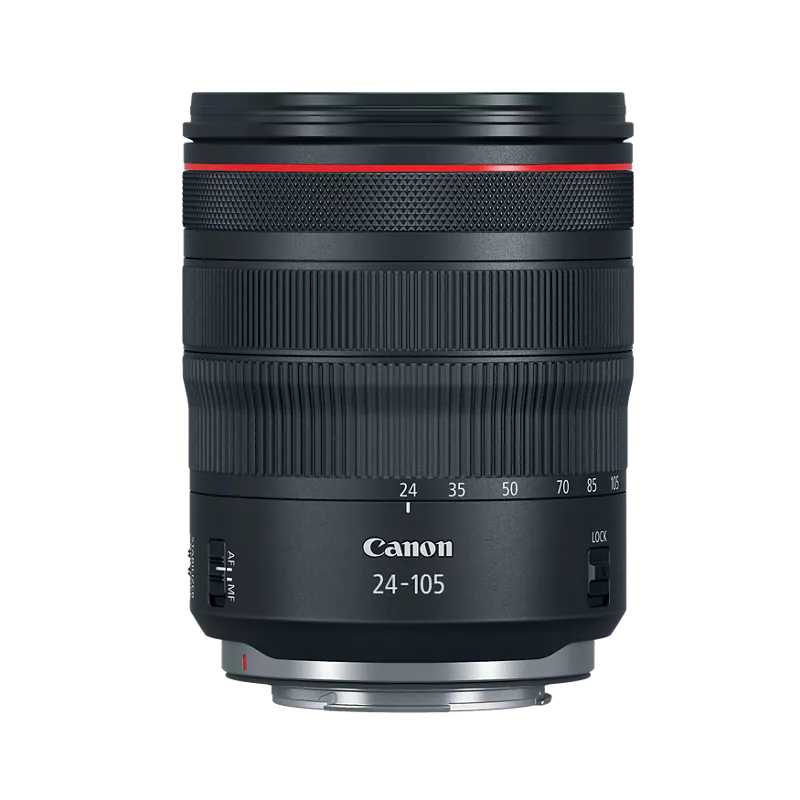
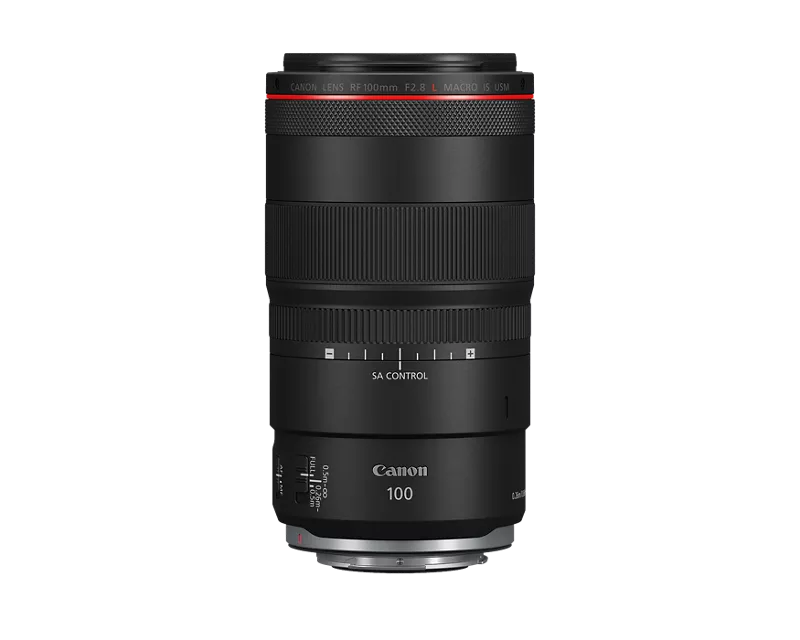
Canon R5, 80D. EF 100-400 ii, 1.4 ii TC. RF 800 F/11. RF 24-105 F/4
8 REPLIES 8

Options
- Mark as New
- Bookmark
- Subscribe
- Mute
- Subscribe to RSS Feed
- Permalink
- Report Inappropriate Content
04-21-2025 10:05 AM
Eye control works for me. I know that some ppl dont like it or say that it dont work. I try to refine it every chance I get and it keeps getting better. try it.

Options
- Mark as New
- Bookmark
- Subscribe
- Mute
- Subscribe to RSS Feed
- Permalink
- Report Inappropriate Content
04-21-2025 11:08 AM
Thanks Robert. And I agree, I like eye control for stills - but I am not seeing how to configure AF for movie shooting to eye control or any option using back button focus. I’m sure I”m missing something simple here. I have three back buttons set up for still AF with no problem but can’t figure out how to do something similar for movie shooting
Canon R5, 80D. EF 100-400 ii, 1.4 ii TC. RF 800 F/11. RF 24-105 F/4

Options
- Mark as New
- Bookmark
- Subscribe
- Mute
- Subscribe to RSS Feed
- Permalink
- Report Inappropriate Content
04-21-2025 11:17 AM
I am uncertain I fully understand your question. There are separate settings for custom control button programmminf for stills mode and video mode. You have not indicated which buttons have been programmed in stills mode.
@LaneW wrote:
I have my R5 Mii set up with back button focus for stills - one for full zone, one zone, one spot. Trying to set it up for video with a similar arrangement, or at least full zone and spot. I now have it so that the AF on button gives me full zone with eye detection - great. But I find that at times I want so zero in on a specific target (bird). Using Customize buttons, like i used to set up still shooting, I can’t find a way to do something similar for video shooting. What am I missing?
Thanks!
Most buttons and functionality in stills mode seems to be available in video mode. If what you want is not available, then it is not available.
--------------------------------------------------------
"Enjoying photography since 1972."
"Enjoying photography since 1972."
Options
- Mark as New
- Bookmark
- Subscribe
- Mute
- Subscribe to RSS Feed
- Permalink
- Report Inappropriate Content
04-21-2025 01:16 PM
Sorry i'm not being clear. As you know by now I can confuse even myself!
So, for stills I have my AF on button set to full zone, star button to spot and point select button to eye control AF. I'm trying to do something similar for video and just don't see how to do it. Maybe this helps?
Canon R5, 80D. EF 100-400 ii, 1.4 ii TC. RF 800 F/11. RF 24-105 F/4
Options
- Mark as New
- Bookmark
- Subscribe
- Mute
- Subscribe to RSS Feed
- Permalink
- Report Inappropriate Content
04-21-2025 01:44 PM
@LaneW wrote:
Sorry i'm not being clear. As you know by now I can confuse even myself!
So, for stills I have my AF on button set to full zone, star button to spot and point select button to eye control AF. I'm trying to do something similar for video and just don't see how to do it. Maybe this helps?
Is it possible to capture a screenshot, or photo, of your current custom button configuration menu screen? I want to see which control icon you have associated with which button.

BTW, there is a chart of all available functions for each button beginning on p.828 in my copy of the User Guide. You should be able to make a determination as to what is available or not available.
--------------------------------------------------------
"Enjoying photography since 1972."
"Enjoying photography since 1972."
Options
- Mark as New
- Bookmark
- Subscribe
- Mute
- Subscribe to RSS Feed
- Permalink
- Report Inappropriate Content
04-21-2025 01:49 PM
Watch this Video

Canon #auto-focus #autofocus CORRECTION: During the Servo AF Character discussion on Accel / Decel Tracking Rudy inadvertently reversed the descriptions (we've all don it). Thanks to Stein Rune Risa for catching that. NOTE: This is not an official Canon USA show. This is a podcast first and ...
Options
- Mark as New
- Bookmark
- Subscribe
- Mute
- Subscribe to RSS Feed
- Permalink
- Report Inappropriate Content
04-21-2025 01:55 PM
This screenshot is from the table I mentioned above. Note the “1” footnote in the highlighted box. That indicates a function that is not available in Moviee Mode.

--------------------------------------------------------
"Enjoying photography since 1972."
"Enjoying photography since 1972."
Options
- Mark as New
- Bookmark
- Subscribe
- Mute
- Subscribe to RSS Feed
- Permalink
- Report Inappropriate Content
04-21-2025 04:16 PM

Different page for R5 ii. But it looks like I can't do this. Can only select a different focus method, one at a time, from the AF setup menu.
Canon R5, 80D. EF 100-400 ii, 1.4 ii TC. RF 800 F/11. RF 24-105 F/4


Announcements
05/13/2026: New firmware updates are available.
EOS R5 Mark II - Version 1.3.0
EOS R6 Mark II - Version 1.7.0
04/28/2026: Service Notice: Caution Concerning use of Lithium Batteries
03/17/2026: New firmware updates are available.
SELPHY CP1500 - Version 1.0.7.0
02/23/2026: New firmware update is available for EOS C50- Version 1.0.3.1
01/23/2026: New firmware update is available for RF 24-105mm F4 IS USM- Version 2.0.7
01/20/2026: New firmware updates are available.
12/22/2025: New firmware update is available for EOS R6 Mark III- Version 1.0.2
10/21/2025: Service Notice: To Users of the Compact Digital Camera PowerShot V1
10/15/2025: New firmware updates are available.
Speedlite EL-5 - Version 1.2.0
Speedlite EL-1 - Version 1.1.0
Speedlite Transmitter ST-E10 - Version 1.2.0
07/28/2025: Notice of Free Repair Service for the Mirrorless Camera EOS R50 (Black)
05/21/2025: New firmware update available for EOS C500 Mark II - Version 1.1.5.1
Related Content
- EOS R6 Mark II light meter disappears when shooting on fixed ISO in EOS DSLR & Mirrorless Cameras
- RF 70-200mm f/2.8L compatibility and IS performance on the EOS R6 Mark II? in EF & RF Lenses
- RF24-70mm f2.8 L IS USM does not focus reliably with my R5 Mark II in EF & RF Lenses
- EOS R5 Mark II minor Firmware Update, Version 1.3.1 in Camera Software
- power off by usb for R series in Camera Software

Ⓒ 2026
Canon U.S.A Inc. All Rights Reserved. Reproduction in whole or part without permission is prohibited.
