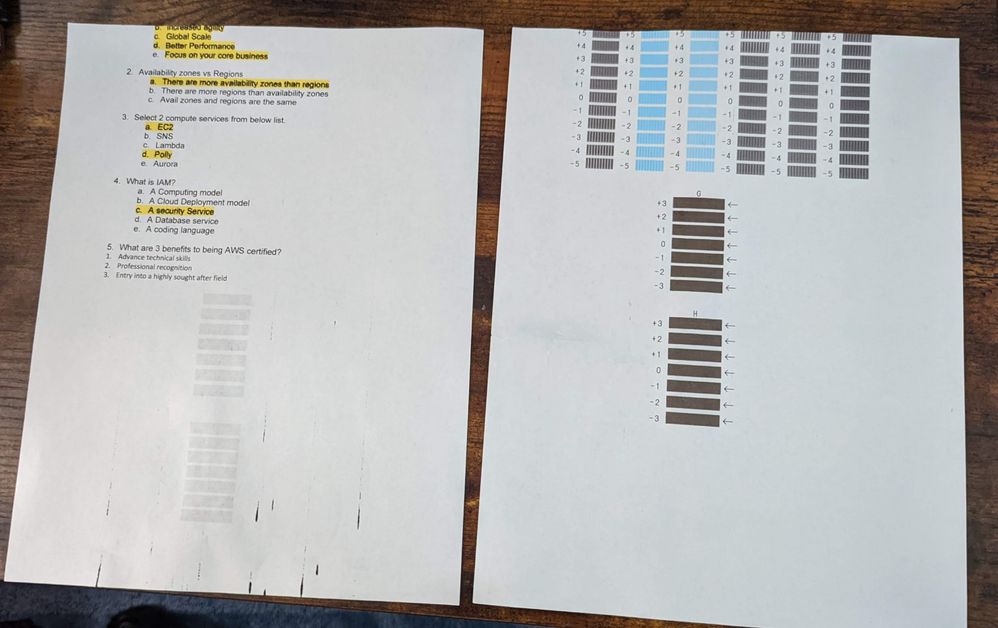
 TS9520 printer cutting off top textDocuments or even print alignment pages are printing right to the top of the page with the top of the data cut off. This happens when printing from the cassette tray not the rear tray. I have reset the default settings on the printer, unplugged it for several hours, deleted and reinstalled the drivers and cannot fix the issue. Since it is printing the alignment pages the same I don't believe it is the document settings.



