Turn on suggestions
Auto-suggest helps you quickly narrow down your search results by suggesting possible matches as you type.
- Canon Community
- Discussions & Help
- Camera
- Camera Software
- Re: Canon Camera Connect App connect with both iPh...
Options
- Subscribe to RSS Feed
- Mark Topic as New
- Mark Topic as Read
- Float this Topic for Current User
- Bookmark
- Subscribe
- Mute
- Printer Friendly Page

Options
- Mark as New
- Bookmark
- Subscribe
- Mute
- Subscribe to RSS Feed
- Permalink
- Report Inappropriate Content
10-13-2018 12:22 PM
Is it possible to use the Canon Camera Connect App with both iPhone and iPad. I have it setup with my iPhone but haven't been able to use the same connection or establish a new connecton with iPad.
Any one else had this issue? Thanks in advance.
Solved! Go to Solution.
1 ACCEPTED SOLUTION
Accepted Solutions
Options
- Mark as New
- Bookmark
- Subscribe
- Mute
- Subscribe to RSS Feed
- Permalink
- Report Inappropriate Content
10-17-2018 02:43 PM
I finally got Easy Connect Guide to create a connection between iPad and camera.
Thanks for all who had replied.
Thanks for all who had replied.
11 REPLIES 11

Options
- Mark as New
- Bookmark
- Subscribe
- Mute
- Subscribe to RSS Feed
- Permalink
- Report Inappropriate Content
10-16-2018 08:52 AM
In each case, which device is the access point and which the client? Phones are usually more willing to serve as access points than computers are.
Bob
Philadelphia, Pennsylvania USA
Philadelphia, Pennsylvania USA
Options
- Mark as New
- Bookmark
- Subscribe
- Mute
- Subscribe to RSS Feed
- Permalink
- Report Inappropriate Content
10-16-2018 09:40 AM
I would like to view photos on iPad, merely due to bigger screen and can view more details of photo taken by my SL2.
I haven't figured out a way to establish a connection with iPad. The existing iPhone connection does not work on iPad.


Options
- Mark as New
- Bookmark
- Subscribe
- Mute
- Subscribe to RSS Feed
- Permalink
- Report Inappropriate Content
10-16-2018 12:27 PM
Well, that is your answer. You cannot connect directly to the iPad. Both must connect to the same hotspot, like your phone.
--------------------------------------------------------
"Enjoying photography since 1972."
"Enjoying photography since 1972."
Options
- Mark as New
- Bookmark
- Subscribe
- Mute
- Subscribe to RSS Feed
- Permalink
- Report Inappropriate Content
10-16-2018 12:59 PM
@Waddizzle wrote:
Well, that is your answer. You cannot connect directly to the iPad. Both must connect to the same hotspot, like your phone.
I understand that, but it wouldn't establish a connection between iPad and camera. I am wondering if this is a limitation that only one ios device can connect to one camera.
Options
- Mark as New
- Bookmark
- Subscribe
- Mute
- Subscribe to RSS Feed
- Permalink
- Report Inappropriate Content
10-16-2018 03:52 PM
I think you have misunderstood me, and Robert too. The limitation is the iPad, not the camera.
You do not seem to understand clients and access points. I wrote that both camera and iPad need to connect to the same wireless access point, not to each other.
You do not seem to understand clients and access points. I wrote that both camera and iPad need to connect to the same wireless access point, not to each other.
--------------------------------------------------------
"Enjoying photography since 1972."
"Enjoying photography since 1972."
Options
- Mark as New
- Bookmark
- Subscribe
- Mute
- Subscribe to RSS Feed
- Permalink
- Report Inappropriate Content
10-17-2018 02:43 PM
I finally got Easy Connect Guide to create a connection between iPad and camera.
Thanks for all who had replied.
Thanks for all who had replied.

Options
- Mark as New
- Bookmark
- Subscribe
- Mute
- Subscribe to RSS Feed
- Permalink
- Report Inappropriate Content
12-03-2018 06:10 PM
Of course you can use Camera Connect with an iPad - or at least mine, a mini 4. I've been doing it for about 3 years now. Just requires a separate software configuration on your camera. Your iPhone connection is probably called Set1. Just add Set2. Not easy, but nothing is easy with the Camera Connect app. But I did it, with a lot of persistence.
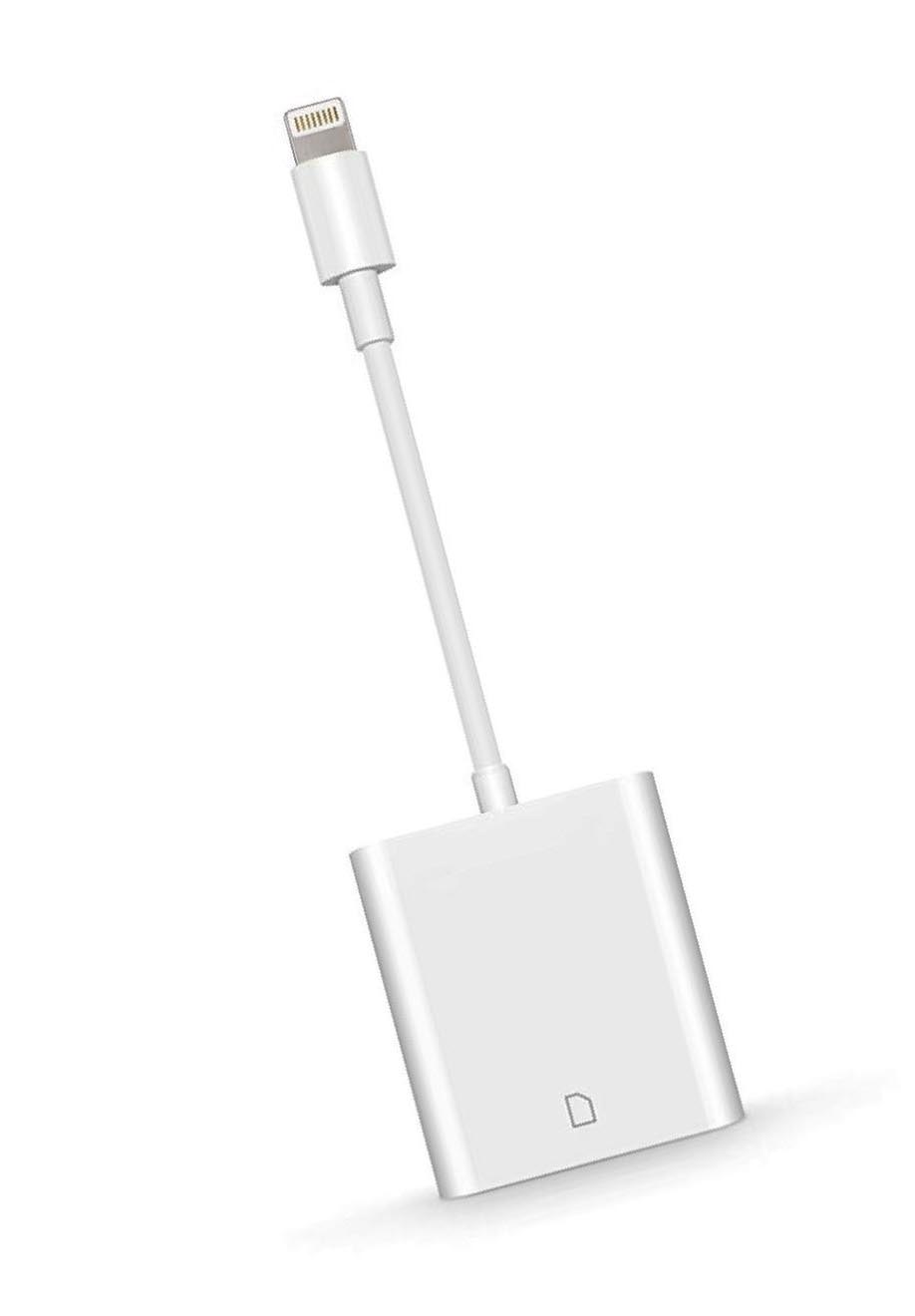
Or just go to Best Buy or an Apple store and buy a "Lightning Apple iPhone iPad card reader." Simple to use, and flawless. I got mine for about $30 at an Apple store. Best Buy sales them too. Or get a generic one for half the price on eBay (don't know if they are any good, though).
Options
- Mark as New
- Bookmark
- Subscribe
- Mute
- Subscribe to RSS Feed
- Permalink
- Report Inappropriate Content
12-03-2018 06:13 PM
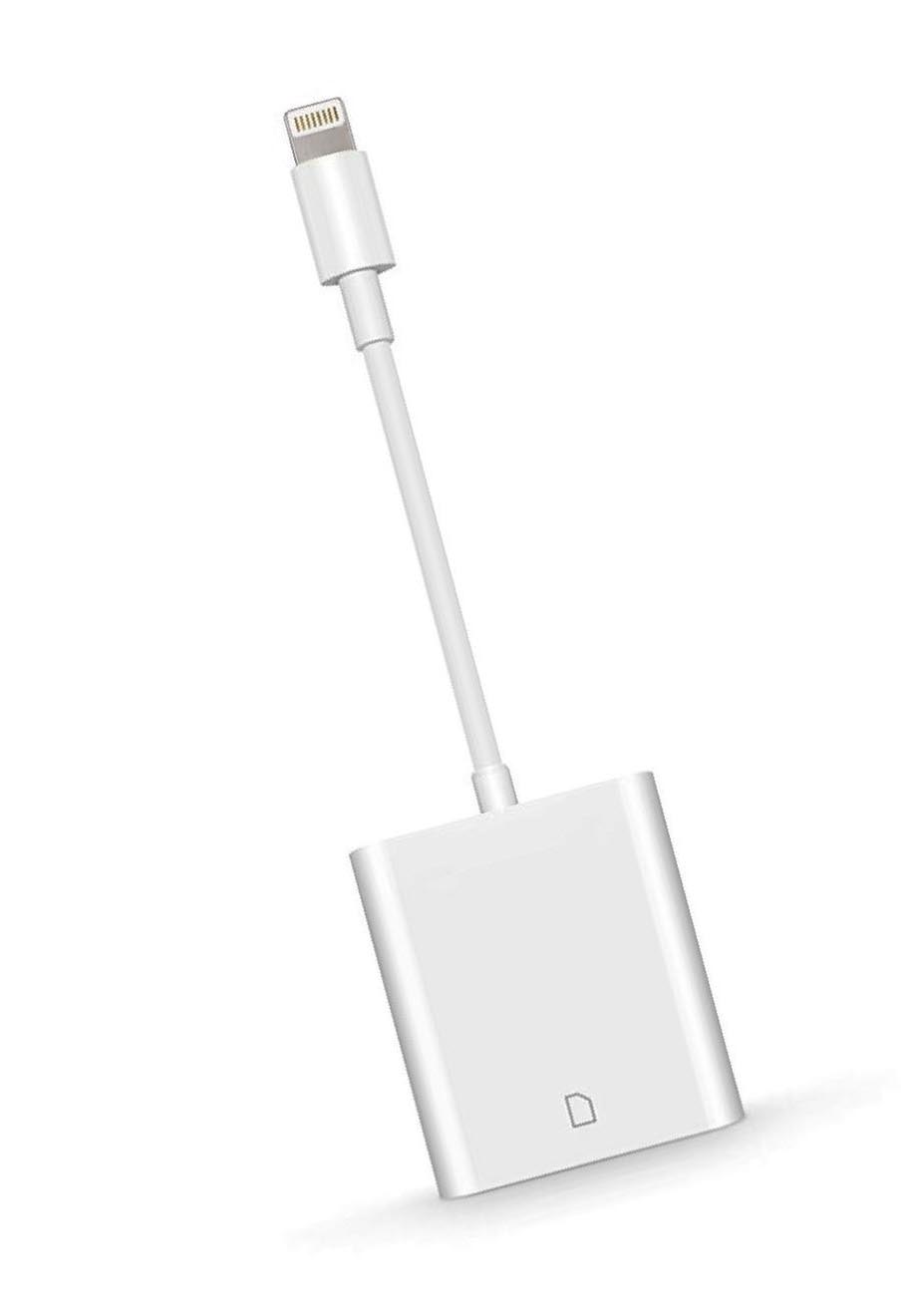
Incorrect. I have been connecting my 80d with my iPhone and my iPad for years, and my iPad isn't connected to anything - no hot spot, no iPhone, nothing. The interface is between the iPad and the camera. Nothing else is involved. But it isn't easy. Better to just go buy one of these.
Options
- Mark as New
- Bookmark
- Subscribe
- Mute
- Subscribe to RSS Feed
- Permalink
- Report Inappropriate Content
01-05-2019 05:28 PM
That appears to be the case with latest version of Camera Connect. I used to be able to connect with my iPhone or iPad individually but now I have to reset the Wfi settings in the camera and start fresh if I wish to alternate devices. Not a step forward.

Announcements
07/22/2026: New firmware updates are available.
EOS R6 Mark III - Version 1.1.0
05/13/2026: New firmware updates are available.
EOS R5 Mark II - Version 1.3.0
EOS R6 Mark II - Version 1.7.0
04/28/2026: Service Notice: Caution Concerning use of Lithium Batteries
03/17/2026: New firmware updates are available.
SELPHY CP1500 - Version 1.0.7.0
02/23/2026: New firmware update is available for EOS C50- Version 1.0.3.1
01/23/2026: New firmware update is available for RF 24-105mm F4 IS USM- Version 2.0.7
01/20/2026: New firmware updates are available.
10/21/2025: Service Notice: To Users of the Compact Digital Camera PowerShot V1
10/15/2025: New firmware updates are available.
Speedlite EL-5 - Version 1.2.0
Speedlite EL-1 - Version 1.1.0
Speedlite Transmitter ST-E10 - Version 1.2.0
07/28/2025: Notice of Free Repair Service for the Mirrorless Camera EOS R50 (Black)
05/21/2025: New firmware update available for EOS C500 Mark II - Version 1.1.5.1
Related Content
- EOS R50 Failed Bluetooth Connection in EOS DSLR & Mirrorless Cameras
- Where to download Canon Camera Connect v3 for Windows 11 in Camera Software
- Best way to transfer/back up photo and video files to external SSD in EOS DSLR & Mirrorless Cameras
- Cannot batch-select / select all photos by date in Camera Connect App (IXUS 255 HS & iPhone 12) in Camera Software
- R6 Mark II WiFi Connectivity Issues when pushing to SFTP in EOS DSLR & Mirrorless Cameras

Ⓒ 2026
Canon U.S.A Inc. All Rights Reserved. Reproduction in whole or part without permission is prohibited.
