Turn on suggestions
Auto-suggest helps you quickly narrow down your search results by suggesting possible matches as you type.
- Canon Community
- Discussions & Help
- Printer
- Professional Photo Printers
- Re: Wide banding with Imageprograf Pro-1000?
Options
- Subscribe to RSS Feed
- Mark Topic as New
- Mark Topic as Read
- Float this Topic for Current User
- Bookmark
- Subscribe
- Mute
- Printer Friendly Page
Wide banding with Imageprograf Pro-1000?

Options
- Mark as New
- Bookmark
- Subscribe
- Mute
- Subscribe to RSS Feed
- Permalink
- Report Inappropriate Content
11-18-2021 02:45 PM
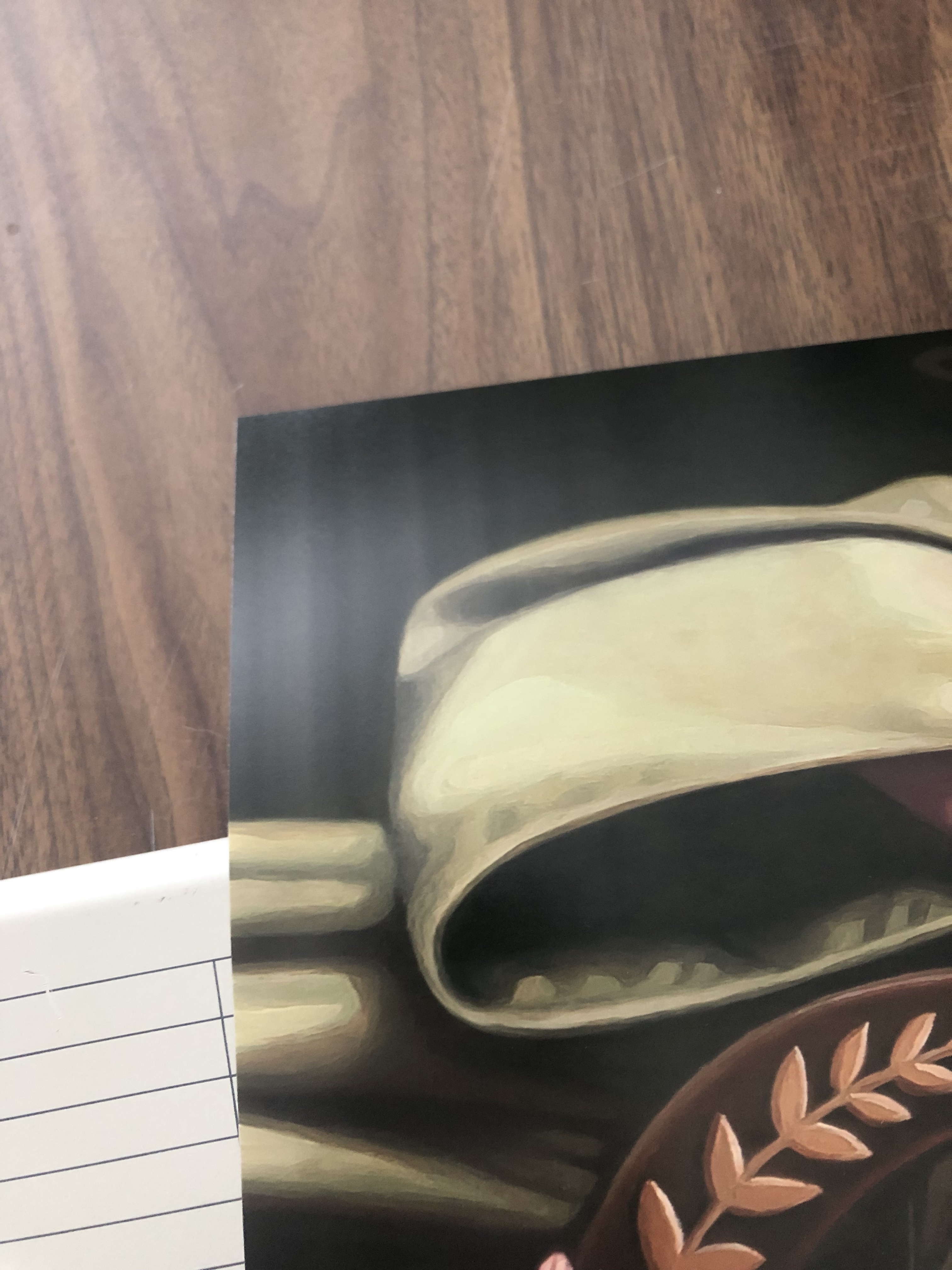
Yesterday I noticed that my Canon Imageprograf Pro-1000 has some banding in dark areas of my prints. I've been using this printer for a year and this is the first time I've noticed this issue.
It only does it in very dark areas and only in the last few inches of these prints (for some reason not in the top 2/3 of the print), for both small and large prints. It's super frustrating because I don't know until an entire print has completed that it's ruined.
I've tried all the maintenance protocols, fiddled with different paper types—nothing seems to help.
The bands are wide and very irregular. There are no sharp lines.
Help! This is ruining large prints and choking my christmas orders.
4 REPLIES 4
Options
- Mark as New
- Bookmark
- Subscribe
- Mute
- Subscribe to RSS Feed
- Permalink
- Report Inappropriate Content
11-19-2021 03:36 PM
Update: checking the option for overall clear coating helps diminish the appearance of the bands but doesn't eliminate them completely.

Options
- Mark as New
- Bookmark
- Subscribe
- Mute
- Subscribe to RSS Feed
- Permalink
- Report Inappropriate Content
03-01-2022 04:54 PM
This appears to be an issue with the roller feed. I'm experiencing something similar. Sadly, there are no repair options at all for these printers any longer. For some unfathomable reason Canon has de-authorized all of the repair centers and doesn't do repairs itself. You read that right. Canon Pro-1000 printers cannot be repaired in the USA for any faults of any description. You get offered a small discount on a new one if yours is out of warranty.
Options
- Mark as New
- Bookmark
- Subscribe
- Mute
- Subscribe to RSS Feed
- Permalink
- Report Inappropriate Content
03-01-2022 06:40 PM
Yes, when I tried to find someone to come service my unit, it was going to cost a minimum of $700 just to look at it. Ridiculous! However, I did find that switching to USB seems to solve the issue, indicating that it may have been a problem with the wifi connection. Since then I only noticed one faint line in a print, and that I think was because the file was very large and my computer was running other big programs. We'll see if the problem crops up again. I hope not!
Options
- Mark as New
- Bookmark
- Subscribe
- Mute
- Subscribe to RSS Feed
- Permalink
- Report Inappropriate Content
03-01-2022 06:58 PM
Good you had some luck. Mine is definitely a feed issue and Canon suggests a 10% discount on a new one as the solution.

Announcements
07/22/2026: New firmware updates are available.
EOS R6 Mark III - Version 1.1.0
05/13/2026: New firmware updates are available.
EOS R5 Mark II - Version 1.3.0
EOS R6 Mark II - Version 1.7.0
04/28/2026: Service Notice: Caution Concerning use of Lithium Batteries
03/17/2026: New firmware updates are available.
SELPHY CP1500 - Version 1.0.7.0
02/23/2026: New firmware update is available for EOS C50- Version 1.0.3.1
01/23/2026: New firmware update is available for RF 24-105mm F4 IS USM- Version 2.0.7
01/20/2026: New firmware updates are available.
10/21/2025: Service Notice: To Users of the Compact Digital Camera PowerShot V1
10/15/2025: New firmware updates are available.
Speedlite EL-5 - Version 1.2.0
Speedlite EL-1 - Version 1.1.0
Speedlite Transmitter ST-E10 - Version 1.2.0
07/28/2025: Notice of Free Repair Service for the Mirrorless Camera EOS R50 (Black)
05/21/2025: New firmware update available for EOS C500 Mark II - Version 1.1.5.1
Related Content
- imagePROGRAF PRO-310 banding in Professional Photo Printers
- imagePROGRAF PRO-310 band of lighter color on 5x7 prints in Professional Photo Printers
- imagePROGRAF TC-20 banding in Professional Photo Printers
- ImagePROGRAF PRO-1000 single vertical band near end of print in Professional Photo Printers
- imagePROGRAF PRO-4100S produces a different band color on background in Production Printing

Ⓒ 2026
Canon U.S.A Inc. All Rights Reserved. Reproduction in whole or part without permission is prohibited.
