10-08-2025 01:06 AM
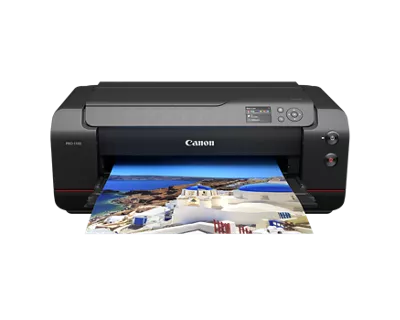
imagePROGRAF PRO-1100
Had a low ink warning for a few of the cartridges. I've been printing team photos for 4 days with no issues. I get a print that looks like it's fading out.
Run a clean cycle, print again, still faded.
Change all the ink cartridges across the board, and still get a faded print.
Power cycle the printer as a trouble shoot, and get another faded print.
Run a deep clean and get a faded print.
What can I do next?? I've got new inks in all colors. I've run clean, deep clean, align, and power cycled. I'm out of ideas.
See below for what I'm getting and what I should have.
Thanks!
WHY?!?!?!?!?
10-10-2025 02:17 PM
Hi,
Based on this type of issue, I recommend reaching out to Canon support. You will need to register your Canon gear HERE to access additional support options.
We look forward to hearing from you
11/20/2025: New firmware updates are available.
EOS R6 Mark III - Version 1.0.1
EOS R5 Mark II - Version 1.2.0
PowerShot G7 X Mark III - Version 1.4.0
PowerShot SX740 HS - Version 1.0.2
10/15/2025: New firmware updates are available.
Speedlite EL-5 - Version 1.2.0
Speedlite EL-1 - Version 1.1.0
Speedlite Transmitter ST-E10 - Version 1.2.0
07/24/2025: New firmware updates are available.
07/23/2025: New firmware updates are available.
7/17/2025: New firmware updates are available.
02/20/2025: New firmware updates are available.
RF70-200mm F2.8 L IS USM Z - Version 1.0.6
RF24-105mm F2.8 L IS USM Z - Version 1.0.9
RF100-300mm F2.8 L IS USM - Version 1.0.8
RF50mm F1.4 L VCM - Version 1.0.2
RF24mm F1.4 L VCM - Version 1.0.3
Canon U.S.A Inc. All Rights Reserved. Reproduction in whole or part without permission is prohibited.