07-13-2021 11:49 PM - edited 07-13-2021 11:51 PM
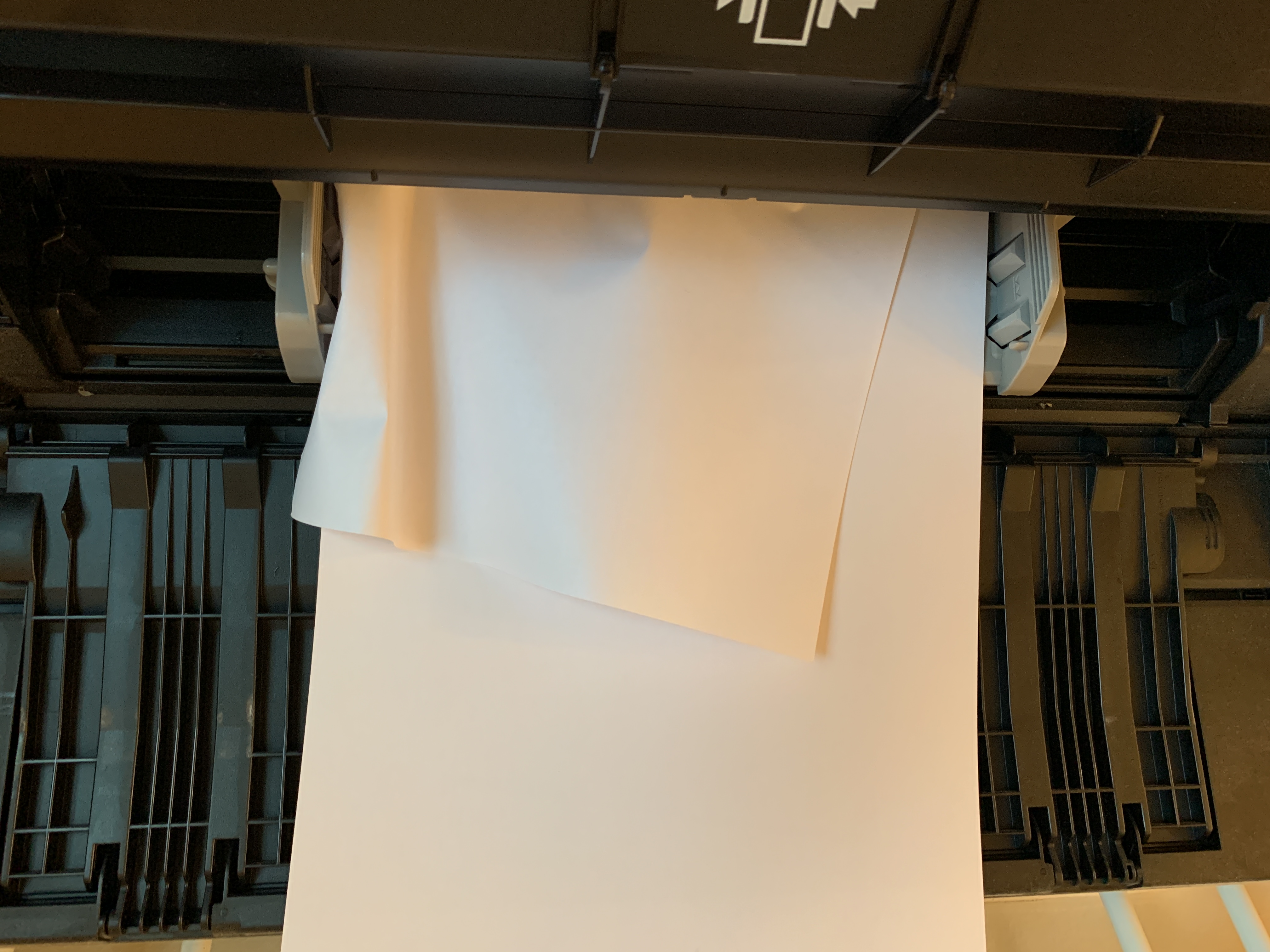
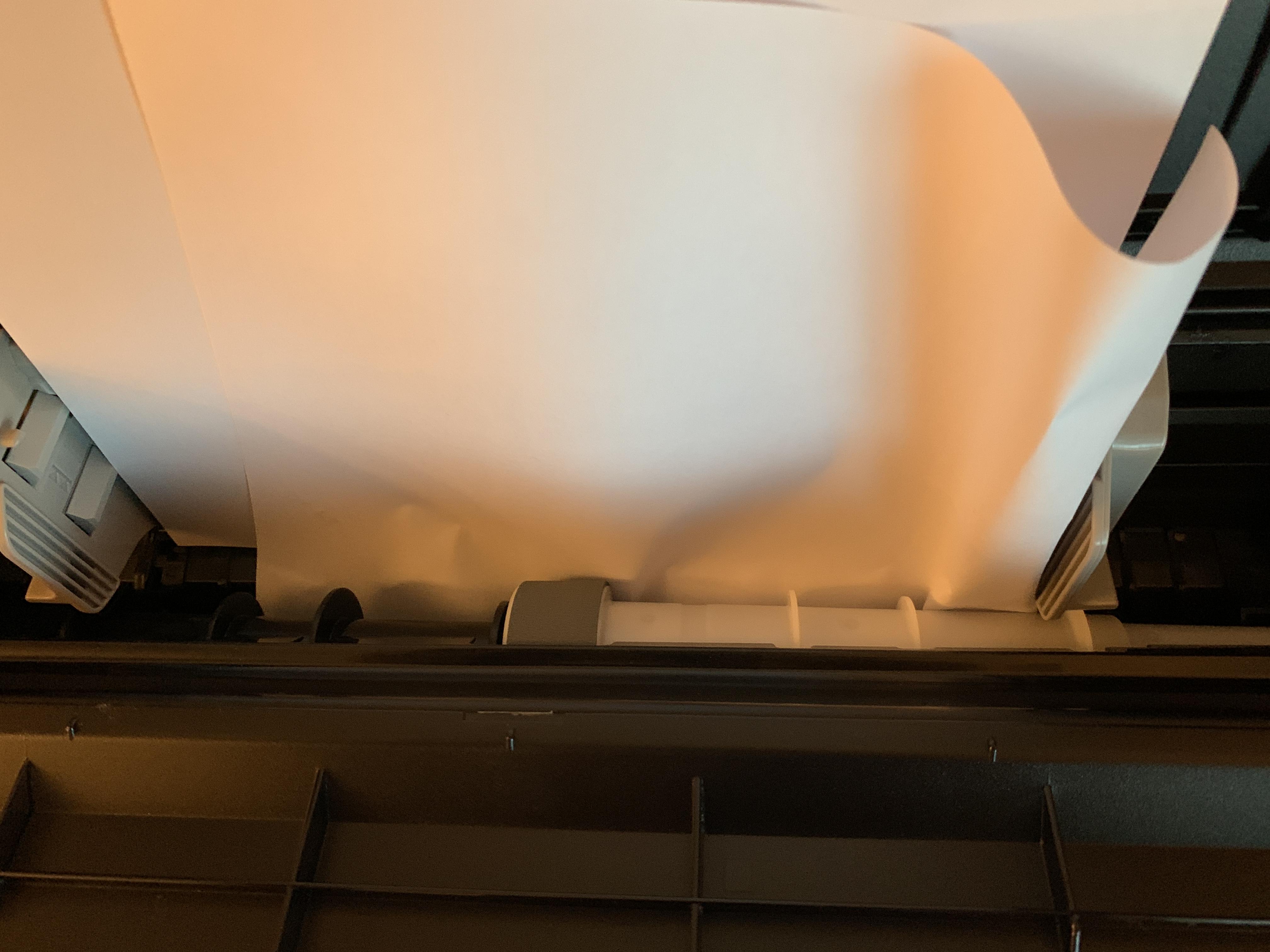
I bought a PRO-100 about 1.5 years ago (after my previous one broke down) that has been rarely used in the last year or so. A few days ago I tried printing something from it about like 8-9 months and the paper got jammed from the rear tray as it was going in. I have tried doing the 'Roller Cleaning' for rear tray, but it doesn't help. The paper also slides and gets jammed as it's going in.
Any ideas how to fix this ?
Some pictures:
07-14-2021 08:32 AM
Greetings,
Maybe its just the angle of the photo, but the feeding mechanism doesn't appear to be straight in the second photo. Maybe it just looks like this? Can you confirm?
~Rick
Bay Area - CA
~R5 C (1.1.2.1), ~R50v (1.1.1) ~RF Trinity, ~RF 100 Macro, ~RF 100~400, ~RF 100~500, ~RF 200-800 +RF 1.4x TC, BG-R10, 430EX III-RT ~DxO PhotoLab Elite ~DaVinci Resolve Studio ~ImageClass MF644Cdw/MF656Cdw ~Pixel 8 ~CarePaks Are Worth It
12/18/2025: New firmware updates are available.
11/20/2025: New firmware updates are available.
EOS R5 Mark II - Version 1.2.0
PowerShot G7 X Mark III - Version 1.4.0
PowerShot SX740 HS - Version 1.0.2
10/15/2025: New firmware updates are available.
Speedlite EL-5 - Version 1.2.0
Speedlite EL-1 - Version 1.1.0
Speedlite Transmitter ST-E10 - Version 1.2.0
7/17/2025: New firmware updates are available.
02/20/2025: New firmware updates are available.
RF70-200mm F2.8 L IS USM Z - Version 1.0.6
RF24-105mm F2.8 L IS USM Z - Version 1.0.9
RF100-300mm F2.8 L IS USM - Version 1.0.8
Canon U.S.A Inc. All Rights Reserved. Reproduction in whole or part without permission is prohibited.