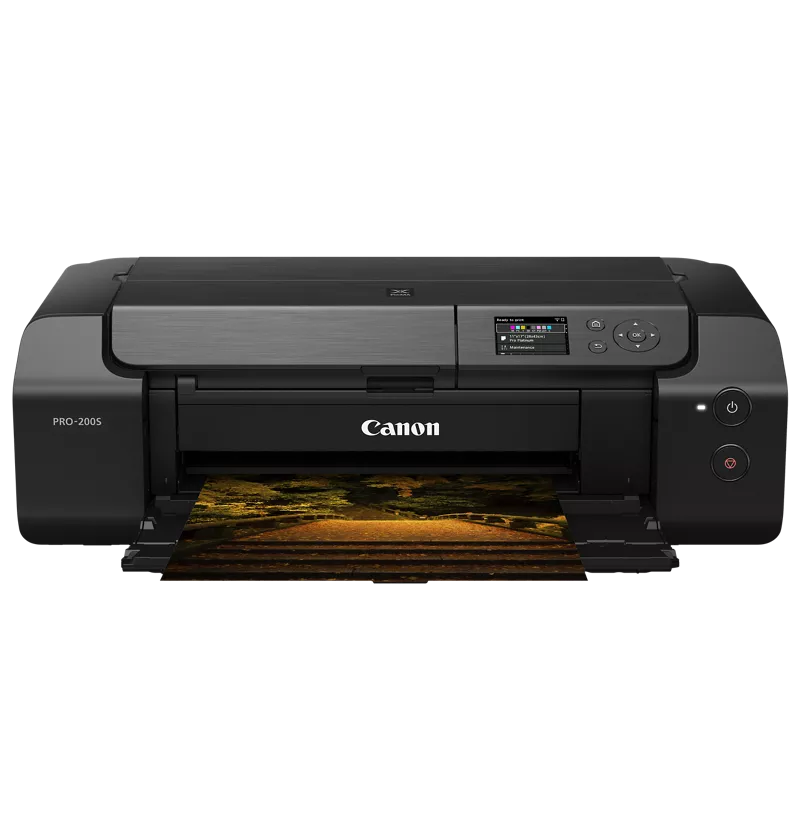
When I print in A3+ borderless on my PIXMA PRO-200S # it always cuts off around 2 - 5mm of whatever is on my computer. No matter what adjustments I make to the positioning of the design in the print dialogue box, it's always cut it off. I've even tried resizing the print preview and moving the centering bit by bit to get my design pixel perfect to the edges of the print preview page, and yet it still gets cut off.
I've tried adjusting the crop, the canvas size, image size, and ppi to every possible measurement I can find for my paper size. The paper says 13x19, I try that and it cuts it off. It also says 33cmx48cm, which comes to 12.992inx18.898 inches, I try printing with the image size set to both of those measurements and it cuts off. I've tried it in millimeters to get it as exact as possible and it still continues to cut off on all sides.
I am on Mac OS Ventura Version 13.6, working on and printing from Photoshop 2025.