12-11-2023
07:06 PM
- last edited on
12-11-2023
07:12 PM
by
StevenMOD
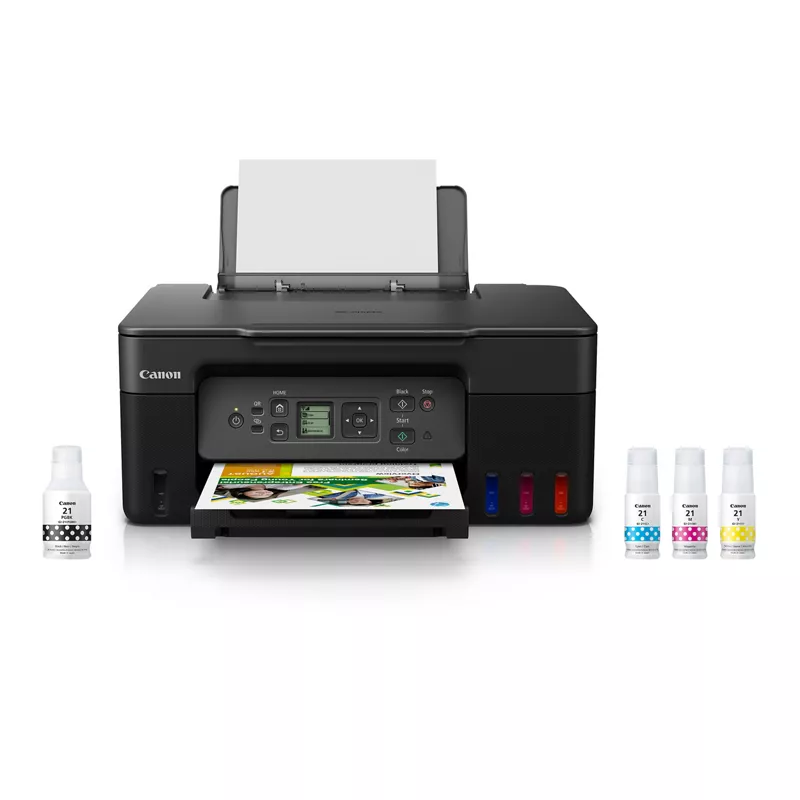
Hello, neighborino. Okaleedokalee, so I recently bought the Pixma 3270 printer. Each time I turn it on I need to reconnect it to my home network so I can print wirelessly, and it's not all that clear and easy to do.
Any suggestions would be most appreciated. Happy Holidays.

12-28-2023 02:54 PM
Me too. In order to print I need to turn the printer off and on again. Bc if it's on for more than a few minutes it has a "network connection issue" and shows up as offline on my phone. Presumably bc I is connected to my wifi network, and can print, Cannon could solve this issue so that it does not loose connection to the wifi network.
11/20/2025: New firmware updates are available.
EOS R6 Mark III - Version 1.0.1
EOS R5 Mark II - Version 1.2.0
PowerShot G7 X Mark III - Version 1.4.0
PowerShot SX740 HS - Version 1.0.2
10/15/2025: New firmware updates are available.
Speedlite EL-5 - Version 1.2.0
Speedlite EL-1 - Version 1.1.0
Speedlite Transmitter ST-E10 - Version 1.2.0
07/24/2025: New firmware updates are available.
07/23/2025: New firmware updates are available.
7/17/2025: New firmware updates are available.
02/20/2025: New firmware updates are available.
RF70-200mm F2.8 L IS USM Z - Version 1.0.6
RF24-105mm F2.8 L IS USM Z - Version 1.0.9
RF100-300mm F2.8 L IS USM - Version 1.0.8
RF50mm F1.4 L VCM - Version 1.0.2
RF24mm F1.4 L VCM - Version 1.0.3
Canon U.S.A Inc. All Rights Reserved. Reproduction in whole or part without permission is prohibited.