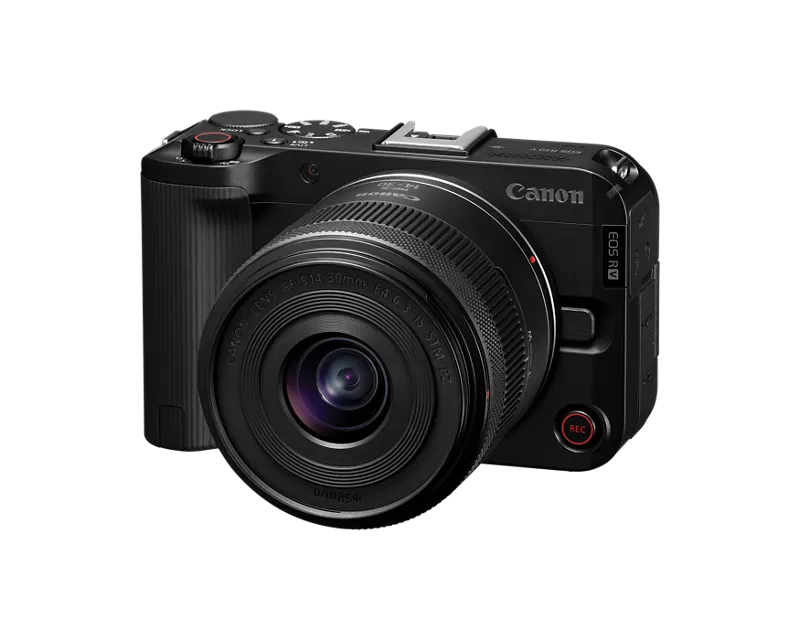
Hi canon community. This month I’m trying to get to know how to use my EOS R50 V + RF S14-30mm F4-6.3 IS STM PZ Lens Kit, and trying to learning how to stream.
What’s really frustrating is I want to stream with my EOS R50 V with the live switcher mobile app but I want to stream without using my home WiFi and when I tried turning on my hotspot so that I can pass it to my camera and livestream outside like at roads, stores and other places and it kept showing “error 172”.
So I realized that my camera has a built in WiFi feature and I don’t know how to do that so that I can livestream outside in public places.
It would mean a lot if someone showed me step by step how to livestream outside by using the built in WiFi feature, or a visual guide would really help a lot 😭
Thank you guys so much for reading my post, please reach out if you can!