01-26-2021 06:35 PM
Hello!
I have had my Pixma TR4520 Printer for a couple of months now. Today I had a paper jam, I was able to clear it and continue printing the document that jammed.
Well now a couple of hours later I went to print something and it is printing it blurry and with double vision. I have tried aligning the print head, cleaning, deep cleaning, re-aligning the print head and it is still printing with double vision.
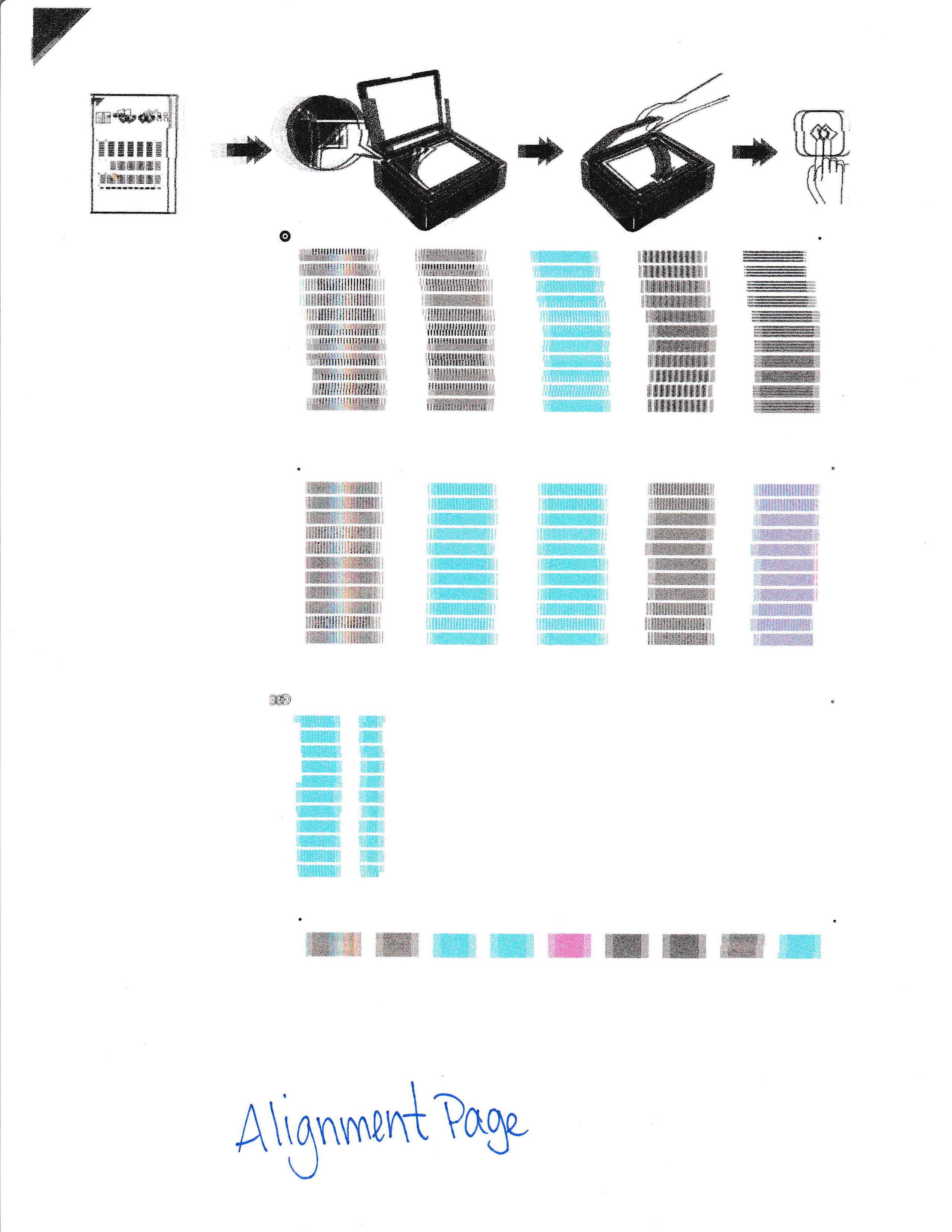
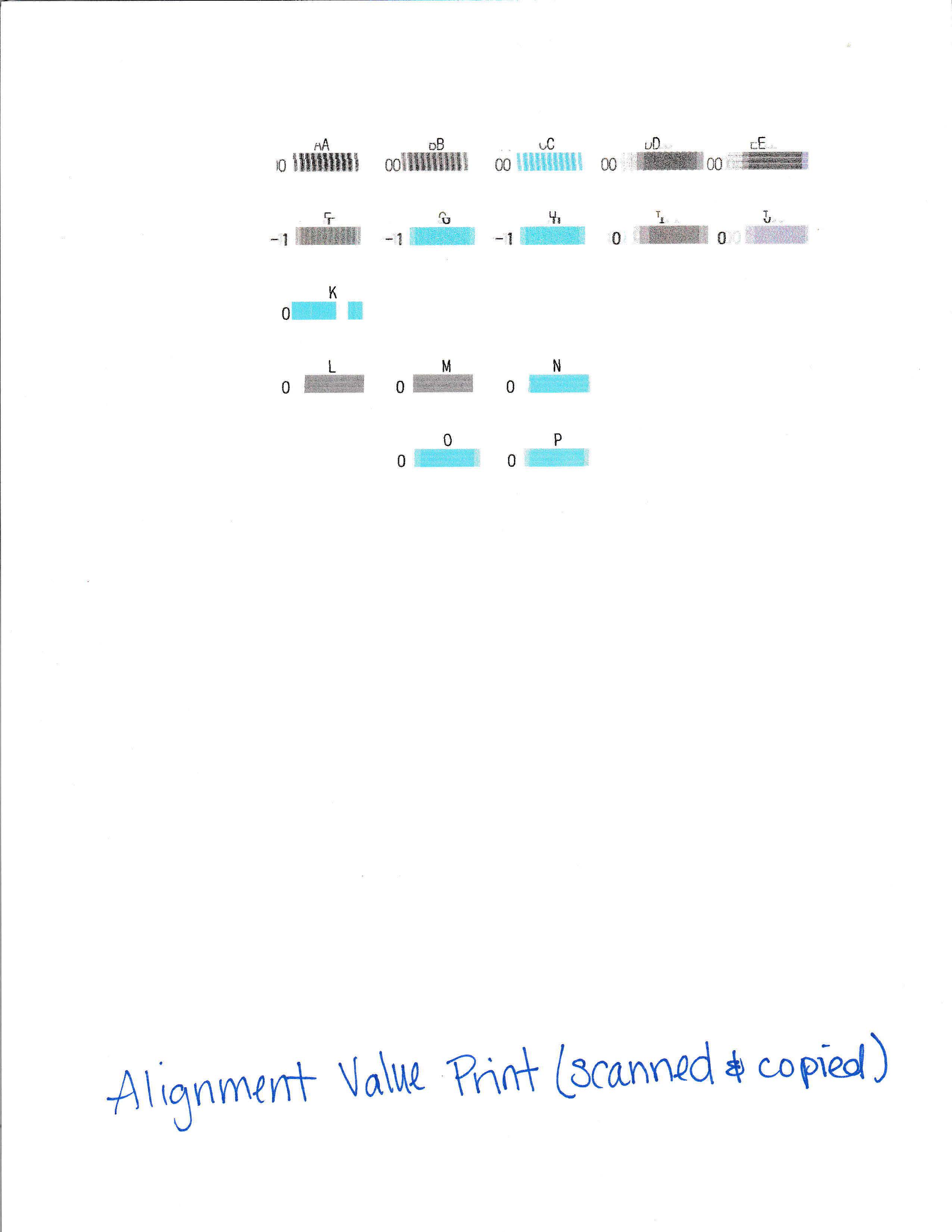
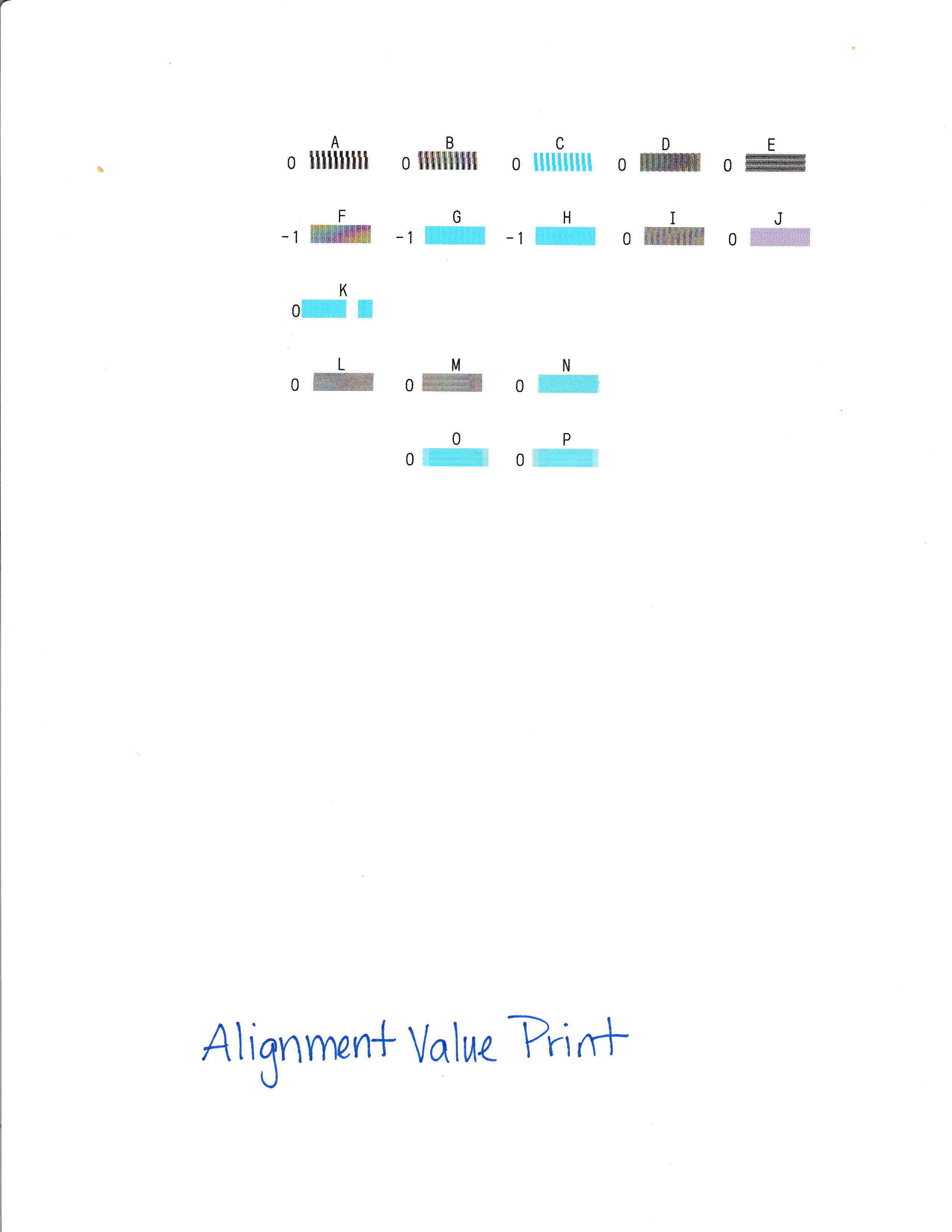
I have attached scanned pictures of what the alignment sheet looks like and a regular printed page look like.
Any suggestions on how to fix this??
01-27-2021 12:50 AM
Greetings,
This article applies to the TR4520 as well:
https://support.usa.canon.com/kb/index?page=content&id=ART114102
Hopefully this will help.
~Rick
Bay Area - CA
~R5 C (1.1.2.1), ~R50v (1.1.1) ~RF Trinity, ~RF 100 Macro, ~RF 100~400, ~RF 100~500, ~RF 200-800 +RF 1.4x TC, BG-R10, 430EX III-RT ~DxO PhotoLab Elite ~DaVinci Resolve Studio ~ImageClass MF644Cdw/MF656Cdw ~Pixel 8 ~CarePaks Are Worth It
01/20/2026: New firmware updates are available.
11/20/2025: New firmware updates are available.
EOS R5 Mark II - Version 1.2.0
PowerShot G7 X Mark III - Version 1.4.0
PowerShot SX740 HS - Version 1.0.2
10/15/2025: New firmware updates are available.
Speedlite EL-5 - Version 1.2.0
Speedlite EL-1 - Version 1.1.0
Speedlite Transmitter ST-E10 - Version 1.2.0
7/17/2025: New firmware updates are available.
02/20/2025: New firmware updates are available.
RF70-200mm F2.8 L IS USM Z - Version 1.0.6
RF24-105mm F2.8 L IS USM Z - Version 1.0.9
RF100-300mm F2.8 L IS USM - Version 1.0.8
Canon U.S.A Inc. All Rights Reserved. Reproduction in whole or part without permission is prohibited.