Turn on suggestions
Auto-suggest helps you quickly narrow down your search results by suggesting possible matches as you type.
- Canon Community
- Discussions & Help
- Camera
- EOS DSLR & Mirrorless Cameras
- EOS R6 Mark II no longer able to connect to Wi-Fi
Options
- Subscribe to RSS Feed
- Mark Topic as New
- Mark Topic as Read
- Float this Topic for Current User
- Bookmark
- Subscribe
- Mute
- Printer Friendly Page

Options
- Mark as New
- Bookmark
- Subscribe
- Mute
- Subscribe to RSS Feed
- Permalink
- Report Inappropriate Content
09-19-2024 08:16 AM - edited 09-19-2024 08:40 AM
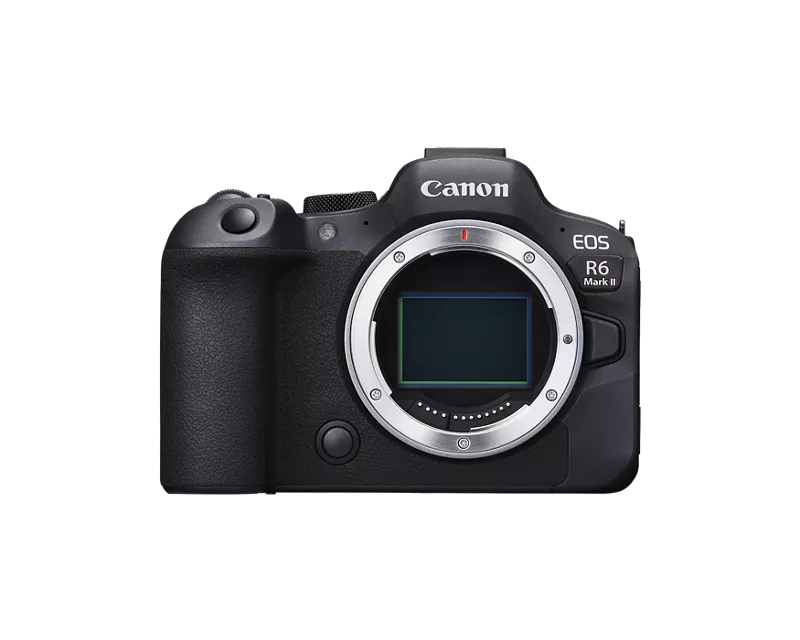
So last month I was able to use the normal android app successfully to transfer images from the image library, but this month it no longer works...
- Canon R6 Mk2
- Firmware v 1.3.0.
- Android 12
- Bluetooth connects fine, as soon as attempting to pull images the app fails to generate a WiFi connection.
- All permissions granted to app
First workaround tried:
- Reset all communication settings
- Cleared all registered cameras.
- Cleared bluetooth settings on phone
- Redone setup from scratch
Second workaround tried:
- Successfully connected both camera and phone to a common WAP. (2.4GHz)
- Attempted to connect to camera this way, fails!
Any advice? This makes my camera pretty useless to me... as I do all my quick editing on my phone...
Solved! Go to Solution.
1 ACCEPTED SOLUTION
Accepted Solutions


Options
- Mark as New
- Bookmark
- Subscribe
- Mute
- Subscribe to RSS Feed
- Permalink
- Report Inappropriate Content
09-21-2024 07:50 PM
Greetings thorium,
Thank you for providing us with a thorough description of the issue you are having along with the troubleshooting steps you have performed to try to resolve the issue.
Please check to see if there is any sort of VPN application or service that is running on the Android device. This may interfere with the Wi-Fi connection between the camera and the device. In case there is a VPN running, then let's disable or turn it off prior to connecting the Android device to the camera.
Some Android devices have a feature where the device will automatically disconnect from a Wi-Fi device if it detects that there is no internet connection since many users will use the device's Wi-Fi function to surf the web. Since the camera itself does not provide internet service to the Android device, the Android device may be disconnecting from the camera. Please check to see if this feature is enabled on the Android device and disable it prior to connecting the device to the camera. This usually applies when using the camera's access point mode.
2 REPLIES 2
Options
- Mark as New
- Bookmark
- Subscribe
- Mute
- Subscribe to RSS Feed
- Permalink
- Report Inappropriate Content
09-21-2024 07:50 PM
Greetings thorium,
Thank you for providing us with a thorough description of the issue you are having along with the troubleshooting steps you have performed to try to resolve the issue.
Please check to see if there is any sort of VPN application or service that is running on the Android device. This may interfere with the Wi-Fi connection between the camera and the device. In case there is a VPN running, then let's disable or turn it off prior to connecting the Android device to the camera.
Some Android devices have a feature where the device will automatically disconnect from a Wi-Fi device if it detects that there is no internet connection since many users will use the device's Wi-Fi function to surf the web. Since the camera itself does not provide internet service to the Android device, the Android device may be disconnecting from the camera. Please check to see if this feature is enabled on the Android device and disable it prior to connecting the device to the camera. This usually applies when using the camera's access point mode.
Options
- Mark as New
- Bookmark
- Subscribe
- Mute
- Subscribe to RSS Feed
- Permalink
- Report Inappropriate Content
09-22-2024 08:44 AM
Good response, this what was happening. A VPN app had been updated, and switched to "on by default" hence killing all local traffic. Thank you!


Announcements
05/13/2026: New firmware updates are available.
EOS R5 Mark II - Version 1.3.0
EOS R6 Mark II - Version 1.7.0
04/28/2026: Service Notice: Caution Concerning use of Lithium Batteries
03/17/2026: New firmware updates are available.
SELPHY CP1500 - Version 1.0.7.0
02/23/2026: New firmware update is available for EOS C50- Version 1.0.3.1
01/23/2026: New firmware update is available for RF 24-105mm F4 IS USM- Version 2.0.7
01/20/2026: New firmware updates are available.
12/22/2025: New firmware update is available for EOS R6 Mark III- Version 1.0.2
10/21/2025: Service Notice: To Users of the Compact Digital Camera PowerShot V1
10/15/2025: New firmware updates are available.
Speedlite EL-5 - Version 1.2.0
Speedlite EL-1 - Version 1.1.0
Speedlite Transmitter ST-E10 - Version 1.2.0
07/28/2025: Notice of Free Repair Service for the Mirrorless Camera EOS R50 (Black)
05/21/2025: New firmware update available for EOS C500 Mark II - Version 1.1.5.1
Related Content
- Is there a way to prevent 2 extra clicks when connecting the PowerShot PX to the iPhone app? in Camera Software
- Trouble Transferring Firmware from Camera Connect to Camera in Camera Software
- Connecting camera with smartphone for gps tagging canon 90D in EOS DSLR & Mirrorless Cameras
- EOS R8 - Connecting to EOS Utility in Windows via USB in EOS DSLR & Mirrorless Cameras
- EOS R7 and WiFi connection issues in EOS DSLR & Mirrorless Cameras

Ⓒ 2026
Canon U.S.A Inc. All Rights Reserved. Reproduction in whole or part without permission is prohibited.
