09-22-2019 05:24 PM
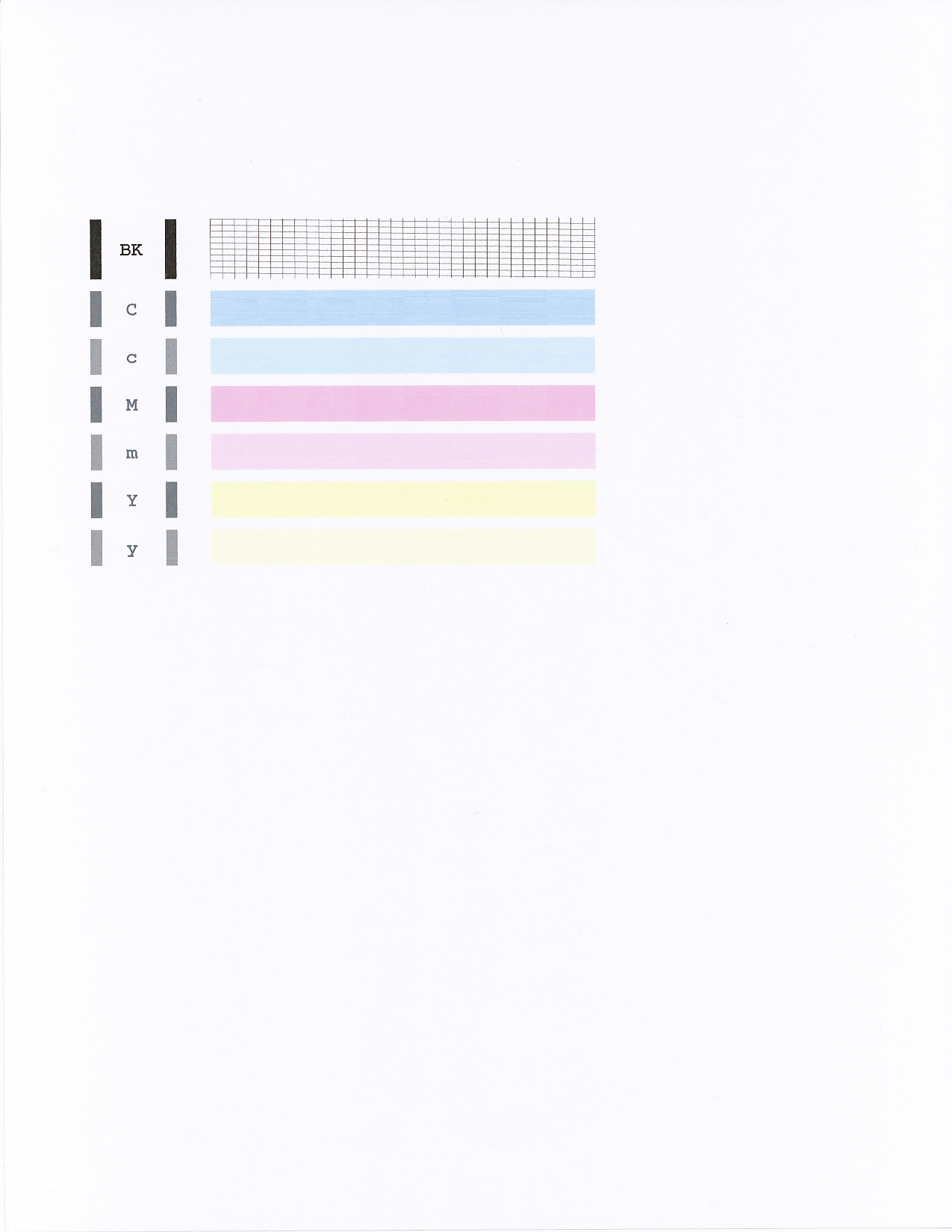
printer see good level of ink in all cartridge, when i do test page not print the part that must be i magenta, cyano and yellow are printed very good and black the same.
09-26-2019 03:30 PM
Hi UBOOT571,
Please perform 2 printhead cleanings:
1. Press the <Maintenance> button twice until [H] appears.
2. Press the Black or Color button. The cleaning will begin.
After performing two cleanings, please print a nozzle check:
1. Press the <Maintenance> button once to display [A].
2. Press the Black or Color button.
Does your printout look like the example below:
11/20/2025: New firmware updates are available.
EOS R6 Mark III - Version 1.0.1
EOS R5 Mark II - Version 1.2.0
PowerShot G7 X Mark III - Version 1.4.0
PowerShot SX740 HS - Version 1.0.2
10/15/2025: New firmware updates are available.
Speedlite EL-5 - Version 1.2.0
Speedlite EL-1 - Version 1.1.0
Speedlite Transmitter ST-E10 - Version 1.2.0
07/24/2025: New firmware updates are available.
07/23/2025: New firmware updates are available.
7/17/2025: New firmware updates are available.
02/20/2025: New firmware updates are available.
RF70-200mm F2.8 L IS USM Z - Version 1.0.6
RF24-105mm F2.8 L IS USM Z - Version 1.0.9
RF100-300mm F2.8 L IS USM - Version 1.0.8
RF50mm F1.4 L VCM - Version 1.0.2
RF24mm F1.4 L VCM - Version 1.0.3
Canon U.S.A Inc. All Rights Reserved. Reproduction in whole or part without permission is prohibited.


