 A piece of paper was stucked in my Canon MG2150 and my computer told me to take this piece of paper out of the printer so I can continue my printings.
So i pulled it out (by force).
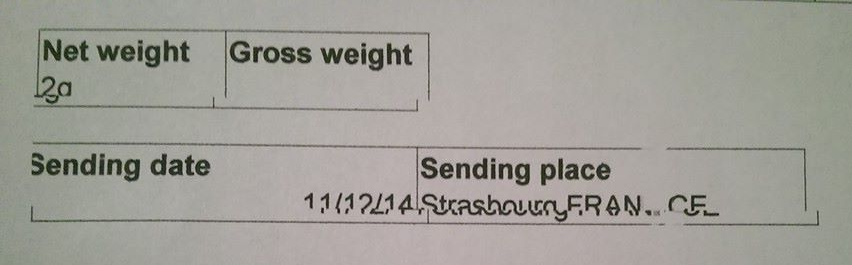
But since I did that, every printing is displaced (one line is good, the line under it is displaced towards left or right, and so on...
I tried to align the print heads automatically and manually thanks to the maintenance panel but there is nothing to do, it keeps printing displaced...
What can I do ?




