Turn on suggestions
Auto-suggest helps you quickly narrow down your search results by suggesting possible matches as you type.
- Canon Community
- Discussions & Help
- Printer
- Desktop Inkjet Printers
- Re: Problem with 2-sided printing using MG7520
Options
- Subscribe to RSS Feed
- Mark Topic as New
- Mark Topic as Read
- Float this Topic for Current User
- Bookmark
- Subscribe
- Mute
- Printer Friendly Page
Problem with 2-sided printing using MG7520

Options
- Mark as New
- Bookmark
- Subscribe
- Mute
- Subscribe to RSS Feed
- Permalink
- Report Inappropriate Content
01-05-2017 01:23 PM
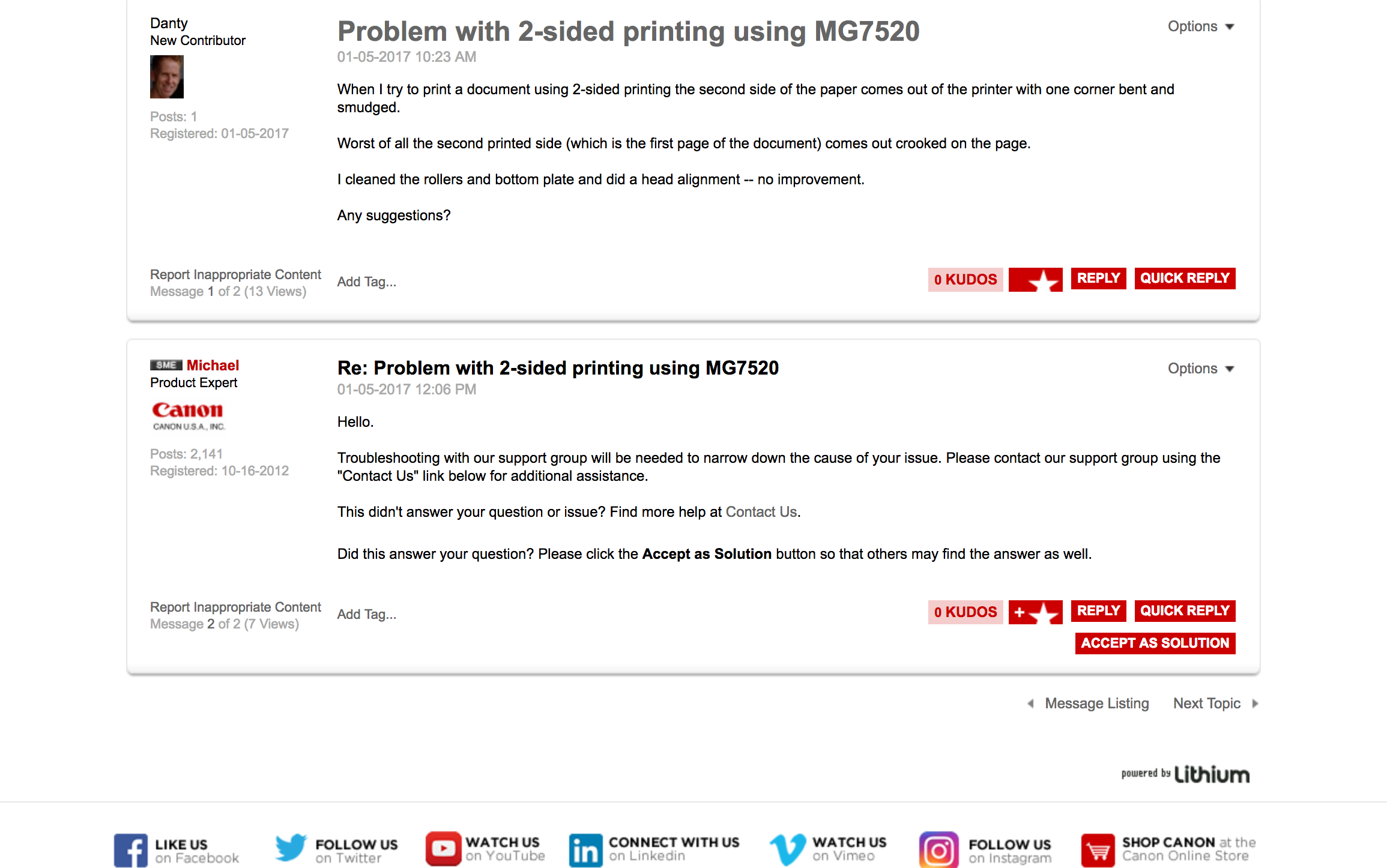
When I try to print a document using 2-sided printing the second side of the paper comes out of the printer with one corner bent and smudged.
Worst of all the second printed side (which is the first page of the document) comes out crooked on the page.
I cleaned the rollers and bottom plate and did a head alignment -- no improvement.
Any suggestions?
4 REPLIES 4


Options
- Mark as New
- Bookmark
- Subscribe
- Mute
- Subscribe to RSS Feed
- Permalink
- Report Inappropriate Content
01-05-2017 03:06 PM
Hello.
Troubleshooting with our support group will be needed to narrow down the cause of your issue. Please contact our support group using the "Contact Us" link below for additional assistance.
This didn't answer your question or issue? Find more help at Contact Us.
Did this answer your question? Please click the Accept as Solution button so that others may find the answer as well.
Options
- Mark as New
- Bookmark
- Subscribe
- Mute
- Subscribe to RSS Feed
- Permalink
- Report Inappropriate Content
01-05-2017 03:41 PM
Thanks, Michael, for your quick response.
I didn't see any link on the forum page we have been using for "Contact Us".
Screen shot is attached.
Do I go back to the website home page and choose "Contact Us" from the Support Menu?

Options
- Mark as New
- Bookmark
- Subscribe
- Mute
- Subscribe to RSS Feed
- Permalink
- Report Inappropriate Content
01-05-2017 03:48 PM
Hi, Danty!
You should be able to click on the words 'Contact Us' on Michael's post to be taken to the support page. If this doesn't work, here's a direct link: https://www.usa.canon.com/internet/portal/us/home/support/contact-support
You can choose between phone or email support there. Hope this helps!
Options
- Mark as New
- Bookmark
- Subscribe
- Mute
- Subscribe to RSS Feed
- Permalink
- Report Inappropriate Content
01-14-2017 01:16 AM
Problem solved.
I received an e-mail from George in Tech Support with a suggestion to clean the encoder strip inside the printer.
It was tricky to do but it worked.
The printer is now printing 2-sided copies perfectly.
Thanks to Canon Tech Support Crew,
Dan

Announcements
07/22/2026: New firmware updates are available.
EOS R6 Mark III - Version 1.1.0
05/13/2026: New firmware updates are available.
EOS R5 Mark II - Version 1.3.0
EOS R6 Mark II - Version 1.7.0
04/28/2026: Service Notice: Caution Concerning use of Lithium Batteries
03/17/2026: New firmware updates are available.
SELPHY CP1500 - Version 1.0.7.0
02/23/2026: New firmware update is available for EOS C50- Version 1.0.3.1
01/23/2026: New firmware update is available for RF 24-105mm F4 IS USM- Version 2.0.7
01/20/2026: New firmware updates are available.
10/21/2025: Service Notice: To Users of the Compact Digital Camera PowerShot V1
10/15/2025: New firmware updates are available.
Speedlite EL-5 - Version 1.2.0
Speedlite EL-1 - Version 1.1.0
Speedlite Transmitter ST-E10 - Version 1.2.0
07/28/2025: Notice of Free Repair Service for the Mirrorless Camera EOS R50 (Black)
05/21/2025: New firmware update available for EOS C500 Mark II - Version 1.1.5.1
Related Content
- PIXMA TS3720 not responding in Desktop Inkjet Printers
- imageCLASS MF665Cdw prints solid blue pages, faded black text, other issues in Office Printers
- PIXMA TS207 blinks green-orange-green-orange-green in Desktop Inkjet Printers
- Professional Print and Layout (ver1.6.1) stopped printing. Pixma Pro 200, Windows11 in Printer Software & Networking
- PRO-1100 is suddenly printing very slowly and color is off in Professional Photo Printers

Ⓒ 2026
Canon U.S.A Inc. All Rights Reserved. Reproduction in whole or part without permission is prohibited.
