12-27-2025 12:16 PM
I have successfully setup and connected my printer to my phone, but have spent about two hours trying to connect this same printer to my Macbook Air only to repeatedly run into the same issue. Whilst running through Master Setup on my Macbook, the printer is detected, and Easy Wireless Connect is successful (as displayed on the printer's screen), but then my Macbook always fails to successfully complete this process (despite the printer itself saying it was completed) and therefore is unable to proceed with adding the printer. Additionally, when I try to add the printer via System Settings, I cannot detect the printer via WiFi or IP... despite the printer itself being on the exact same WiFi as my Macbook and successfully being accessible via my phone.

12-27-2025 12:25 PM
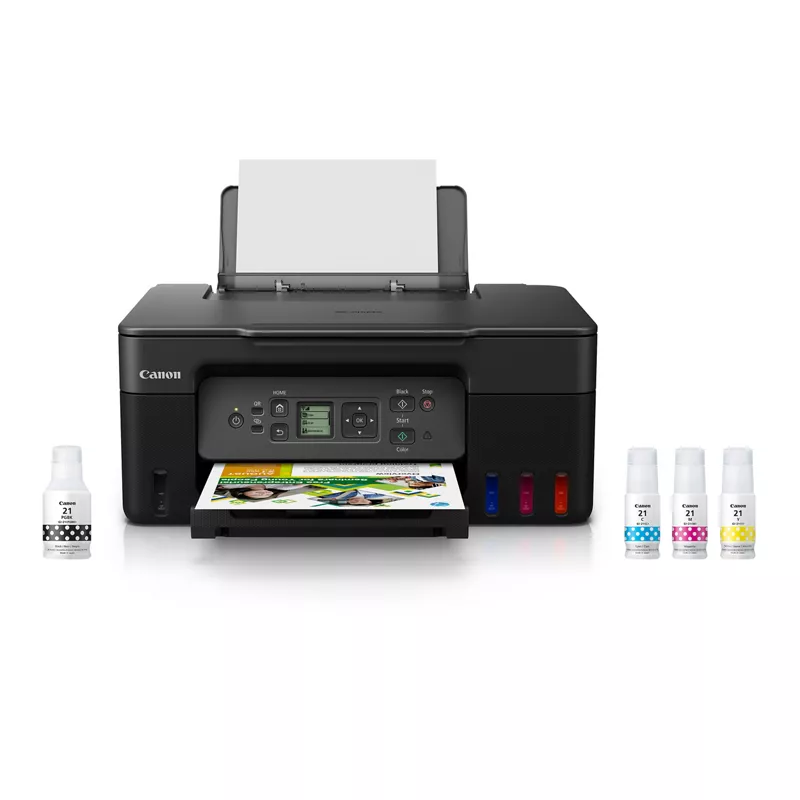
Many users have reported difficulties connecting the Canon PIXMA G3272 printer to their MacBooks, especially after recent macOS updates. Issues often arise due to driver compatibility or network settings.
Check Driver Compatibility
Ensure you have the latest drivers for the PIXMA G3272. Visit the Canon website to download the appropriate drivers for your macOS version.
Adjust Security Settings
If you encounter installation issues, you may need to adjust your Mac's security settings:
Network Connection
Confirm that both your MacBook and the printer are connected to the same Wi-Fi network. If the printer is not detected, try restarting both devices.
Reset Printing System
If problems persist, consider resetting the printing system:
AirPrint Support
The PIXMA G3272 supports AirPrint, which allows for wireless printing without needing additional drivers. Ensure AirPrint is enabled on your printer.
Firmware Updates
Check if there are any firmware updates available for your printer that might resolve connectivity issues.
Following these steps should help you establish a connection between your PIXMA G3272 and MacBook. If problems continue, consider reaching out to Canon support for further assistance.
12/18/2025: New firmware updates are available.
11/20/2025: New firmware updates are available.
EOS R5 Mark II - Version 1.2.0
PowerShot G7 X Mark III - Version 1.4.0
PowerShot SX740 HS - Version 1.0.2
10/15/2025: New firmware updates are available.
Speedlite EL-5 - Version 1.2.0
Speedlite EL-1 - Version 1.1.0
Speedlite Transmitter ST-E10 - Version 1.2.0
7/17/2025: New firmware updates are available.
02/20/2025: New firmware updates are available.
RF70-200mm F2.8 L IS USM Z - Version 1.0.6
RF24-105mm F2.8 L IS USM Z - Version 1.0.9
RF100-300mm F2.8 L IS USM - Version 1.0.8
Canon U.S.A Inc. All Rights Reserved. Reproduction in whole or part without permission is prohibited.