07-04-2015 01:44 PM
I have Canon MX870 which I only use it for scan.
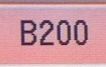
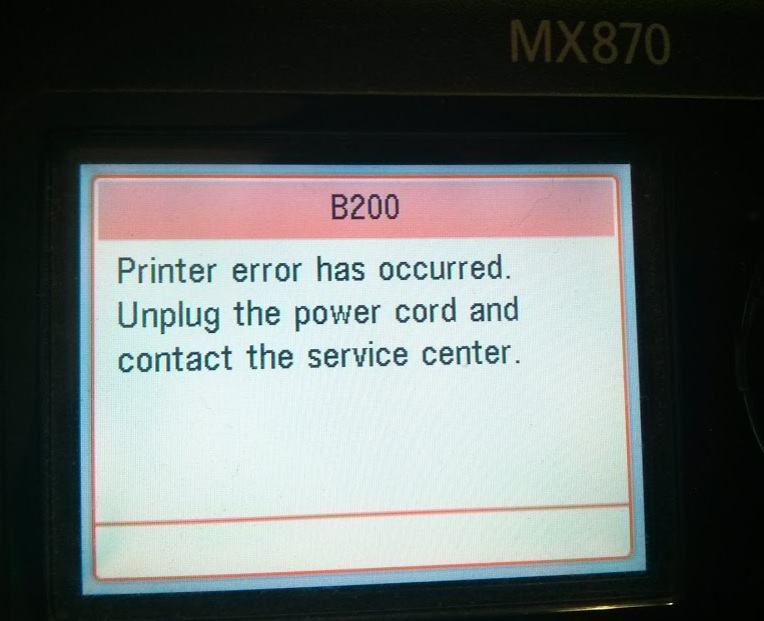
When I'm turning the printer on at the booting process it give me B200 error and STOP to work completely.
I have to open and close cartridge door couple times at the startup to can skip the B200 error and be able to use the scanner.
I know the problem is related to cartridge or printhead or something about printing.
I only use this machine for scanning and i don't need to print at all.
How I can disable or disconnect the printing component on this machine to be able to use just the scanner?
or at least disable the printer diagnostic at the start up?
07-07-2015 12:41 AM
Hi g6381646,
We do not have instructions for disabling the printer diagnostic at startup or disconnecting the printing component of the printer; the printer will require servicing to resolve the error. Please call or email us using one of the methods on the Contact Us page to obtain your servicing options.
05/13/2026: New firmware updates are available.
EOS R5 Mark II - Version 1.3.0
EOS R6 Mark II - Version 1.7.0
03/17/2026: New firmware updates are available.
SELPHY CP1500 - Version 1.0.7.0
01/20/2026: New firmware updates are available.
10/15/2025: New firmware updates are available.
Speedlite EL-5 - Version 1.2.0
Speedlite EL-1 - Version 1.1.0
Speedlite Transmitter ST-E10 - Version 1.2.0
Canon U.S.A Inc. All Rights Reserved. Reproduction in whole or part without permission is prohibited.