Hello,
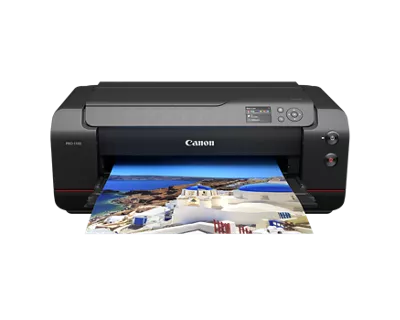
I purchased my Pro-1100 a few weeks ago, and it's been great apart from one issue: the print size doesn't always adjust when I change paper settings.
When I change sizes, I do the following:
On the printer: Various Settings > Printer Settings > Paper-related Settings > then change both the top feed and manual feed settings.
In Lightroom: Printer > Properties > Basic Settings > and change both Page Size and Printer Paper Size.
When I load the paper into the manual feed tray and it asks to select the paper type, I double-check it's set correctly and hit register.
All the correct drivers are installed (I've double-checked and reinstalled them twice), and I'm printing from Lightroom over USB. When I change the paper size from, for example, A4 to A3+, it will continue to print in A4. Eventually it will switch to printing the correct size (without me adjusting any extra settings), but it can take anywhere from 2-3 prints before it switches, which wastes a lot of paper and ink.
I'm at my wits' end with this thing. I've gone through all the settings multiple times, tried power cycling, running maintenance tasks, and even leaving it for a few hours between prints. Nothing seems to change the fact that it takes multiple prints to adjust to new paper settings.
If anyone has any recommendations for what I might be missing, they would be greatly appreciated by both me and my wallet.