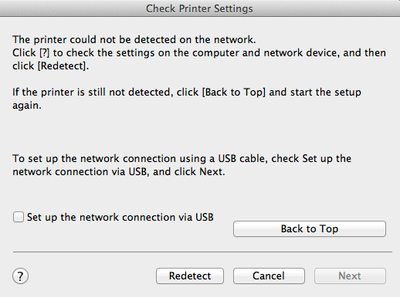
I have a Pizma 53320 which I have gone through the setup process multiple times, and cannot get ot print from my ipad or imac. I have followed the setup instructions, set up the printer via the Standard wireless LAN setup (it accepts the password for my router) but cannot get connected after installing the drivers. I have the printer in one room and my computer in another, but the router covers both easily. Am I missing something??? I get this screen on the printer...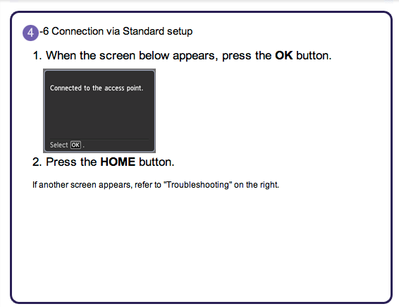
But the screen below when tryign to complete the setup after installing the drivers. HELP!!