Turn on suggestions
Auto-suggest helps you quickly narrow down your search results by suggesting possible matches as you type.
- Canon Community
- Discussions & Help
- Camera
- Point & Shoot Digital Cameras
- Re: Flash Not Working - BUSY Message from Powersho...
Options
- Subscribe to RSS Feed
- Mark Topic as New
- Mark Topic as Read
- Float this Topic for Current User
- Bookmark
- Subscribe
- Mute
- Printer Friendly Page
Flash Not Working - BUSY Message from Powershot SX740 HS Camera

Options
- Mark as New
- Bookmark
- Subscribe
- Mute
- Subscribe to RSS Feed
- Permalink
- Report Inappropriate Content
12-27-2024 01:16 PM
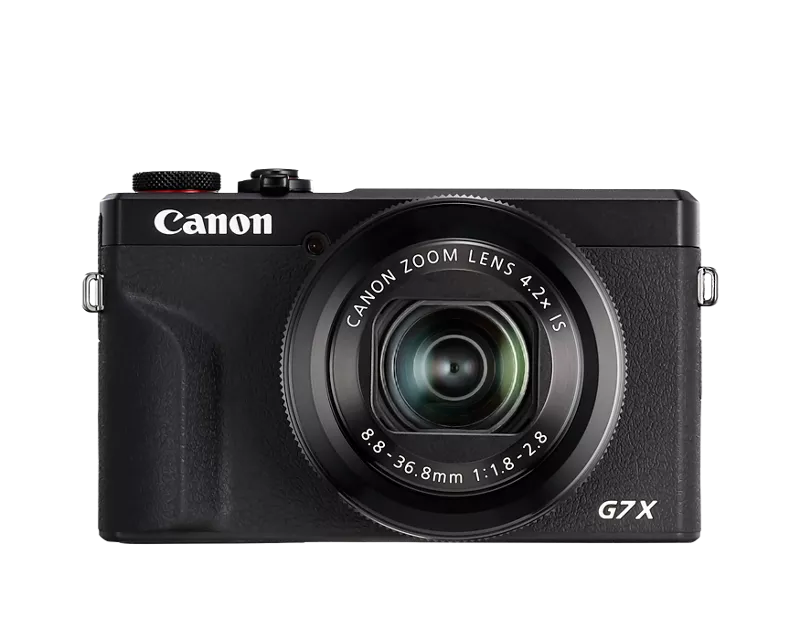
My flash is not working on my PowerShot SX740 HS camera. My flash does not go off even though I have the flash setting on, instead every time I manually flick up my flash the camera shows “busy” in the bottom left corner of my camera screen. I have tried fully charging the battery, removing and reinserting the battery and SD card, tried different modes that allow for flash to be taken, and nothing is working. Currently, the camera is on the P mode with flash on, where it should use flash for every photo I take. Any advice or tricks to get my flash to work and the busy message to go away??

12 REPLIES 12
Options
- Mark as New
- Bookmark
- Subscribe
- Mute
- Subscribe to RSS Feed
- Permalink
- Report Inappropriate Content
03-03-2025 08:44 PM
Same here
Options
- Mark as New
- Bookmark
- Subscribe
- Mute
- Subscribe to RSS Feed
- Permalink
- Report Inappropriate Content
03-03-2025 08:46 PM
I’m having the same exact issue. When I disable the flash, the “busy” message goes away. When I raise the flash and turn it on, the message returns. What do you mean that’s a bad sign, is it fixable? My camera is rather new! Never been dropped or anything.
Options
- Mark as New
- Bookmark
- Subscribe
- Mute
- Subscribe to RSS Feed
- Permalink
- Report Inappropriate Content
05-24-2025 08:14 PM
I’m having the same issue with mine. I’ve only had it for 6 months and now the flash won’t work in any setting even with the flash selected. i’ve tried everything like charging the battery completely and resetting the camera multiple times

- « Previous
-
- 1
- 2
- Next »
- « Previous
-
- 1
- 2
- Next »
Announcements
07/22/2026: New firmware updates are available.
EOS R6 Mark III - Version 1.1.0
05/13/2026: New firmware updates are available.
EOS R5 Mark II - Version 1.3.0
EOS R6 Mark II - Version 1.7.0
04/28/2026: Service Notice: Caution Concerning use of Lithium Batteries
03/17/2026: New firmware updates are available.
SELPHY CP1500 - Version 1.0.7.0
02/23/2026: New firmware update is available for EOS C50- Version 1.0.3.1
01/23/2026: New firmware update is available for RF 24-105mm F4 IS USM- Version 2.0.7
01/20/2026: New firmware updates are available.
10/21/2025: Service Notice: To Users of the Compact Digital Camera PowerShot V1
10/15/2025: New firmware updates are available.
Speedlite EL-5 - Version 1.2.0
Speedlite EL-1 - Version 1.1.0
Speedlite Transmitter ST-E10 - Version 1.2.0
07/28/2025: Notice of Free Repair Service for the Mirrorless Camera EOS R50 (Black)
05/21/2025: New firmware update available for EOS C500 Mark II - Version 1.1.5.1
Related Content
- Canon 24-70mm F2.8 II stopped focusing in EF & RF Lenses
- PowerShot A590 LCD screen not working right in Point & Shoot Digital Cameras
- canon powershot sd1000 flash stopped working in Point & Shoot Digital Cameras
- PowerShot ELPH 320 HS won't turn on because lens wont retract in Point & Shoot Digital Cameras
- PowerShot V1 - Can't transfer images to Computer via USB in Point & Shoot Digital Cameras

Ⓒ 2026
Canon U.S.A Inc. All Rights Reserved. Reproduction in whole or part without permission is prohibited.
