Good Morning,
I just bought an imageCLASS MF269dw Value Pack and opened it when it arrived yesterday.
It came with two toner cartridges with one already installed in the printer.
Upon inspection I see a black bar folded down on the left side of toner cartridge which prevents the removal of the toner cartridge. I cannot seem to find a way to disengage the bar in order to replace the toner cartridge.
I have looked in the manual, searched in the forum, on the web and on YouTube for information on this bar without success. I found something about if for other brands of printers but nothing for Canon printers. All I seemed to learn was that this bar was called alienation arm for some printers.
Support did not seem to be available yesterday when I tried to inquire.
Any assistance will be greatly appreciated.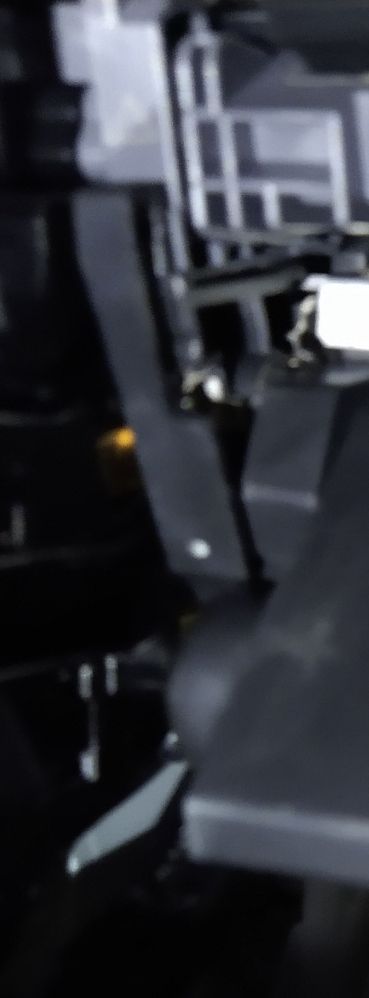
Thank you,
Lewis




