Turn on suggestions
Auto-suggest helps you quickly narrow down your search results by suggesting possible matches as you type.
- Canon Community
- Discussions & Help
- Camera
- EOS DSLR & Mirrorless Cameras
- Re: White and colored spot on LCD screen - EOS M20...
Options
- Subscribe to RSS Feed
- Mark Topic as New
- Mark Topic as Read
- Float this Topic for Current User
- Bookmark
- Subscribe
- Mute
- Printer Friendly Page

Options
- Mark as New
- Bookmark
- Subscribe
- Mute
- Subscribe to RSS Feed
- Permalink
- Report Inappropriate Content
05-02-2023
10:53 PM
- last edited on
05-02-2023
10:56 PM
by
 SamanthaW
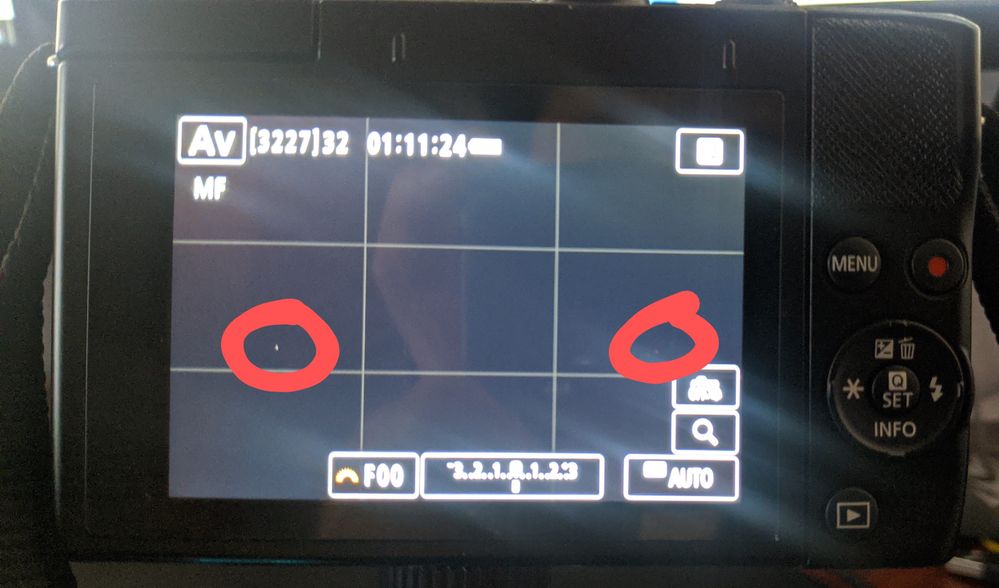
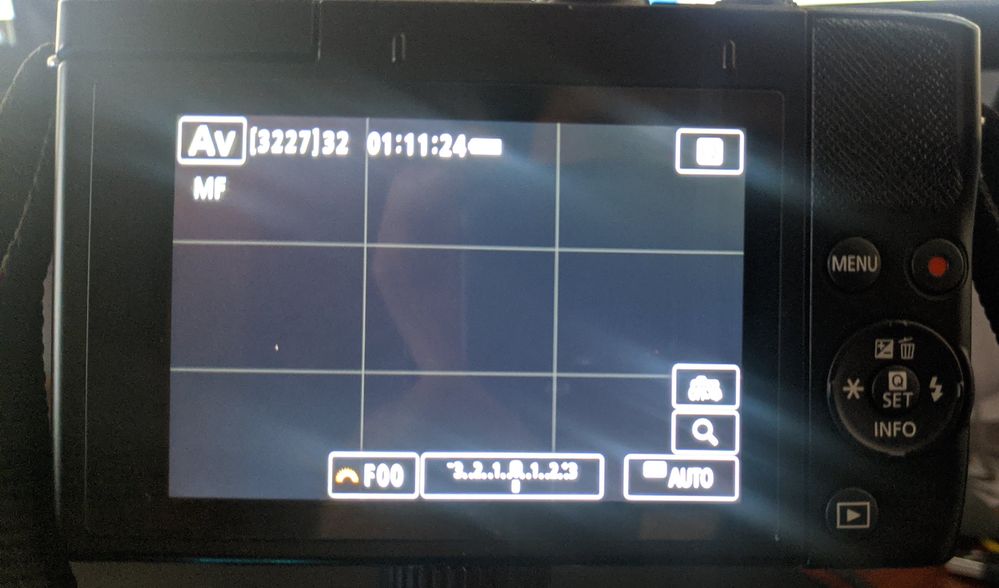
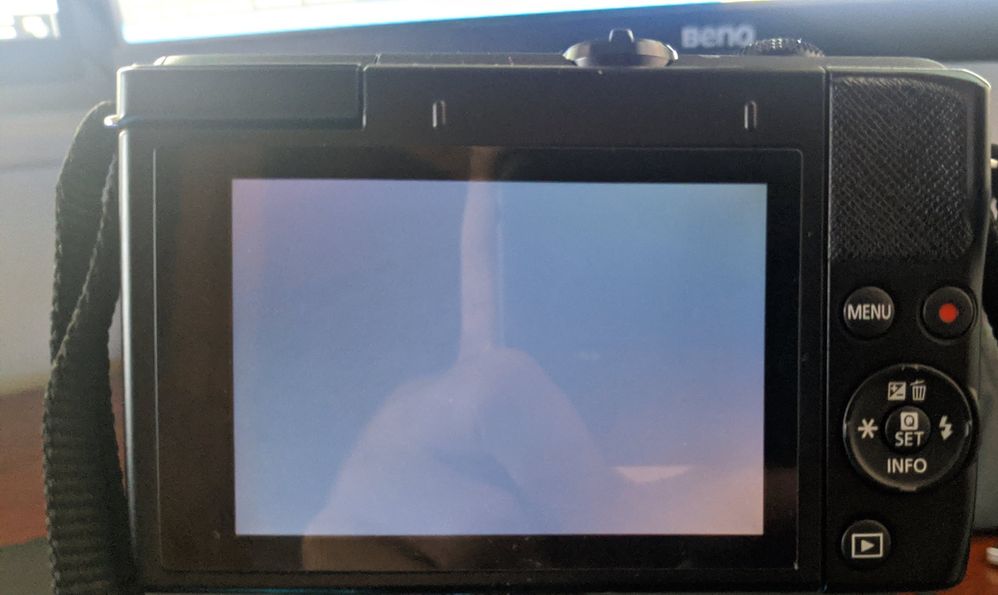
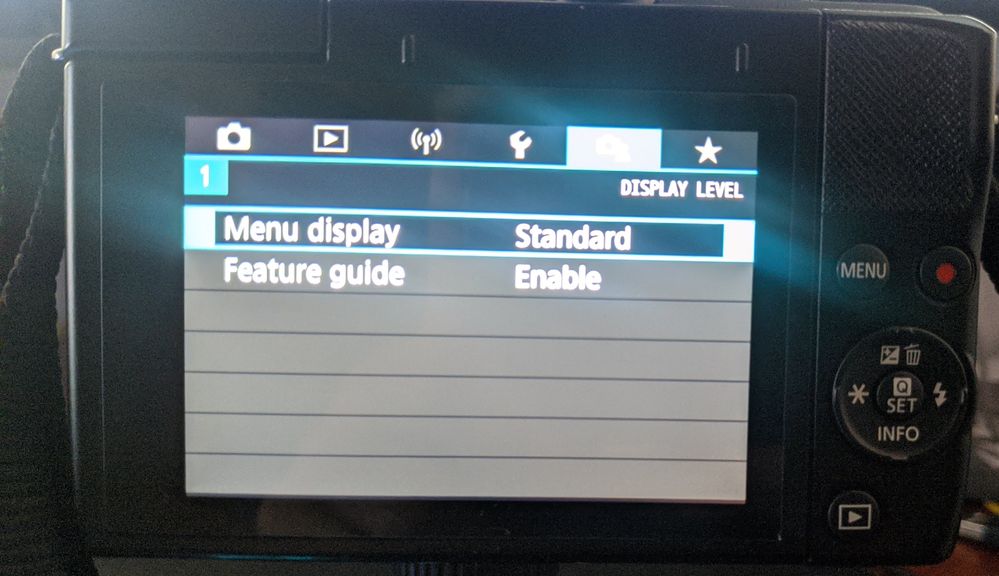
I had my Canon EOS M200 for about 2 months now, and I'm seeing a white and colored spot on the LCD. This is only showing on live preview but not on the actual photo, JPG file, and menus. I just noticed this after a warning that my camera is overheating after over an hour of live stream.
Hope you can help me. Thank you!
Solved! Go to Solution.
1 ACCEPTED SOLUTION
Accepted Solutions
Options
- Mark as New
- Bookmark
- Subscribe
- Mute
- Subscribe to RSS Feed
- Permalink
- Report Inappropriate Content
05-02-2023 11:09 PM
I just found the solution to my problem. Just Reset Camera from the Menu, Basic Settings!

2 REPLIES 2
Options
- Mark as New
- Bookmark
- Subscribe
- Mute
- Subscribe to RSS Feed
- Permalink
- Report Inappropriate Content
05-02-2023 11:09 PM
I just found the solution to my problem. Just Reset Camera from the Menu, Basic Settings!
Options
- Mark as New
- Bookmark
- Subscribe
- Mute
- Subscribe to RSS Feed
- Permalink
- Report Inappropriate Content
05-11-2024 09:58 AM
Thank you so much!!!!!! This fixed what I thought were dead pixels on the lcd and the sensor the day before I wanted to go out and take some night shots.

Announcements
07/22/2026: New firmware updates are available.
EOS R6 Mark III - Version 1.1.0
05/13/2026: New firmware updates are available.
EOS R5 Mark II - Version 1.3.0
EOS R6 Mark II - Version 1.7.0
04/28/2026: Service Notice: Caution Concerning use of Lithium Batteries
03/17/2026: New firmware updates are available.
SELPHY CP1500 - Version 1.0.7.0
02/23/2026: New firmware update is available for EOS C50- Version 1.0.3.1
01/23/2026: New firmware update is available for RF 24-105mm F4 IS USM- Version 2.0.7
01/20/2026: New firmware updates are available.
10/21/2025: Service Notice: To Users of the Compact Digital Camera PowerShot V1
10/15/2025: New firmware updates are available.
Speedlite EL-5 - Version 1.2.0
Speedlite EL-1 - Version 1.1.0
Speedlite Transmitter ST-E10 - Version 1.2.0
07/28/2025: Notice of Free Repair Service for the Mirrorless Camera EOS R50 (Black)
05/21/2025: New firmware update available for EOS C500 Mark II - Version 1.1.5.1
Related Content
- EOS R5 Mark II viewfinder has a bluish tint in EOS DSLR & Mirrorless Cameras
- No White Balance option on Canon Camera Connect app in Camera Software
- EOS R5 Mark II firmware 1.30 notes in Camera Software
- Elph 180 screen not working in Point & Shoot Digital Cameras
- R7 photos turned black on both SD cards in EOS DSLR & Mirrorless Cameras

Ⓒ 2026
Canon U.S.A Inc. All Rights Reserved. Reproduction in whole or part without permission is prohibited.
