06-16-2026
12:15 AM
- last edited on
06-16-2026
08:13 AM
by
James_C
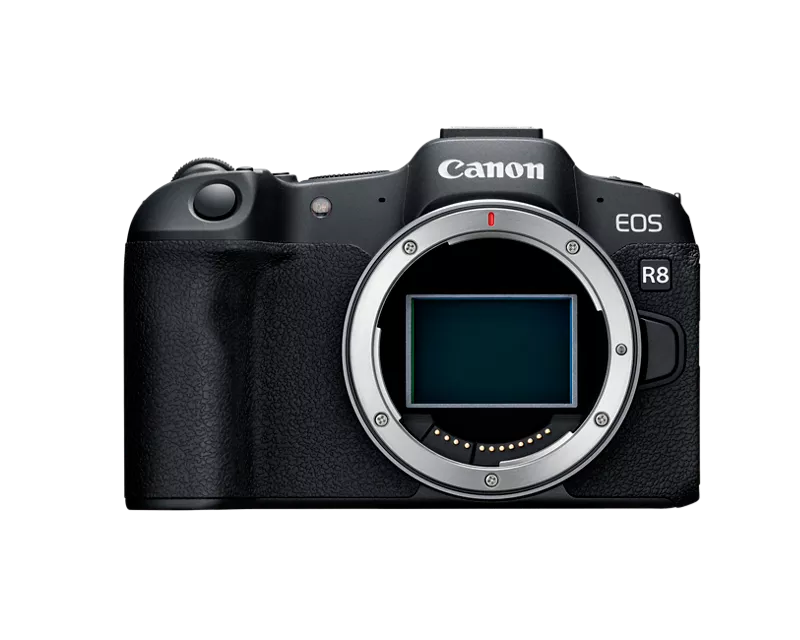
when i oppen the screen to see what the camera sees it doesnt flip, its upside down, im forced to rotate the screen then pish it back into the place when the screen is on the body of the camera while the screen facing me to be able to see it good, any solution to the problem? basically the screen dont flip when i rotate or move the screen.
06-18-2026 03:30 PM
“ i did that but still doesnt work, though i didnt do the controlls becuse the problem is that the menu button didnt work, and i dont remember how i changed it to another button, all i remember it was a dificult way to find out becuse going into the menu in the r8 is basically accesible by the menu button, but if i resety everything and it still dont work it gonna not be fun to me to know how to get back into menu, that is if you know a way of doing it, then i can reset everything on the cam. “
I just explained what to try. But you do not want to do e. I even told you one way to save your current settings.
You need to reset the Custom Controls.
05/13/2026: New firmware updates are available.
EOS R5 Mark II - Version 1.3.0
EOS R6 Mark II - Version 1.7.0
03/17/2026: New firmware updates are available.
SELPHY CP1500 - Version 1.0.7.0
01/20/2026: New firmware updates are available.
10/15/2025: New firmware updates are available.
Speedlite EL-5 - Version 1.2.0
Speedlite EL-1 - Version 1.1.0
Speedlite Transmitter ST-E10 - Version 1.2.0
Canon U.S.A Inc. All Rights Reserved. Reproduction in whole or part without permission is prohibited.