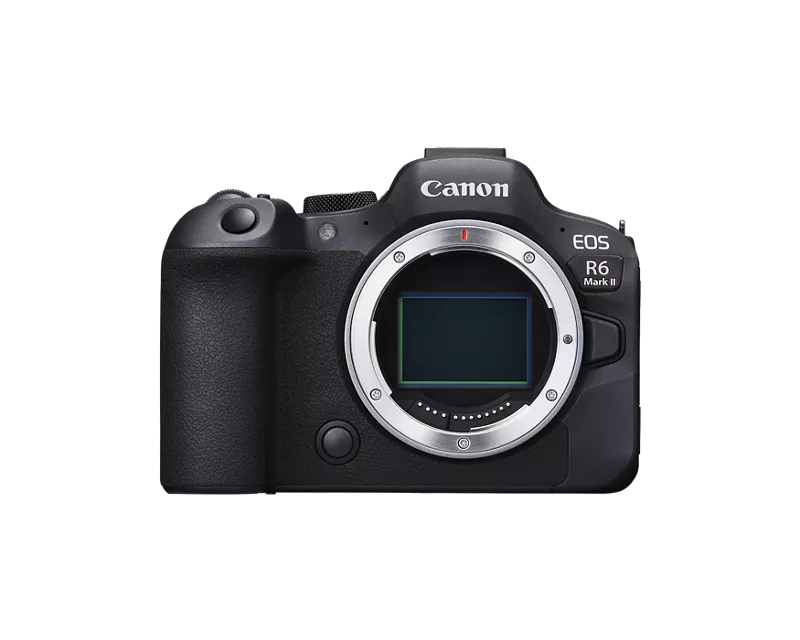
Hi everyone,
I want to report a bug introduced with firmware 1.7.0 on the EOS R6 Mark II, specifically with the new 5GHz Wi-Fi band feature.
---
**Bug: 5GHz hotspot invisible on Samsung Android devices (DFS channel issue)**
**Problem**
When the camera is set to 5GHz in Communication Settings and used in Easy Connection mode (Bluetooth → auto Wi-Fi via Camera Connect), the camera's Wi-Fi hotspot is completely invisible on Samsung Galaxy smartphones. The 2.4GHz band works perfectly with the same devices and same setup.
**Root cause identified**
After investigation, I found the exact cause: in Easy Connection mode, the camera automatically selects a 5GHz channel in the DFS range (channels 52–144, U-NII-2). These channels are subject to strict regulatory restrictions on Android/Samsung devices, which simply do not detect them as a client.
Proof:
- When I switch to Manual Connection mode and manually force channel 36 (non-DFS, U-NII-1), the 5GHz network is immediately visible and connects successfully on the same Samsung devices.
- The 5GHz network is also visible from a MacBook regardless of the channel, confirming the camera is broadcasting correctly — the issue is solely the auto-selected DFS channel.
**Tested devices**
- Camera: EOS R6 Mark II, firmware 1.7.0
- Affected: Samsung Galaxy S23 Ultra, Samsung Galaxy S21 (Android)
- Not affected: MacBook Pro (sees the 5GHz network on any channel)
**Workaround (until Canon releases a fix)**
Use Camera Access Point → Manual Connection → set channel to 36 (or any non-DFS channel: 36, 40, 44, 48, 149–161). The 5GHz network will then be visible on Samsung Android devices.
Note: this workaround only applies to manual connection modes (EOS Utility, FTP), not to the Bluetooth → Camera Connect auto Wi-Fi flow, where channel selection is not exposed to the user.
**Request to Canon**
Please fix the Easy Connection mode in a future firmware so that the auto channel selection avoids DFS channels (52–144) and defaults to a non-DFS channel (e.g. 36 or 149) to ensure compatibility with Android devices.
Hope this helps others who are experiencing the same issue. Feel free to confirm below if you have the same problem with your Android device.