Turn on suggestions
Auto-suggest helps you quickly narrow down your search results by suggesting possible matches as you type.
- Canon Community
- Discussions & Help
- Camera
- EF & RF Lenses
- Re: Canon RF-S 55-210mm F5-7.1 IS STM Lens - What ...
Options
- Subscribe to RSS Feed
- Mark Topic as New
- Mark Topic as Read
- Float this Topic for Current User
- Bookmark
- Subscribe
- Mute
- Printer Friendly Page

Options
- Mark as New
- Bookmark
- Subscribe
- Mute
- Subscribe to RSS Feed
- Permalink
- Report Inappropriate Content
07-01-2026 09:29 AM - edited 07-01-2026 09:41 AM
I bought the Canon RF-S 55-210mm F5-7.1 IS STM Lens a couple of weeks ago. I noticed that there was a problem when I was taking photographs against the backdrop of blue sky at a narrow aperture. Indeed, all photographs I took from f/32 down to f/11 were ruined by a black smudge like mark on the photograph. After reading up on possible causes, I cleaned the camera sensor, plus the glass on the lens. The mark still remained. A closer examination seemed to show that there was a white mark, possibly dust or grit, inside the rear element of the lens. Whatever it is that is there matches in position the mark / smudge on the photograph. See the first picture of the rear element that I took. the mark is almsot centre and is plain to see.
As the lens was new, I returned it back to the shop, rejecting it as a manufacturer fault. I asked for a replacement, which I was given. The first thing I did when I got back home was to check the lens. Unbelievably there is a similar mark on the new lens. It's not in the exact same place, being further down on the rear element. I tried the lens and am having the exact same problem with a spot / smudge mark appearing on photographs when shooting a blue sky at a narrow aperture. I tried f/32, f/22, f/16 etc and have to go below f/11 before it's (almost) unnoticeable. The second lens, which I currently still have is also pictured below.
Have I just been very unlucky with these lens? It's unbelievable that two lens both have what seems to be the same defect. As I posted above, the mark on the photographs seem to match the position of the mark on the rear element, indicating that the problem is not with the camera sensor.
Should I just return the second lens and give up on the lens as a bad job? Other than the mark on the lens / photographs that I've taken on a bright sunny day with blue sky and at f/22 etc, the lens is what I'm after for general shots and I'm happy with with the lens, other than the problem I've outlined.
What do forum members think these marks are? Dust inside the lens? Grit? Or something worse?


Solved! Go to Solution.
1 ACCEPTED SOLUTION
Accepted Solutions
Options
- Mark as New
- Bookmark
- Subscribe
- Mute
- Subscribe to RSS Feed
- Permalink
- Report Inappropriate Content
07-02-2026 02:21 PM - edited 07-02-2026 02:23 PM
Thanks for the replies jrhoffman75, ebiggs1 and SignifDigits.
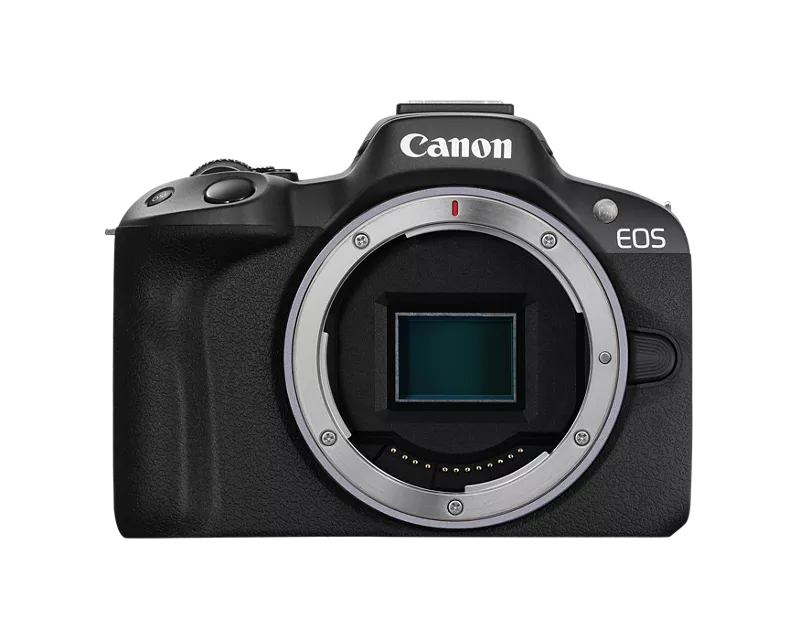
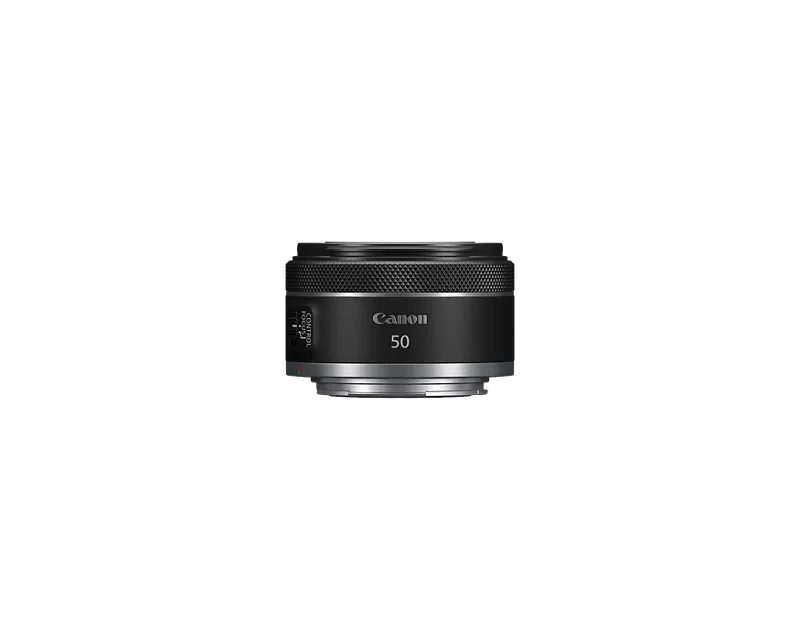
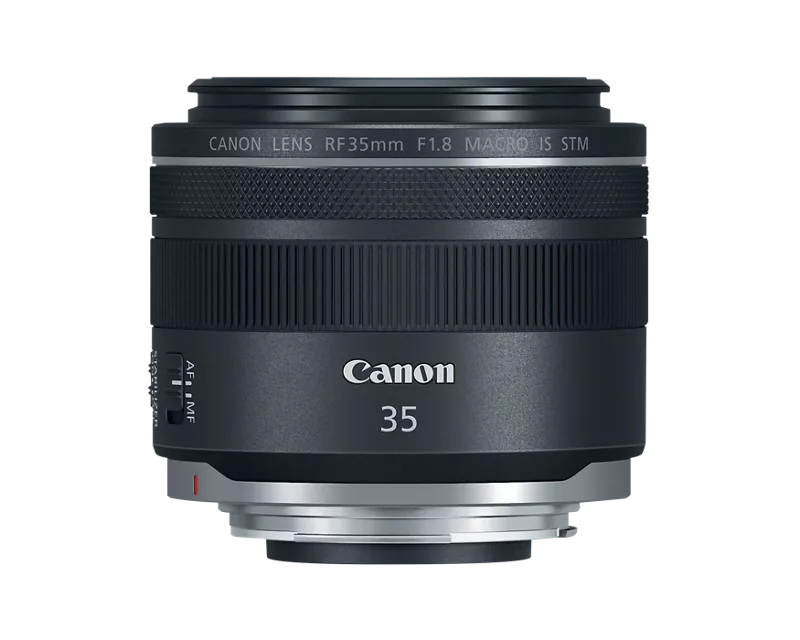
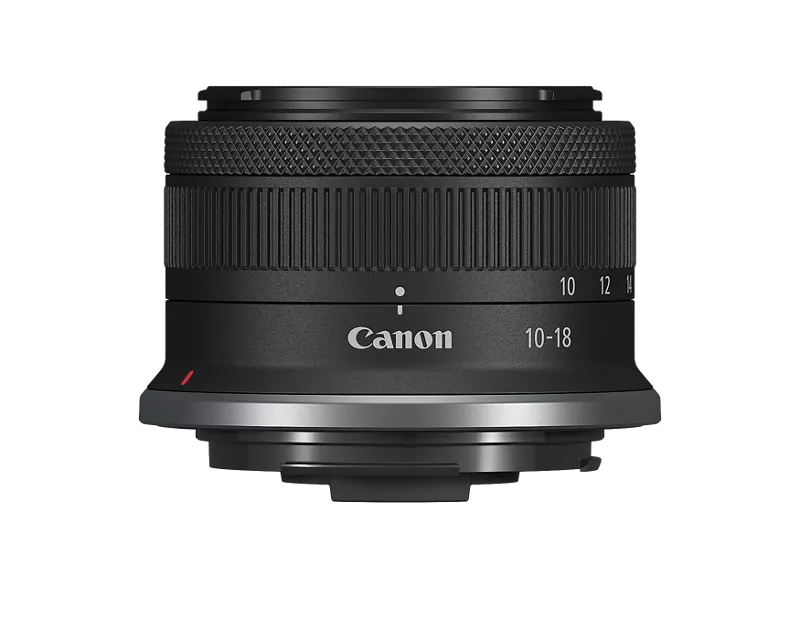
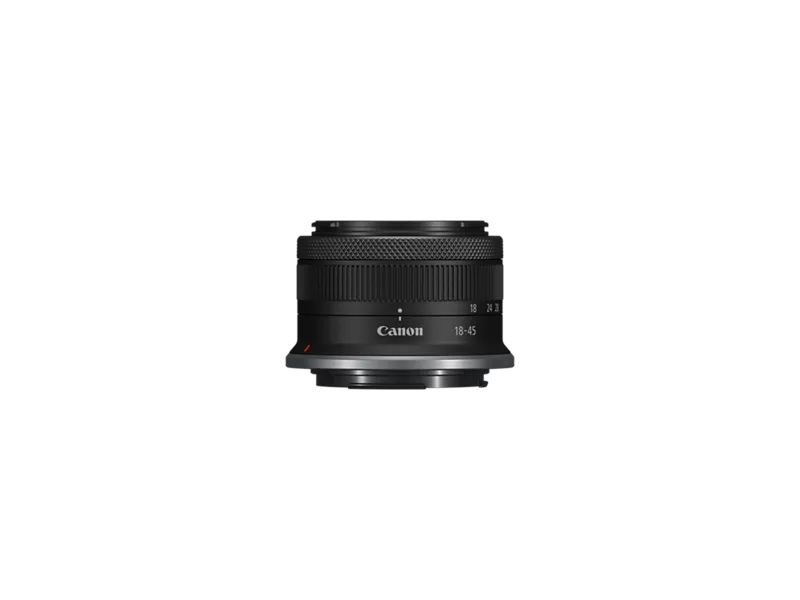
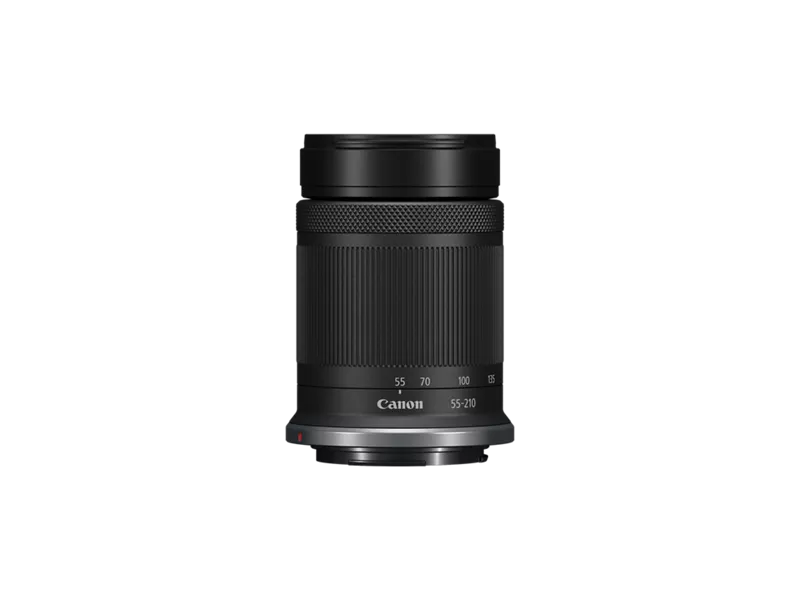
I've tested my other lens (which hopefully are showing below my post) with AV set to f/16 (in fact I tested all of them to up to f/32 then all of them at f/22, f/16, f/11 then f/10, f/9 and f/8), taking photos of a clear blue sky with no clouds and none of them other than the RF-S55-210mm are showing any sensor spots. It's another reason why I think it's this particular lens that is at fault. It's doubly unfortunate that it's happened with two lens, the original and the replacement.
What I've decided to do is to return the second RF-S55-210mm lens, get a refund and go somewhere else to buy it. I don't know what caused the issues but I don't want to chance it for a third time from the same retailer.
9 REPLIES 9


Options
- Mark as New
- Bookmark
- Subscribe
- Mute
- Subscribe to RSS Feed
- Permalink
- Report Inappropriate Content
07-01-2026 04:04 PM
"Should I just return the second lens ..."
If it bothers you and you worry about it, return it. A spot or a dust spot on the rear element of a camera lens will not show up in the photo. Because the rear element is situated too close to the sensor for it to focus on it. Now very large spots or a lot of dust might cause some minor flare. And it could slightly reduce your contrast.
" I cleaned the camera sensor, ..."
As for the spot on your sensor have a professional clean it for you.
EB
EOS 1DX and many lenses.
EOS 1DX and many lenses.
Options
- Mark as New
- Bookmark
- Subscribe
- Mute
- Subscribe to RSS Feed
- Permalink
- Report Inappropriate Content
07-01-2026 04:36 PM - edited 07-01-2026 05:05 PM
Thanks for your reply.
I'm new to photography as a hobby so am learning as I go along.
Can I just clarify. You posted that a spot or dust spot on the rear element of a camera lens will not show up in the photo. On the photos I posted in my opening post, I thought that whatever is on the rear element on both lens is what is causing the two spots to appear on the photos I posted. The spots on the photos more or less match the position of the spot on each of the rear elements. I've also got other lens that I use without any spots appearing on the photos. I'd assumed that this also suggested that the problem was with the 55-210mm lens rather than the camera sensor.
I'll get the camera sensor professionally cleaned as you suggested as that way I can rule out (or in) a problem being caused by something on the lens.
I'm minded to keep the lens. For what I'm most likely to use it for, I don't envisage taking many photos at smaller apertures against a blue sky. I did that to see if there was any problem with the lens or sensor.
Robbie

Options
- Mark as New
- Bookmark
- Subscribe
- Mute
- Subscribe to RSS Feed
- Permalink
- Report Inappropriate Content
07-01-2026 05:35 PM
If you cannot hold the rear of the lens and use a blower and blow/brush off the mark I would replace I would take the lens back to the shop and have them inspect it. If it is a permanent defect I would ask them to replace it and inspect the front and rear elements of the replacements before you leave the shop. It is not impossible that it was a bad batch, but it it could just be coincidence with pieces of some statically charged bit of cruft flying about in the shop's shelving area. Without having my hands on the lens I cannot tell.
>> Owns/Owned both Canon EOS mirrorless full-frame and APS-C cameras and associated RF, RF-S and EF adapted lenses - inventory tends to change on short notice. Same for flashes, tripods, bags, straps, etc.
Plus>> Canon imagePROGRAF PRO-1100 Printer. My photos are edited using no Adobe products.
>>The opinions and assistance are my own. Please don't blame Canon for any mistakes on my part.

Options
- Mark as New
- Bookmark
- Subscribe
- Mute
- Subscribe to RSS Feed
- Permalink
- Report Inappropriate Content
07-02-2026 06:11 AM
While dust on lenses generally doesn't show up in photos your experience would seem to indicate that maybe it is happening to you.
I suggest that you take the lens that isn't showing a spot, mount it on the camera, set Av to f/16 and take a photo of a clear blue sky (no clouds or anything to show up). You want a plain blue rectangle. The small aperture will reveal any sensor spots.
If nothing shows up it is the lens. Then you can decide whether to keep or return.
John Hoffman
Conway, NH
R6 Mark III, M200 (converted to infrared), RF lenses, Pixma PRO-100, Pixma TR8620a, Lr Classic
Conway, NH
R6 Mark III, M200 (converted to infrared), RF lenses, Pixma PRO-100, Pixma TR8620a, Lr Classic
Options
- Mark as New
- Bookmark
- Subscribe
- Mute
- Subscribe to RSS Feed
- Permalink
- Report Inappropriate Content
07-02-2026 10:06 AM
"You posted that a spot or dust spot on the rear element of a camera lens will not show up in the photo."
I think you may have glossed over this sentence, "Now very large spots or a lot of dust might cause some minor flare."
Try the suggestion that JRH made.
IMHO, I would not want any lens that had that defect even if it didn't show up in the images. If you keep it and you want to be sure send it to Canon for a C&C. It will get a hands on inspection.
EB
EOS 1DX and many lenses.
EOS 1DX and many lenses.
Options
- Mark as New
- Bookmark
- Subscribe
- Mute
- Subscribe to RSS Feed
- Permalink
- Report Inappropriate Content
07-02-2026 02:21 PM - edited 07-02-2026 02:23 PM
Thanks for the replies jrhoffman75, ebiggs1 and SignifDigits.
I've tested my other lens (which hopefully are showing below my post) with AV set to f/16 (in fact I tested all of them to up to f/32 then all of them at f/22, f/16, f/11 then f/10, f/9 and f/8), taking photos of a clear blue sky with no clouds and none of them other than the RF-S55-210mm are showing any sensor spots. It's another reason why I think it's this particular lens that is at fault. It's doubly unfortunate that it's happened with two lens, the original and the replacement.
What I've decided to do is to return the second RF-S55-210mm lens, get a refund and go somewhere else to buy it. I don't know what caused the issues but I don't want to chance it for a third time from the same retailer.
Options
- Mark as New
- Bookmark
- Subscribe
- Mute
- Subscribe to RSS Feed
- Permalink
- Report Inappropriate Content
07-03-2026 09:58 AM
For what it's worth dust inside or outside the lens show up less to never as the FL increases. Hope this helps and you get ti sorted quickly.
EB
EOS 1DX and many lenses.
EOS 1DX and many lenses.
Options
- Mark as New
- Bookmark
- Subscribe
- Mute
- Subscribe to RSS Feed
- Permalink
- Report Inappropriate Content
07-04-2026 05:33 PM
I took the lens back to the retailer and got a refund. I then bought the same lens from another retailer and it definitely is a case of third time lucky as this lens is absolutely fine. No strange objects on the rear element and photos taken of a blue sky at f/22 are fine. There's no marks, spots or smudges.
Thanks again for the replies.
Options
- Mark as New
- Bookmark
- Subscribe
- Mute
- Subscribe to RSS Feed
- Permalink
- Report Inappropriate Content
07-05-2026 04:05 PM
Fantastic! 😁
EB
EOS 1DX and many lenses.
EOS 1DX and many lenses.


Announcements
05/13/2026: New firmware updates are available.
EOS R5 Mark II - Version 1.3.0
EOS R6 Mark II - Version 1.7.0
04/28/2026: Service Notice: Caution Concerning use of Lithium Batteries
03/17/2026: New firmware updates are available.
SELPHY CP1500 - Version 1.0.7.0
02/23/2026: New firmware update is available for EOS C50- Version 1.0.3.1
01/23/2026: New firmware update is available for RF 24-105mm F4 IS USM- Version 2.0.7
01/20/2026: New firmware updates are available.
12/22/2025: New firmware update is available for EOS R6 Mark III- Version 1.0.2
10/21/2025: Service Notice: To Users of the Compact Digital Camera PowerShot V1
10/15/2025: New firmware updates are available.
Speedlite EL-5 - Version 1.2.0
Speedlite EL-1 - Version 1.1.0
Speedlite Transmitter ST-E10 - Version 1.2.0
07/28/2025: Notice of Free Repair Service for the Mirrorless Camera EOS R50 (Black)
05/21/2025: New firmware update available for EOS C500 Mark II - Version 1.1.5.1
Related Content
- CFexpress 128GB capacity error on Canon R6 V – Shows "Full" but only 6GB are used in EOS DSLR & Mirrorless Cameras
- EOS R10 rejecting all SD cards except for one in EOS DSLR & Mirrorless Cameras
- RF 70-200mm f/2.8L compatibility and IS performance on the EOS R6 Mark II? in EF & RF Lenses
- Canon RF-S 55-210mm F5-7.1 IS STM Lens - What is this inside the rear element? in EF & RF Lenses
- Plastic molded (PMo) aspherical elements should make lenses cost less in EF & RF Lenses

Ⓒ 2026
Canon U.S.A Inc. All Rights Reserved. Reproduction in whole or part without permission is prohibited.
