02-05-2016 09:51 PM - edited 02-05-2016 09:56 PM
Hello.
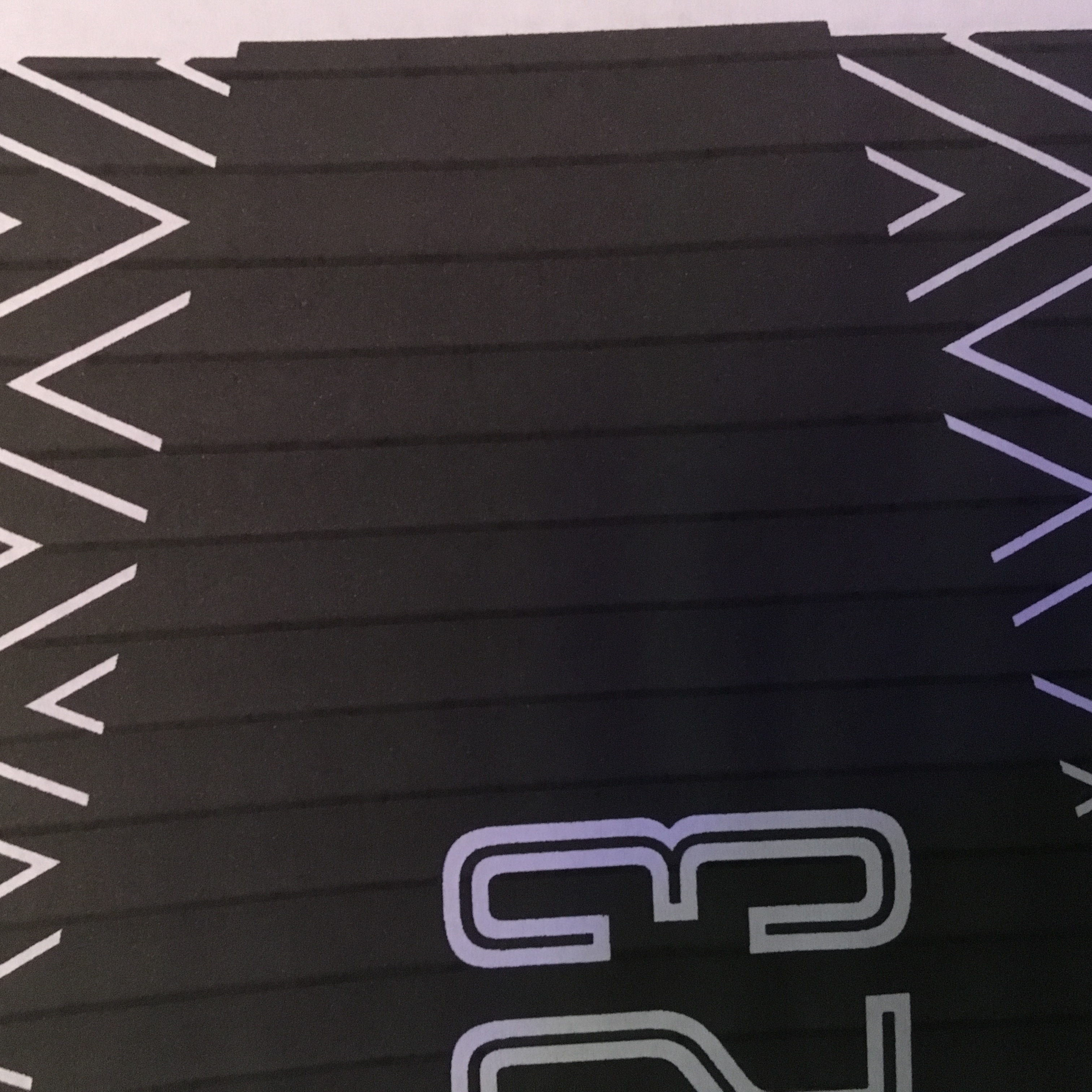
I've been having trouble with my printer having verticle lines. This happens especially when I print something really dark.
I've printed the nozzle test and it looks great. No striping.
I thought it was due to old ink cartridges, so I bought new ones, and it's still happening.
I also tried deep cleaning, but it didn't do anything.
Any suggestions?
Here is an image of the problem
02-08-2016 08:41 AM
Hello.
Banding can be related to the paper that is being used or the media type selection that is chosen in the printer driver.
If you are using plain paper, you may have to try using a different type of plain paper to see if you get better results.
If a photo paper is being used, try selecting the appropriate media type setting in the printer driver before printing.
If you continue to have difficulties, find more help at Contact Us.
01/20/2026: New firmware updates are available.
11/20/2025: New firmware updates are available.
EOS R5 Mark II - Version 1.2.0
PowerShot G7 X Mark III - Version 1.4.0
PowerShot SX740 HS - Version 1.0.2
10/15/2025: New firmware updates are available.
Speedlite EL-5 - Version 1.2.0
Speedlite EL-1 - Version 1.1.0
Speedlite Transmitter ST-E10 - Version 1.2.0
7/17/2025: New firmware updates are available.
02/20/2025: New firmware updates are available.
RF70-200mm F2.8 L IS USM Z - Version 1.0.6
RF24-105mm F2.8 L IS USM Z - Version 1.0.9
RF100-300mm F2.8 L IS USM - Version 1.0.8
Canon U.S.A Inc. All Rights Reserved. Reproduction in whole or part without permission is prohibited.