08-26-2019 04:39 PM
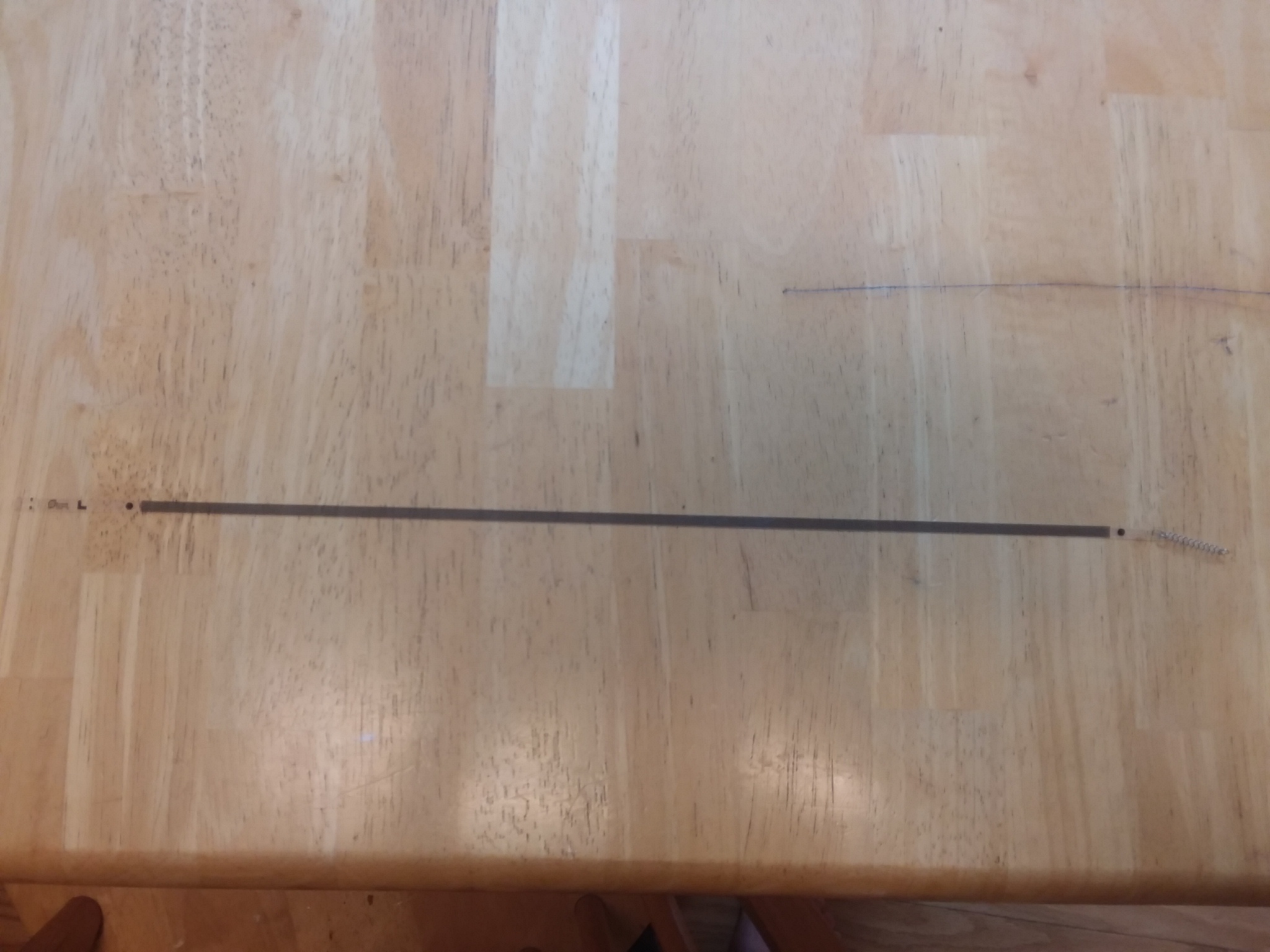
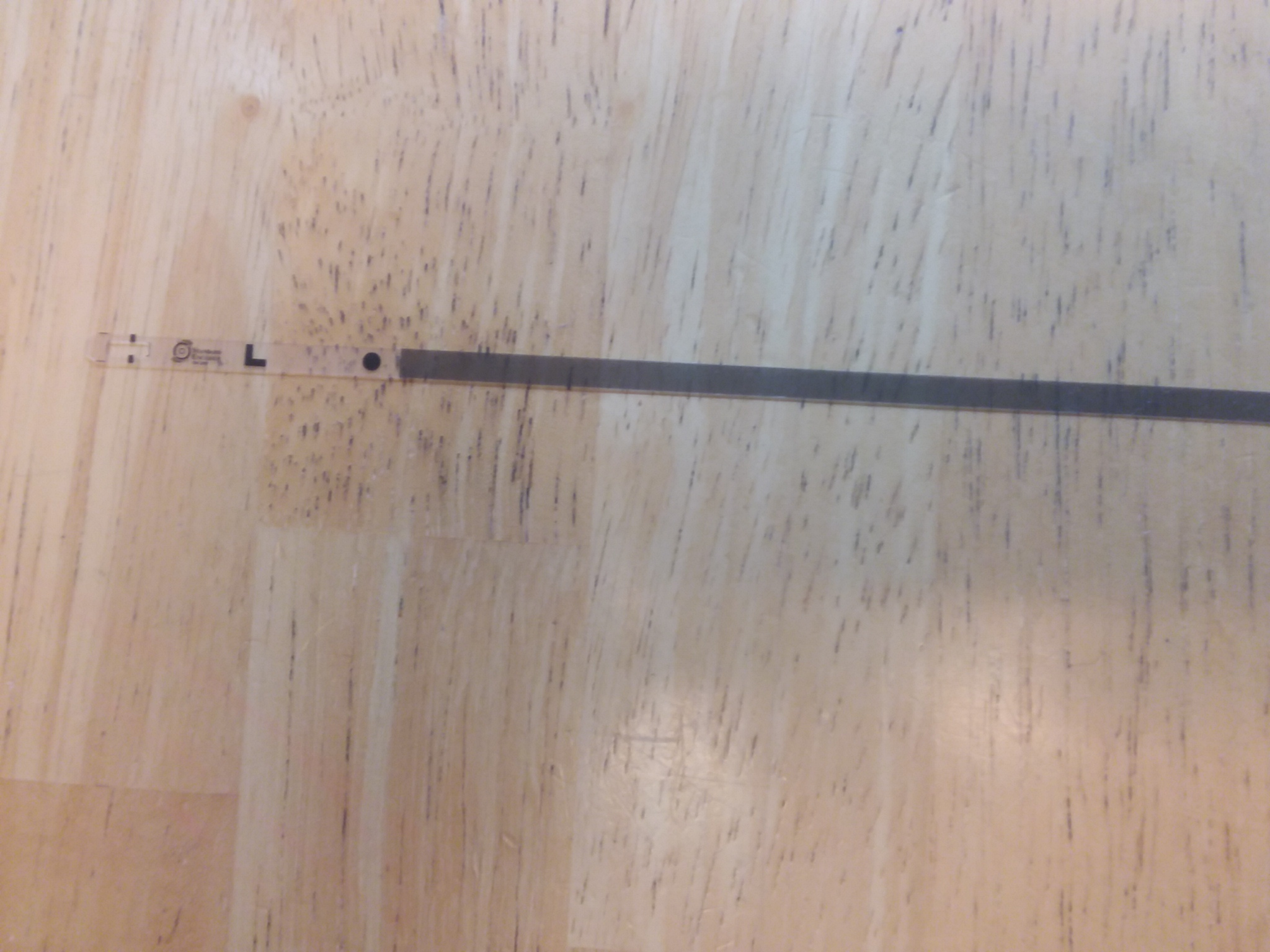
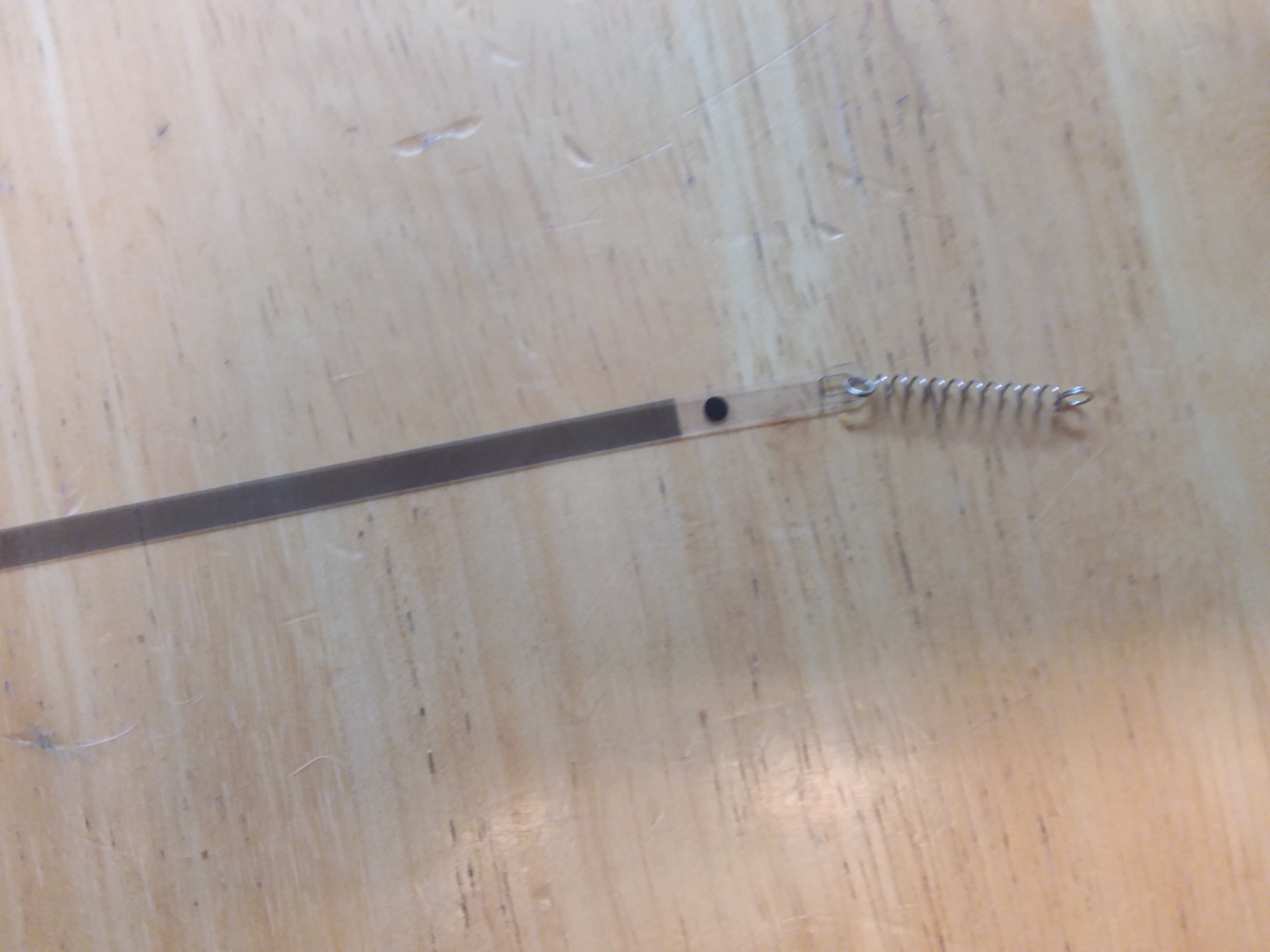
My 2 year old pulled out a part on my printer, and I would really love to figure out how to put it back in. A photo of the inside of your printer or any help is enormously appreciated. When I turn it on, the printer cartridge assembly slides over and then slams back into place over and over.
08-27-2019 09:53 AM - edited 08-27-2019 09:58 AM
Good Morning. Believe this is going to be a professional repair or replace the printer item. I know it looks fairly inconsequential. Could be wrong, but i'm not sure how much success you will have putting it back in yourself. You can try. Given the low cost of the printer, I wouldn't bother with professional repair.
~Rick
Bay Area - CA
~R5 C (1.1.2.1), ~RF Trinity, ~RF 100 Macro, ~RF 100~400, ~RF 100~500, ~RF 200-800 +RF 1.4x TC, BG-R10, 430EX III-RT ~DxO PhotoLab Elite ~DaVinci Resolve Studio ~ImageClass MF644Cdw MF656Cdw ~Pixel 10 ~CarePaks Are Worth It

05/13/2026: New firmware updates are available.
EOS R5 Mark II - Version 1.3.0
EOS R6 Mark II - Version 1.7.0
03/17/2026: New firmware updates are available.
SELPHY CP1500 - Version 1.0.7.0
01/20/2026: New firmware updates are available.
10/15/2025: New firmware updates are available.
Speedlite EL-5 - Version 1.2.0
Speedlite EL-1 - Version 1.1.0
Speedlite Transmitter ST-E10 - Version 1.2.0
Canon U.S.A Inc. All Rights Reserved. Reproduction in whole or part without permission is prohibited.