cancel
Showing results for 
Show  only  | Search instead for 
Did you mean: 

shortcuts to image processing sliders (connecting midi controller)

ant01n3
Apprentice

Dears,


I am trying to use MIDI-controller to control image processing vie encoders.

Software I use is Bome MIDI Translator, its task is to capture MIDI message and simulate keystroke.

I did not found anywhere shortcut mappings for: exposure compensation, contrast, blacks, shadows, highlights, whites. (list may be continued).

I do understand, that DPP will never intergrate any MIDI compatability.

But, perhaps, in the current decade -- they will implement fixed shortcuts or mapping.


Thanks for reading and any comments are appreciated, Dear Community.

Is there any officail channels to ask support of send feature request to developers?


BR /A


Expected Behavior

sliders could be adjusted with keyboard shortcuts


Current Behavior

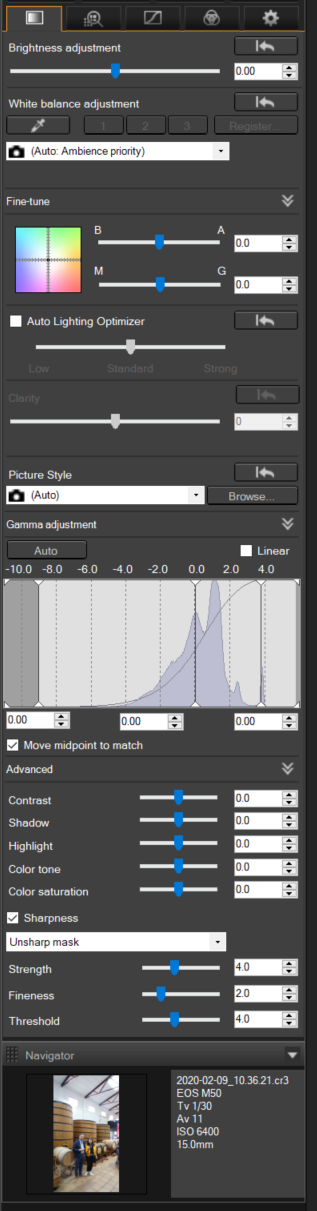
sliders are adjusted only using mouse (dragging or using wheel)


Possible Solution

a) assign fixed shortcuts to sliders

b) in settings allow user to map them locally


Steps to Reproduce

Try to adjust sliders without touching mouse


Your Environment

win10pro + DPP v.4.12.10.2
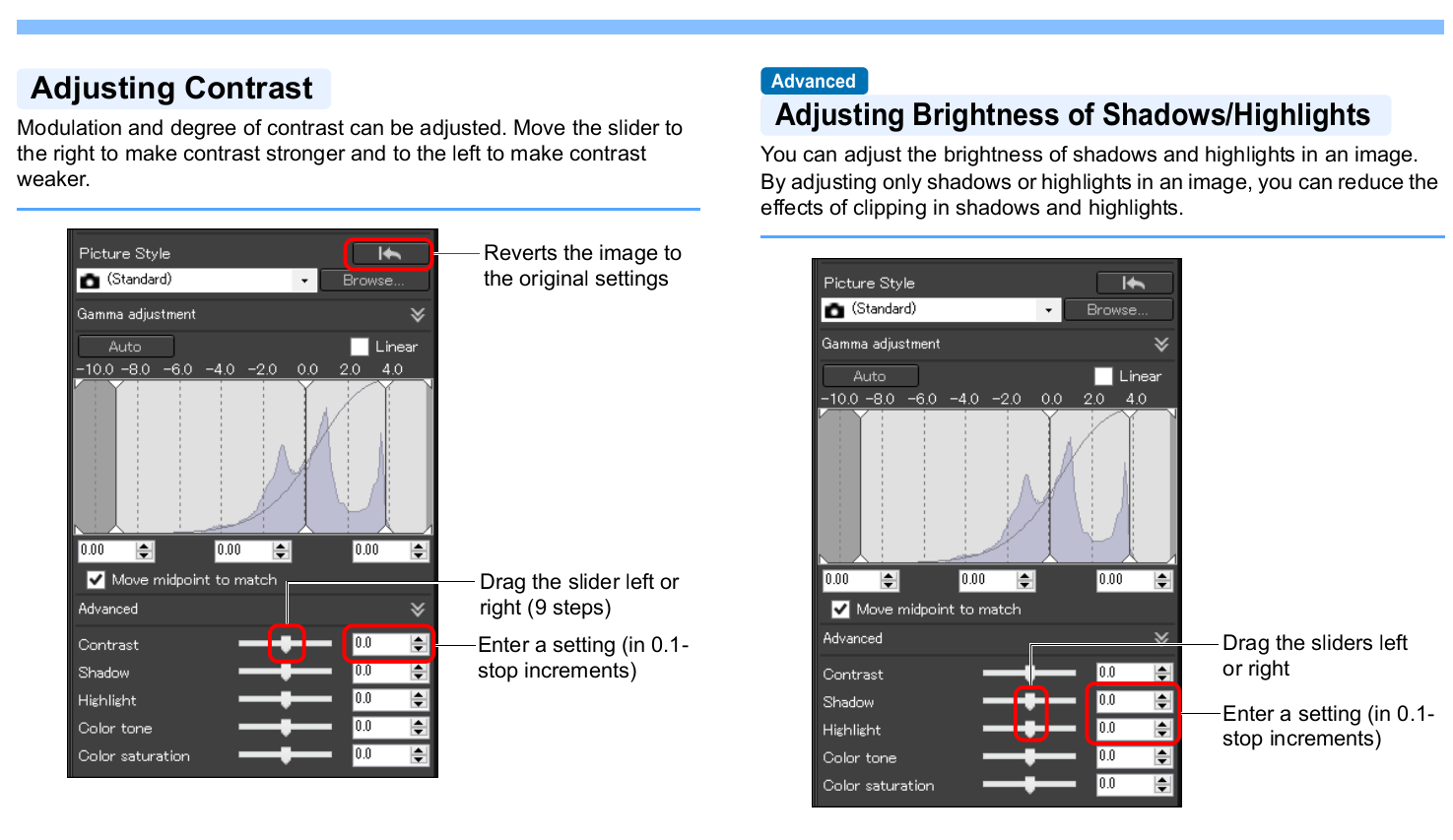


DPP-sliders1.png


DPP-sliders2.png

0 REPLIES 0
Holiday
Announcements
12/15/2025: New firmware update available for EOS C50 - Version 1.0.1.1

11/20/2025: New firmware updates are available.

EOS R6 Mark III - Version 1.0.1

EOS R3 - Version 2.0.0

EOS R1 - Version 1.2.0

EOS R5 Mark II - Version 1.2.0

EOS R5 - Version 2.2.1

PowerShot G7 X Mark III - Version 1.4.0

PowerShot SX740 HS - Version 1.0.2


10/21/2025: Service Notice: To Users of the Compact Digital Camera PowerShot V1

10/15/2025: New firmware updates are available.

Speedlite EL-5 - Version 1.2.0

Speedlite EL-1 - Version 1.1.0

Speedlite Transmitter ST-E10 - Version 1.2.0


07/28/2025: Notice of Free Repair Service for the Mirrorless Camera EOS R50 (Black)

07/24/2025: New firmware updates are available.


07/23/2025: New firmware updates are available.

EOS R5C - Version 1.1.1.1

EOS C80 - Version 1.0.3.1


7/17/2025: New firmware updates are available.

EOS R7 - Version 1.7.1

EOS R10 - Version 1.7.0

EOS R8 - Version 1.5.0

EOS R50 - Version 1.4.0

Powershot V10 - Version 1.4.0

Powershot V1 - Version 1.1.0

EOS R50V - Version 1.1.1


05/21/2025: New firmware update available for EOS C500 Mark II - Version 1.1.5.1

02/20/2025: New firmware updates are available.

RF70-200mm F2.8 L IS USM Z - Version 1.0.6

RF24-105mm F2.8 L IS USM Z - Version 1.0.9

RF100-300mm F2.8 L IS USM - Version 1.0.8

RF50mm F1.4 L VCM - Version 1.0.2

RF24mm F1.4 L VCM - Version 1.0.3


01/22/2024: Canon Supports Disaster Relief Efforts in California
01/14/2025: Steps to resolve still image problem when using certain SanDisk SD cards with the Canon EOS R5 Mark II