11-09-2019 05:31 PM
I don't know whats going on, but when I open the toolbox, it doesn't look the same.
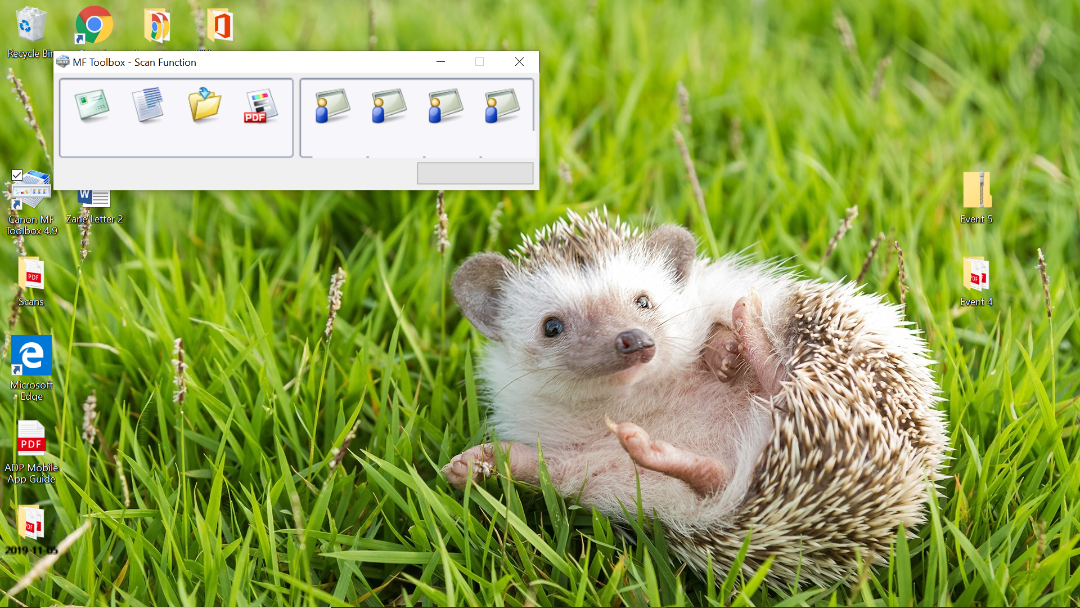
Then I click the PDF:
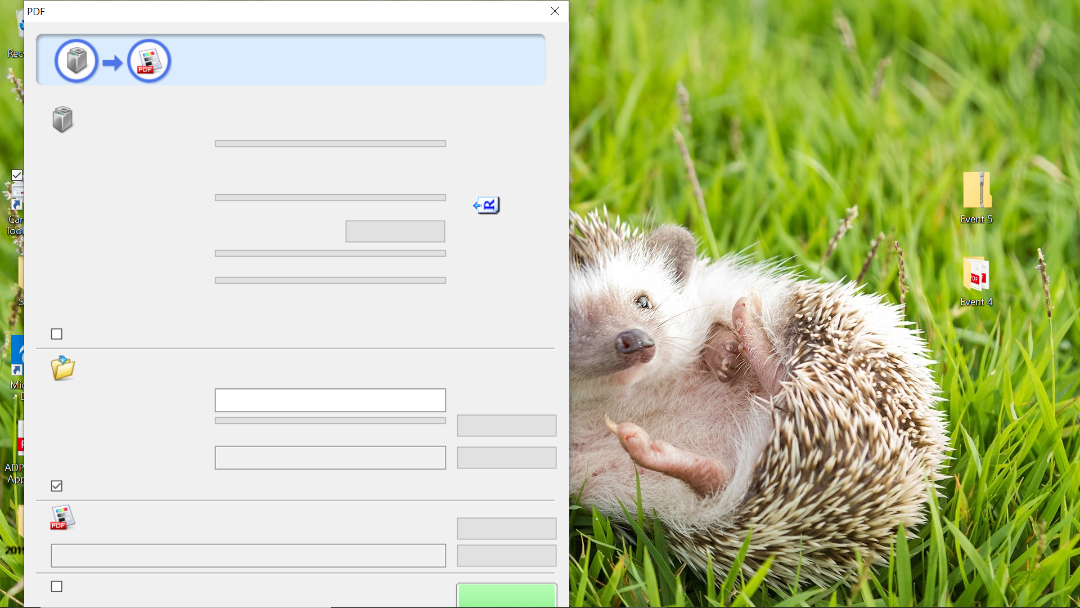
I can't read anything or chose any options. So I left click:
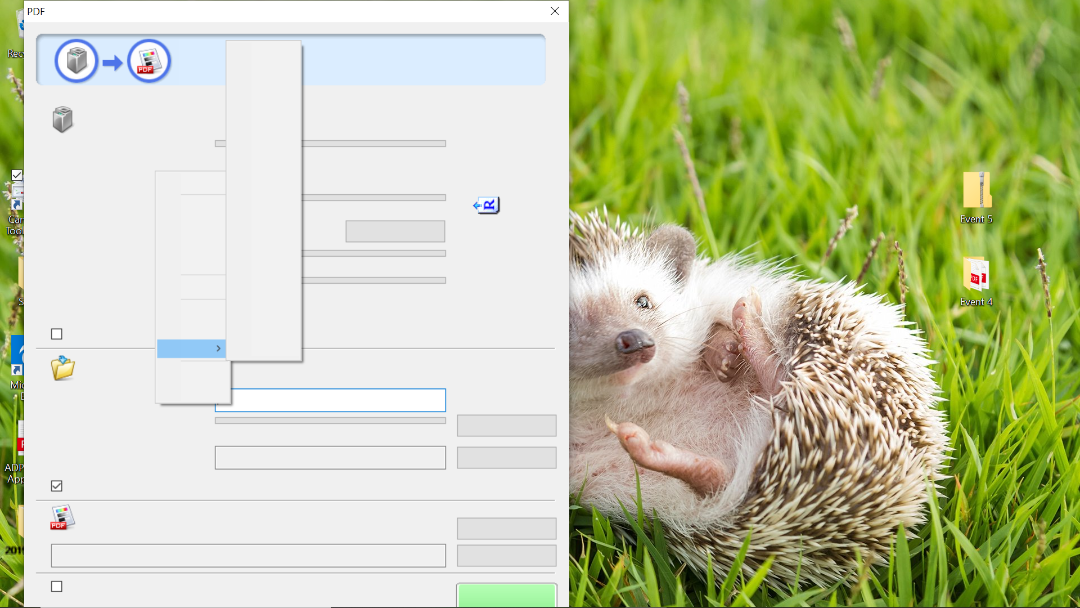
Still I can't see nothing. I screen print and saved the images and emailed them to myself to put on here. When I tried to save image as:
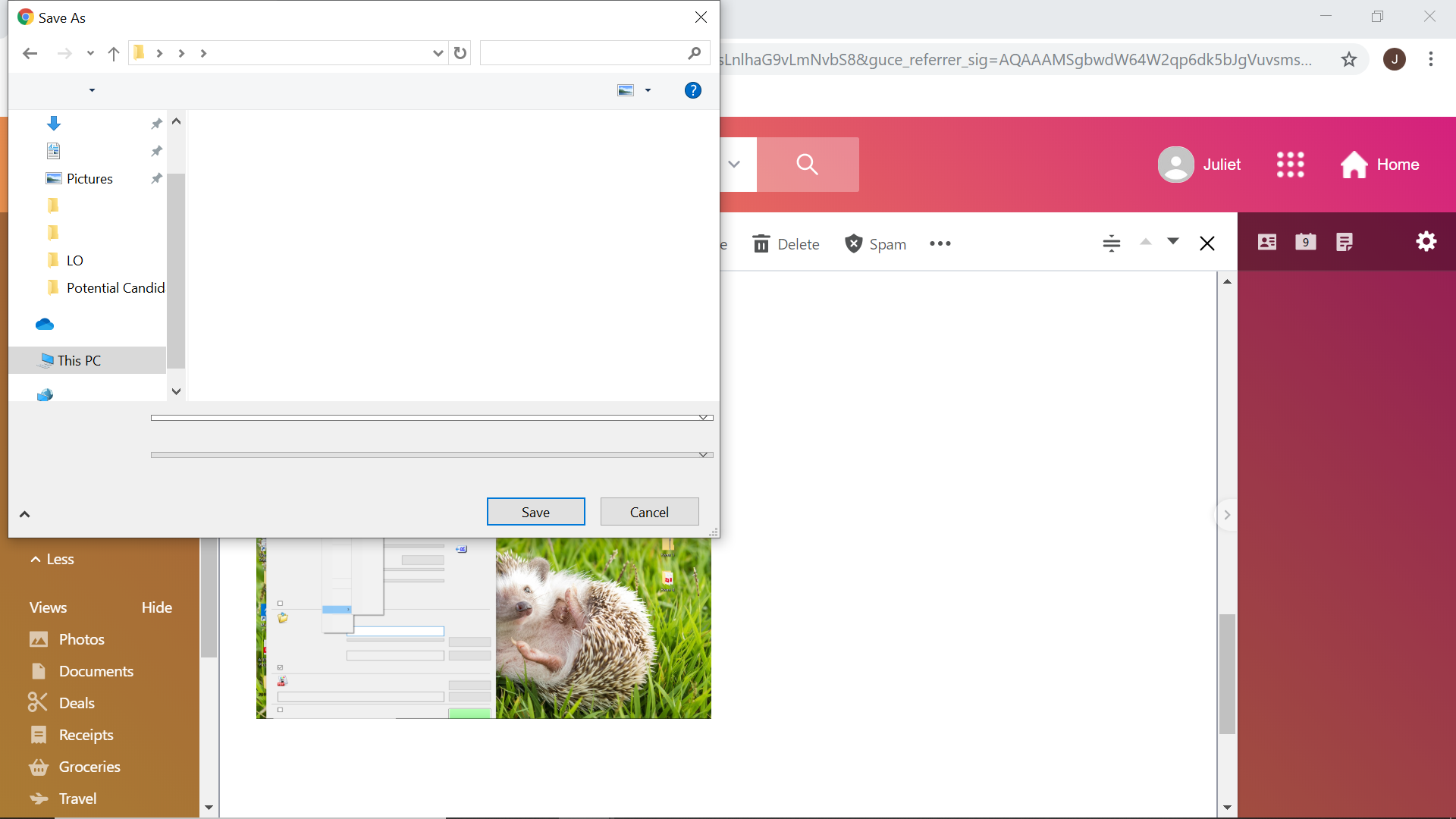
Someone help me fix this. I have so much work to do and I can't do anything with it like this. How do I fix it? I don't even know how to ssearch for it in Google. 😞

11-10-2019 12:53 PM
Have you recently updated your operating system?
11-11-2019 09:17 AM
Yes I have. I unistalled it though hoping that would work, and it did the trick.
11/20/2025: New firmware updates are available.
EOS R6 Mark III - Version 1.0.1
EOS R5 Mark II - Version 1.2.0
PowerShot G7 X Mark III - Version 1.4.0
PowerShot SX740 HS - Version 1.0.2
10/15/2025: New firmware updates are available.
Speedlite EL-5 - Version 1.2.0
Speedlite EL-1 - Version 1.1.0
Speedlite Transmitter ST-E10 - Version 1.2.0
07/24/2025: New firmware updates are available.
07/23/2025: New firmware updates are available.
7/17/2025: New firmware updates are available.
02/20/2025: New firmware updates are available.
RF70-200mm F2.8 L IS USM Z - Version 1.0.6
RF24-105mm F2.8 L IS USM Z - Version 1.0.9
RF100-300mm F2.8 L IS USM - Version 1.0.8
RF50mm F1.4 L VCM - Version 1.0.2
RF24mm F1.4 L VCM - Version 1.0.3
Canon U.S.A Inc. All Rights Reserved. Reproduction in whole or part without permission is prohibited.
