Turn on suggestions
Auto-suggest helps you quickly narrow down your search results by suggesting possible matches as you type.
- Canon Community
- Discussions & Help
- Camera
- Camera Accessories
- Re: Control of powered zoom adapter PZ-E2B from EO...
Options
- Subscribe to RSS Feed
- Mark Topic as New
- Mark Topic as Read
- Float this Topic for Current User
- Bookmark
- Subscribe
- Mute
- Printer Friendly Page

Options
- Mark as New
- Bookmark
- Subscribe
- Mute
- Subscribe to RSS Feed
- Permalink
- Report Inappropriate Content
11-15-2024 05:34 PM
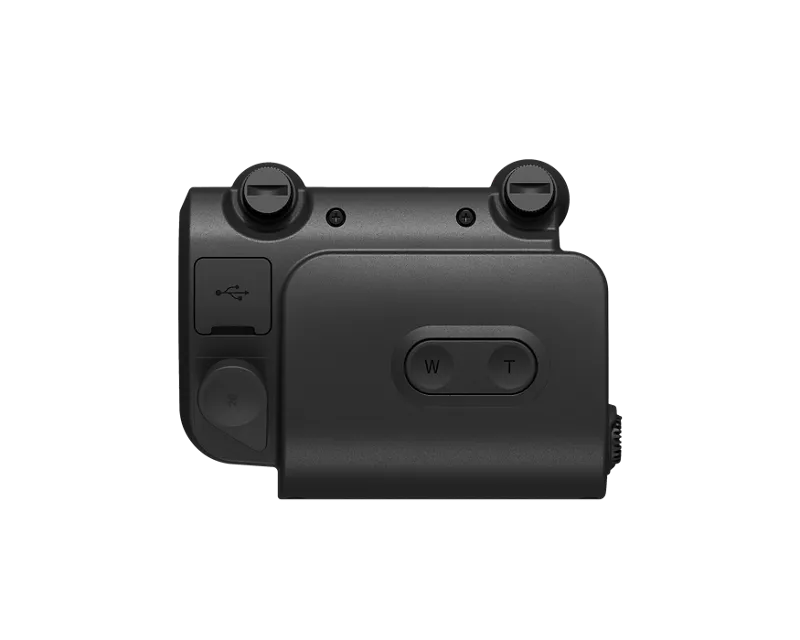
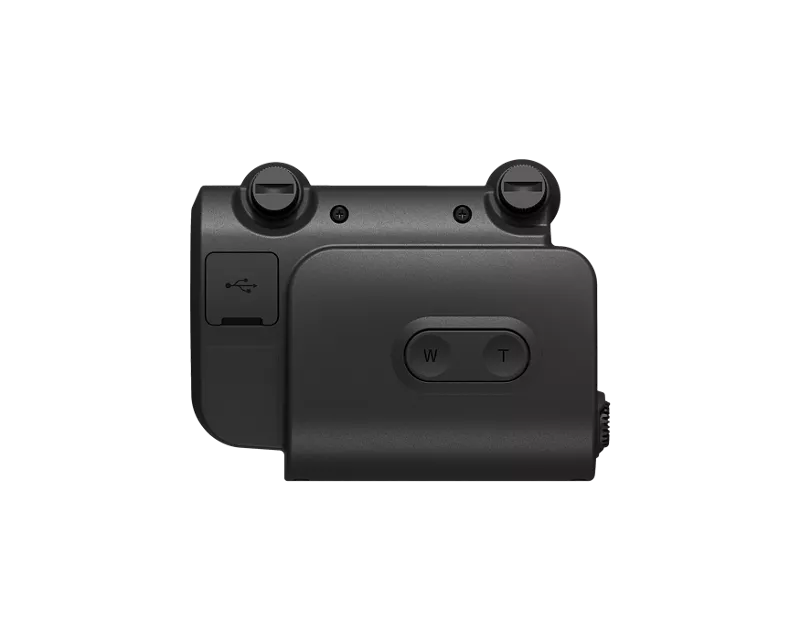
Summary question: Can the PZ-E2B powered zoom adapter be remotely controlled from within Canon's EOS Utility software?
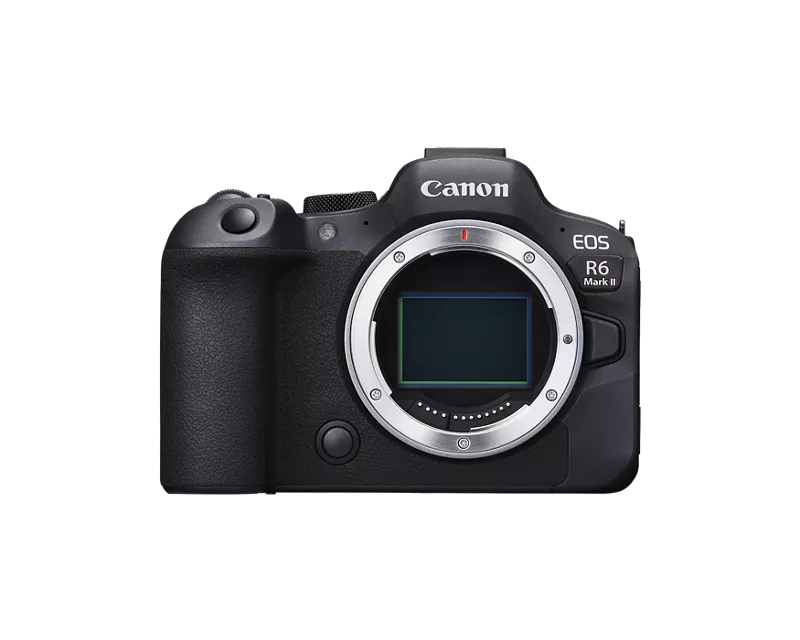
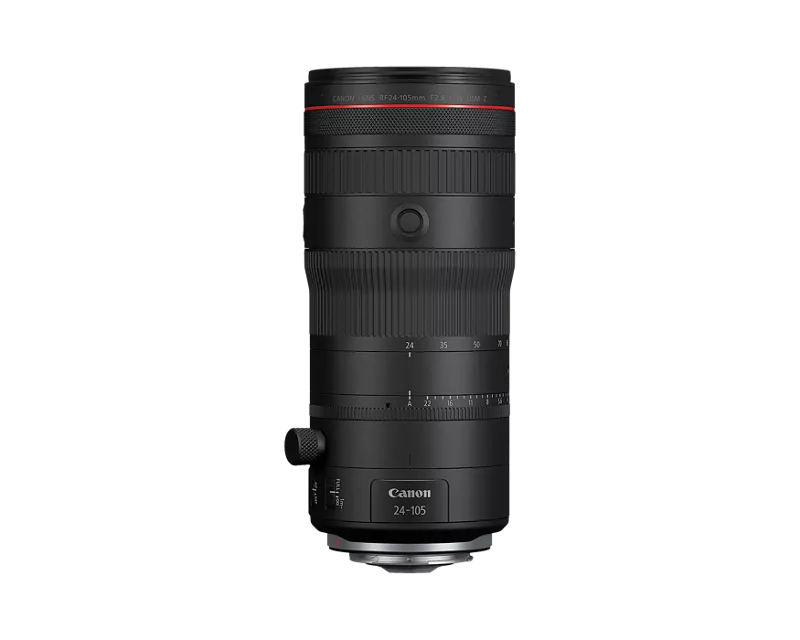
I have the RF 24-105mm f/2.8 L IS USM Z lens on my R6 Mark II body and just received the PZ-E2B powered zoom adapter. I'm having trouble finding how to operate the powered zoom from within Canon EOS Utility. According to the product page (https://www.usa.canon.com/shop/p/power-zoom-adapter-pz-e2b), the powered zoom can be controlled within EOS Utility, but I'm not finding out how to do this. I can control other settings like focus, white balance, and exposure from EOS Utility just fine, but I'm seeing no option for powered zoom like I had expected. I'm using what I believe to be the latest version of the Utility software (3.18.40.9).
I need to be able to remotely control the zoom for an upcoming program. Has anyone else been able to do this from EOS Utility? There seems to be very few people using the powered zoom adapter, or at least I'm finding very little documentation for it online.
Solved! Go to Solution.
1 ACCEPTED SOLUTION
Accepted Solutions


Options
- Mark as New
- Bookmark
- Subscribe
- Mute
- Subscribe to RSS Feed
- Permalink
- Report Inappropriate Content
11-16-2024 03:09 AM
Here's the relevant section in the EOS Utility manual...
https://cam.start.canon/en/S003/manual/html/UG-03_RemoteCamera_0070.html
Looking at the text it appears that not all the cameras support the power zoom function remotely. It mentions EOS R5 and EOS R3 only.
Brian
EOS specialist trainer, photographer and author
-- Note: my spell checker is set for EN-GB, not EN-US --
2 REPLIES 2
Options
- Mark as New
- Bookmark
- Subscribe
- Mute
- Subscribe to RSS Feed
- Permalink
- Report Inappropriate Content
11-16-2024 03:09 AM
Here's the relevant section in the EOS Utility manual...
https://cam.start.canon/en/S003/manual/html/UG-03_RemoteCamera_0070.html
Looking at the text it appears that not all the cameras support the power zoom function remotely. It mentions EOS R5 and EOS R3 only.
Brian
EOS specialist trainer, photographer and author
-- Note: my spell checker is set for EN-GB, not EN-US --
Options
- Mark as New
- Bookmark
- Subscribe
- Mute
- Subscribe to RSS Feed
- Permalink
- Report Inappropriate Content
11-16-2024 08:24 AM
That's unfortunate, @p4pictures, but thanks for digging that up. The product page certainly seems to be misleading to have the "Compatible EOS camera models only" asterisk on the part about assigning custom buttons but not on controlling via Canon EOS Utility. That seems to imply that any EOS camera can control it. Good catch from the manual.
So, at this point I think my only options are either returning the PZ-E2B adapter OR getting the zoom grip and finding some way to hardwire the two over distance. Do you know if there happens to be a long (20+ feet) cable that is compatible with the PZ-E2B adapter and ZSG-C10 zoom grip?

Announcements
07/22/2026: New firmware updates are available.
EOS R6 Mark III - Version 1.1.0
05/13/2026: New firmware updates are available.
EOS R5 Mark II - Version 1.3.0
EOS R6 Mark II - Version 1.7.0
04/28/2026: Service Notice: Caution Concerning use of Lithium Batteries
03/17/2026: New firmware updates are available.
SELPHY CP1500 - Version 1.0.7.0
02/23/2026: New firmware update is available for EOS C50- Version 1.0.3.1
01/23/2026: New firmware update is available for RF 24-105mm F4 IS USM- Version 2.0.7
01/20/2026: New firmware updates are available.
10/21/2025: Service Notice: To Users of the Compact Digital Camera PowerShot V1
10/15/2025: New firmware updates are available.
Speedlite EL-5 - Version 1.2.0
Speedlite EL-1 - Version 1.1.0
Speedlite Transmitter ST-E10 - Version 1.2.0
07/28/2025: Notice of Free Repair Service for the Mirrorless Camera EOS R50 (Black)
05/21/2025: New firmware update available for EOS C500 Mark II - Version 1.1.5.1
Related Content
- Image Transfer Utility 2 doesn't work if G7X M3 is plugged into USB power in Camera Software
- EOS 90D + EOS Utility 3 — Connection lost during long intervalometer session (~12–15 hrs) in Camera Software
- EF lens autofocus stopped working with R7 but works with T3i in EOS DSLR & Mirrorless Cameras
- Audio crackle/scratch only when using clean HDMI out with a long cable from mic to 90D in EOS DSLR & Mirrorless Cameras
- PZ-E2B and RF70 200mm F2.8 L IS USM Z in Camera Accessories

Ⓒ 2026
Canon U.S.A Inc. All Rights Reserved. Reproduction in whole or part without permission is prohibited.
