Turn on suggestions
Auto-suggest helps you quickly narrow down your search results by suggesting possible matches as you type.
- Canon Community
- Discussions & Help
- Video
- Professional Video
- Re: Unusual Shutter Sound During Shutdown - Canon ...
Options
- Subscribe to RSS Feed
- Mark Topic as New
- Mark Topic as Read
- Float this Topic for Current User
- Bookmark
- Subscribe
- Mute
- Printer Friendly Page
Unusual Shutter Sound During Shutdown - Canon R5C

Options
- Mark as New
- Bookmark
- Subscribe
- Mute
- Subscribe to RSS Feed
- Permalink
- Report Inappropriate Content
06-27-2025 10:35 AM - edited 06-27-2025 10:41 AM
Hey everyone!
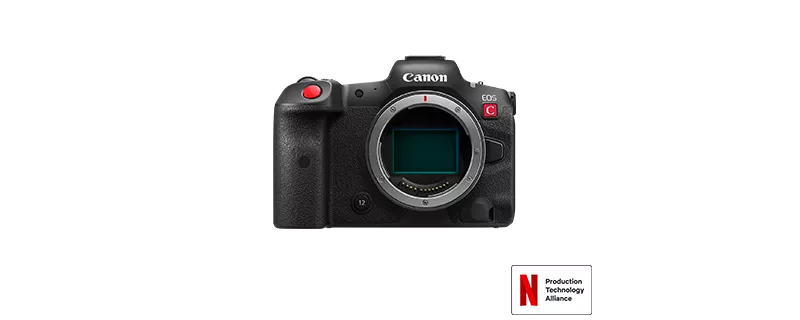
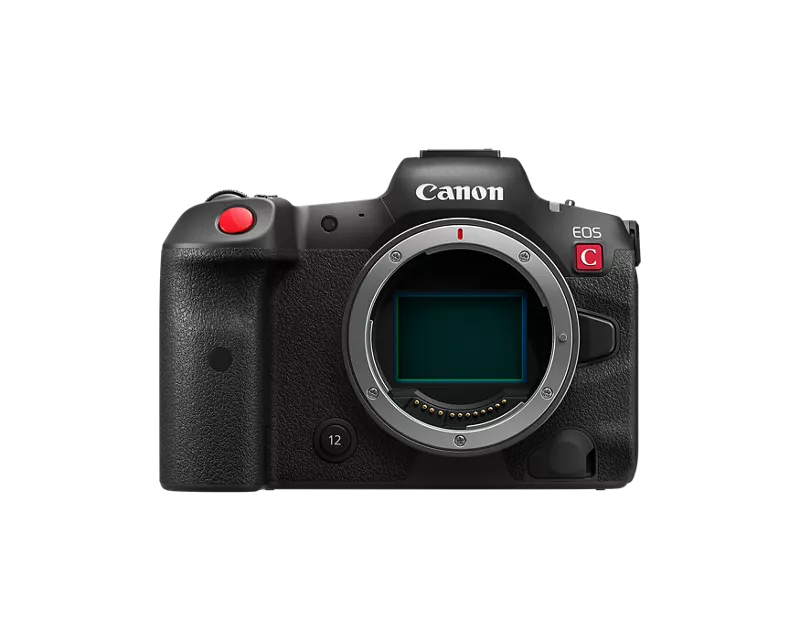
I’m experiencing a strange issue with my Canon EOS R5C and wanted to check if anyone here has encountered something similar.
Sometimes, when I turn off the camera while it’s in video mode, I hear a rapid mechanical shutter sound (about 4 quick clicks) right before it powers down. It doesn’t happen every time, but it occurs occasionally.
I managed to capture the sound on video (attached below).
I also disabled the Auto Sensor Cleaning feature to test if that was causing it, but the sound still appears.
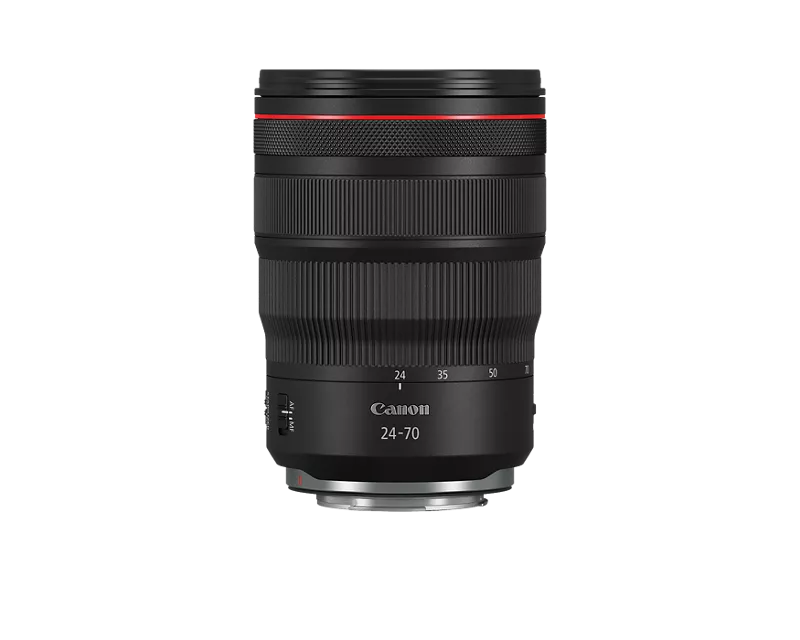
I'm using the Canon RF 24-70mm f/2.8 lens.
I found a similar sound in this YouTube video: (attached below)
However, in my case, the sound only happens during shutdown and does not continue afterward.
- Has anyone experienced this issue before?
- Is it considered normal or should I get the camera checked?
Appreciate any input or experiences you can share 🙏
#EOS #R5C #RF24-70f2.8
13 REPLIES 13


Options
- Mark as New
- Bookmark
- Subscribe
- Mute
- Subscribe to RSS Feed
- Permalink
- Report Inappropriate Content
06-27-2025 10:45 AM - edited 06-27-2025 11:10 AM
Greetings,
A colleague just alerted me to your post. I'm going to listen to your sound clip and also watch the video. I also have the RF 24-70 f 2.8 to test with. I keep auto sensor cleaning enabled on my camera but don't hear any funny sounds when it shuts down. I shoot electronic first curtain (mostly). Just grabbing a cup of coffee.
~Rick
Bay Area - CA
~R5 C (1.1.3.1), ~RF Trinity, ~RF 100 Macro, ~RF 100~400, ~RF 100~500, ~RF 200-800, ~RF 1.4x TC, BG-R10, 430EX III-RT ~DxO PhotoLab Elite ~DaVinci Resolve Studio ~ImageClass MF644Cdw MF656Cdw ~Pixel 10 ~CarePaks Are Worth It
Options
- Mark as New
- Bookmark
- Subscribe
- Mute
- Subscribe to RSS Feed
- Permalink
- Report Inappropriate Content
06-27-2025 10:52 AM - edited 06-27-2025 11:18 AM
My camera absolutely does not make that noise🫣. Tell me about the settings you're using. (General). Image stabilization turned on with the lens?. Are you using digital iS in video mode?
Do you have continuous AF enabled?
What firmware version are you running?
Take the lens off. Install the body cap . Turn on the camera in video mode. Pause, then turn it off. Does the camera still make the noise? Now try with the body cap removed. Are you able to see anything inside that might be mechanically causing the sound? If you have Bluetooth or Wi-Fi enabled, disable and retest. I have my camera set to close the shutter curtain when I remove the lens to protect the sensor. Are you using this setting?
Edit, The hammering sound in that video is brutal.
~Rick
Bay Area - CA
~R5 C (1.1.3.1), ~RF Trinity, ~RF 100 Macro, ~RF 100~400, ~RF 100~500, ~RF 200-800, ~RF 1.4x TC, BG-R10, 430EX III-RT ~DxO PhotoLab Elite ~DaVinci Resolve Studio ~ImageClass MF644Cdw MF656Cdw ~Pixel 10 ~CarePaks Are Worth It
Options
- Mark as New
- Bookmark
- Subscribe
- Mute
- Subscribe to RSS Feed
- Permalink
- Report Inappropriate Content
06-27-2025 11:34 AM
Thanks so much for the detailed response and for taking the time to help! Appreciate it
To answer your questions:
1. I have image stabilization enabled on the lens, but I’m not using Digital IS in the camera.
I tried what you suggested; I removed the lens and installed the body cap, turned the camera on in video mode, paused, then turned it off. The weird part is:
When the lens is removed, the mechanical sound becomes continuous as long as the camera is on. Once I reattach the lens, the sound goes away completely.
I also looked carefully inside the lens mount and couldn’t see anything unusual that might be causing it mechanically.
Again, thank you for your help!
Options
- Mark as New
- Bookmark
- Subscribe
- Mute
- Subscribe to RSS Feed
- Permalink
- Report Inappropriate Content
06-27-2025 01:31 PM - edited 06-27-2025 01:36 PM
Thank you for the reply.
Firmware version is?
Next steps. Save a back up of your settings to a SD card. Perform a full reset Main and Custom settings. Retest again.
Do you by chance have another lens you can test with? Just need to know if the behavior follows. I suspect it will be the same. Sound (briefly) at shut down with lens attached.
If the behavior continues after a full reset, you'll need to start a repair request in your MyCanon Acct
MyCanon
https://myprofile.americas.canon.com/us/signin
~Rick
Bay Area - CA
~R5 C (1.1.3.1), ~RF Trinity, ~RF 100 Macro, ~RF 100~400, ~RF 100~500, ~RF 200-800, ~RF 1.4x TC, BG-R10, 430EX III-RT ~DxO PhotoLab Elite ~DaVinci Resolve Studio ~ImageClass MF644Cdw MF656Cdw ~Pixel 10 ~CarePaks Are Worth It
Options
- Mark as New
- Bookmark
- Subscribe
- Mute
- Subscribe to RSS Feed
- Permalink
- Report Inappropriate Content
06-28-2025 11:09 AM
Thanks for the reply!
Firmware version is 1.0.8.1.
I’ll back up my settings and try a full reset as suggested.
I did some more testing; when sensor cleaning is enabled and shutter stays open on power off, the sound doesn't happen. But if I enable the shutter to close on power off (regardless of sensor cleaning), the sound returns. So it seems linked to the shutter mechanism.
I’ll also try with another lens to see if the behavior is the same. Appreciate the guidance!
Options
- Mark as New
- Bookmark
- Subscribe
- Mute
- Subscribe to RSS Feed
- Permalink
- Report Inappropriate Content
06-28-2025 11:32 AM
Good Morning,
Thanks for the update. I've run every FW since the R5 C was released. v1.0.8.1 was fine.
Let us know what happens after the settings reset. 😉
~Rick
Bay Area - CA
~R5 C (1.1.3.1), ~RF Trinity, ~RF 100 Macro, ~RF 100~400, ~RF 100~500, ~RF 200-800, ~RF 1.4x TC, BG-R10, 430EX III-RT ~DxO PhotoLab Elite ~DaVinci Resolve Studio ~ImageClass MF644Cdw MF656Cdw ~Pixel 10 ~CarePaks Are Worth It
Options
- Mark as New
- Bookmark
- Subscribe
- Mute
- Subscribe to RSS Feed
- Permalink
- Report Inappropriate Content
06-28-2025 11:45 AM
Greetings!
I did the full reset and the sound came back, because it re-enabled the "Shutter Closes at Shutdown".
But when I disable that setting only in video mode, the sound disappears.
Interestingly, in photo mode the shutter close option is still enabled, but no sound occurs.
So it looks like it might be a firmware-related issue specific to video mode?

Options
- Mark as New
- Bookmark
- Subscribe
- Mute
- Subscribe to RSS Feed
- Permalink
- Report Inappropriate Content
06-28-2026 05:18 PM
That same exact thing happen to me in the middle of a shoot. It started only in video mode. Eventually it started doing it in photo mode as well. It ended up throwing an Er20 and had to be sent for repair. That was about a year ago, FedEx lost my camera and they ended up sending me a brand new one. Recently it just started doing the same thing. It has me extremely nervous.
Options
- Mark as New
- Bookmark
- Subscribe
- Mute
- Subscribe to RSS Feed
- Permalink
- Report Inappropriate Content
06-28-2026 09:36 PM
There was never a follow-up post on this issue.
~Rick
Bay Area - CA
~R5 C (1.1.3.1), ~RF Trinity, ~RF 100 Macro, ~RF 100~400, ~RF 100~500, ~RF 200-800, ~RF 1.4x TC, BG-R10, 430EX III-RT ~DxO PhotoLab Elite ~DaVinci Resolve Studio ~ImageClass MF644Cdw MF656Cdw ~Pixel 10 ~CarePaks Are Worth It


Announcements
07/22/2026: New firmware updates are available.
EOS R6 Mark III - Version 1.1.0
05/13/2026: New firmware updates are available.
EOS R5 Mark II - Version 1.3.0
EOS R6 Mark II - Version 1.7.0
04/28/2026: Service Notice: Caution Concerning use of Lithium Batteries
03/17/2026: New firmware updates are available.
SELPHY CP1500 - Version 1.0.7.0
02/23/2026: New firmware update is available for EOS C50- Version 1.0.3.1
01/23/2026: New firmware update is available for RF 24-105mm F4 IS USM- Version 2.0.7
01/20/2026: New firmware updates are available.
10/21/2025: Service Notice: To Users of the Compact Digital Camera PowerShot V1
10/15/2025: New firmware updates are available.
Speedlite EL-5 - Version 1.2.0
Speedlite EL-1 - Version 1.1.0
Speedlite Transmitter ST-E10 - Version 1.2.0
07/28/2025: Notice of Free Repair Service for the Mirrorless Camera EOS R50 (Black)
05/21/2025: New firmware update available for EOS C500 Mark II - Version 1.1.5.1

Ⓒ 2026
Canon U.S.A Inc. All Rights Reserved. Reproduction in whole or part without permission is prohibited.
