Turn on suggestions
Auto-suggest helps you quickly narrow down your search results by suggesting possible matches as you type.
- Canon Community
- Discussions & Help
- Video
- Professional Video
- C80 USB-C Functionality Not Working
Options
- Subscribe to RSS Feed
- Mark Topic as New
- Mark Topic as Read
- Float this Topic for Current User
- Bookmark
- Subscribe
- Mute
- Printer Friendly Page

Options
- Mark as New
- Bookmark
- Subscribe
- Mute
- Subscribe to RSS Feed
- Permalink
- Report Inappropriate Content
04-24-2025 01:37 PM - edited 04-24-2025 01:43 PM
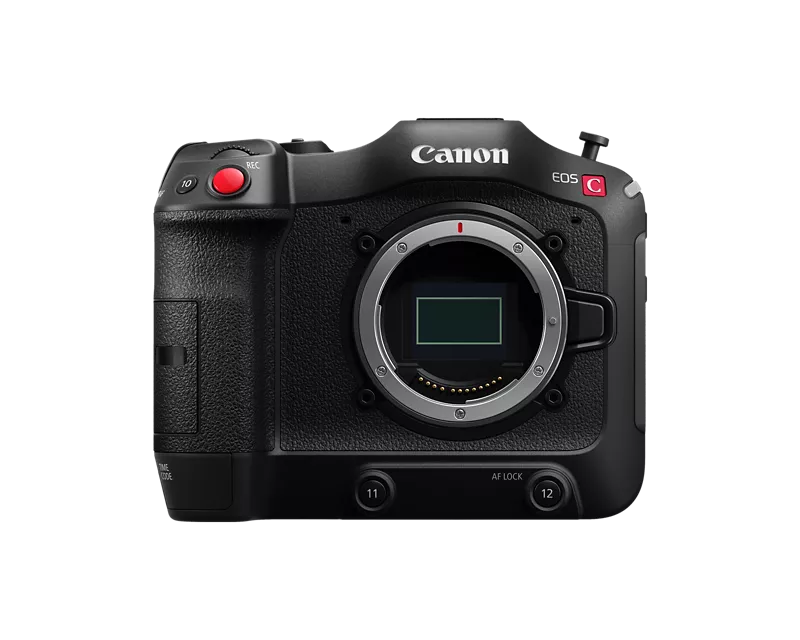
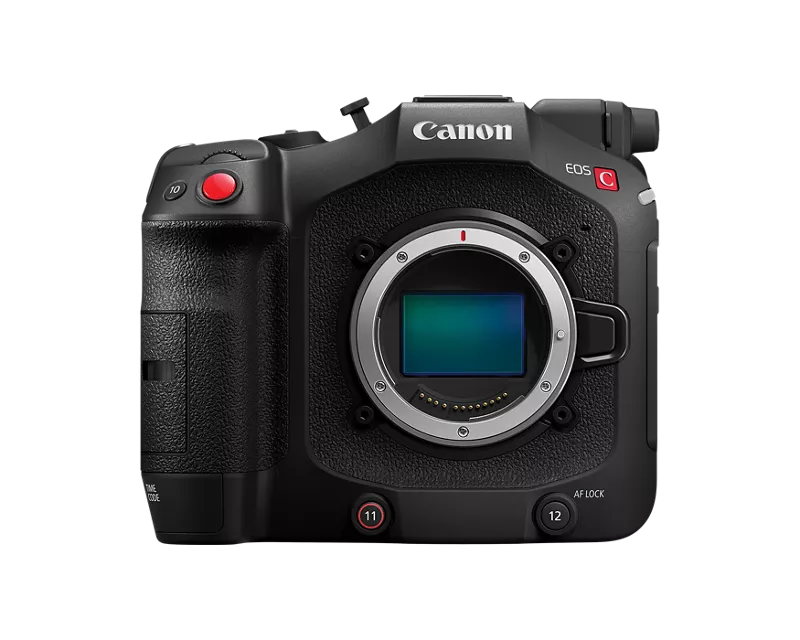
With the EOS C70 everything worked really well through USB-C on DJI RS3/RS4 Gimbals - You had run stop and even some basic motor control of AF lenses through the USB-C port. With the introduction of the EOS C80 I can't seem to get any system to communicate through that port for run stop. Tilta Nucleus M, Nano, Nano II motors don't speak to it, and direct connections through RS3 or RS4 will just disconnect after a second or two.
Is there something new about that port? Did Canon disable that functionality for some reason? Has anyone else had luck with other brands?
My C80 has mostly sat on the shelf since December since it is missing that R/S communication for remote head work. Very much looking forward to that update when I can utilize this great little cam!
Solved! Go to Solution.
37 REPLIES 37
Options
- Mark as New
- Bookmark
- Subscribe
- Mute
- Subscribe to RSS Feed
- Permalink
- Report Inappropriate Content
09-07-2026 07:02 PM
Hi, yes me 🙋
After the update it worked immediately, just like the c70. And the newest firmware (1.0.7.1) is still working.
Make sure you are using DJI USBC cables - I have never found any other cable that works since they use proprietary cable pinning. Also make sure it is seated all the way in to the gimbal. Those are the only 2 things that have prevented it from working for me. The camera control USBC is a little stiffer than the others and I have certainly felt it was all the way plugged in, only to find it still needed another push in.
At this point you should be able to run/stop, so test that first to see if you at least have good connection. Next set the front dial control set it to Bluetooth/cable driven. Now you should be able to drive the internal motors of an autofocus lens. Lens needs to be in AF mode not manual mode, but camera needs to not overpower your move so under your menu, go to the camera, page 5, continuous focus needs to be set to disable. So I usually set my #7 button to disable continuous focus, that way I can quickly take over when I want to without diving into a menu.
There are other ways I can get it to work, like if it's set to face only and there are no faces I can drive manually. Best of luck

Options
- Mark as New
- Bookmark
- Subscribe
- Mute
- Subscribe to RSS Feed
- Permalink
- Report Inappropriate Content
09-07-2026 07:26 PM
I tried 4 different cables. Nothing works. What port on the Gimbal did you use? Any settings I need to activate on the gimbal or C80?
Options
- Mark as New
- Bookmark
- Subscribe
- Mute
- Subscribe to RSS Feed
- Permalink
- Report Inappropriate Content
09-07-2026 07:29 PM
BTW, the gimbal kit doesn't include a cable labeled "Camera Control Cable." There are a few USBC to USBC cables, and they have either a 1 or a 7 on the little sticker tag.
Options
- Mark as New
- Bookmark
- Subscribe
- Mute
- Subscribe to RSS Feed
- Permalink
- Report Inappropriate Content
09-07-2026 07:33 PM
There is only one port on the gimbal for camera control, it's the one on the back of the arm that has a camera symbol /rss.
Camera settings that need to be changed are just the ones listed above and that's just for the motor control, there should be nothing else to change. When you plug in your camera, the gimbal should flash it's screen and say camera connected.
It should be that easy
Options
- Mark as New
- Bookmark
- Subscribe
- Mute
- Subscribe to RSS Feed
- Permalink
- Report Inappropriate Content
09-07-2026 07:34 PM - edited 09-07-2026 07:37 PM
Any of those cables will work, there is no specific cable that's supposed to be the one for camera control. I only said you have to use one of the cables supplied by DJI, as they are all specific pin outs to be able to communicate with the gimbal.
Options
- Mark as New
- Bookmark
- Subscribe
- Mute
- Subscribe to RSS Feed
- Permalink
- Report Inappropriate Content
09-07-2026 07:43 PM
I have another RS4 Pro I can test. I'll give it a shot and report back.
Options
- Mark as New
- Bookmark
- Subscribe
- Mute
- Subscribe to RSS Feed
- Permalink
- Report Inappropriate Content
09-07-2026 08:12 PM
OK, I just tested the C80 with a brand-new RS4 Pro and all the new cables, and it still doesn't work.
What am I missing? Could my USB port on my C80 be toast? Is there a way I can test it?
Options
- Mark as New
- Bookmark
- Subscribe
- Mute
- Subscribe to RSS Feed
- Permalink
- Report Inappropriate Content
09-07-2026 08:15 PM
What does the screen show on your gimbal when you plug in with camera on?
Options
- Mark as New
- Bookmark
- Subscribe
- Mute
- Subscribe to RSS Feed
- Permalink
- Report Inappropriate Content
09-07-2026 08:19 PM
Nothing happens when I plug the cable in or unplug it. It's just the default screen with the 4 icons. Calibrate, PTF, Balance indicator, and Responsiveness.
Options
- Mark as New
- Bookmark
- Subscribe
- Mute
- Subscribe to RSS Feed
- Permalink
- Report Inappropriate Content
09-07-2026 08:22 PM
I have a R5mk2 and it works great when I plug it in. Start stop and even dial control of settings. Must be my C80 then.

Announcements
07/22/2026: New firmware updates are available.
EOS R6 Mark III - Version 1.1.0
05/13/2026: New firmware updates are available.
EOS R5 Mark II - Version 1.3.0
EOS R6 Mark II - Version 1.7.0
04/28/2026: Service Notice: Caution Concerning use of Lithium Batteries
03/17/2026: New firmware updates are available.
SELPHY CP1500 - Version 1.0.7.0
02/23/2026: New firmware update is available for EOS C50- Version 1.0.3.1
01/23/2026: New firmware update is available for RF 24-105mm F4 IS USM- Version 2.0.7
01/20/2026: New firmware updates are available.
10/21/2025: Service Notice: To Users of the Compact Digital Camera PowerShot V1
10/15/2025: New firmware updates are available.
Speedlite EL-5 - Version 1.2.0
Speedlite EL-1 - Version 1.1.0
Speedlite Transmitter ST-E10 - Version 1.2.0
07/28/2025: Notice of Free Repair Service for the Mirrorless Camera EOS R50 (Black)
05/21/2025: New firmware update available for EOS C500 Mark II - Version 1.1.5.1

Ⓒ 2026
Canon U.S.A Inc. All Rights Reserved. Reproduction in whole or part without permission is prohibited.
