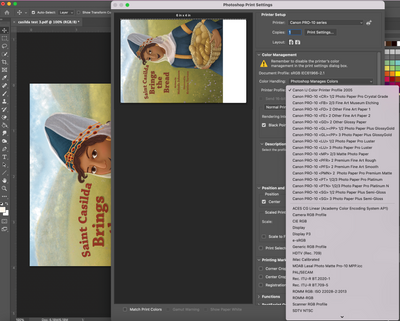
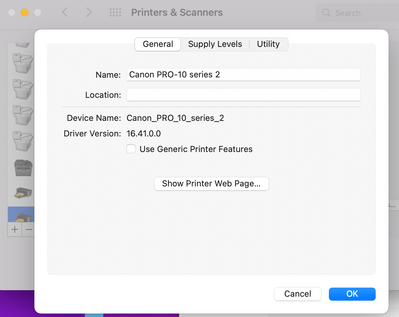
Hi! Any time my Mac OS updates to a new system or I install the latest Adobe products, I run into issues with printing. I can usually figure it out but not now. If you look at the pic, you can see that when I go to print the color gets darker and has a green tint, even though it looked okay in Photoshop. I am using the Canon Plus Glossy II paper. It doesn't matter what settings I change for the color profile it just will not print right. I do have the current canon driver installed. Here is a pic of my current issue - how it looks in the print preview is exactly how it prints. You can see the original to the left and it is a warmer color. I also attached a pic of my driver in case I didn't do something right. I have a conference coming up and I cannot seem to get this to work, so if you know how I can fix it I'll be very grateful!!