09-14-2017 06:44 PM
I am trying to print out 11x14" inch prints on a brand new Pixma Pro-100. I'm using art paper from Red River paper, using printer profile supplied by them specifically for this printer, and using the Matte photo paper setting, again - as advised from Red River, specifically for this printer.
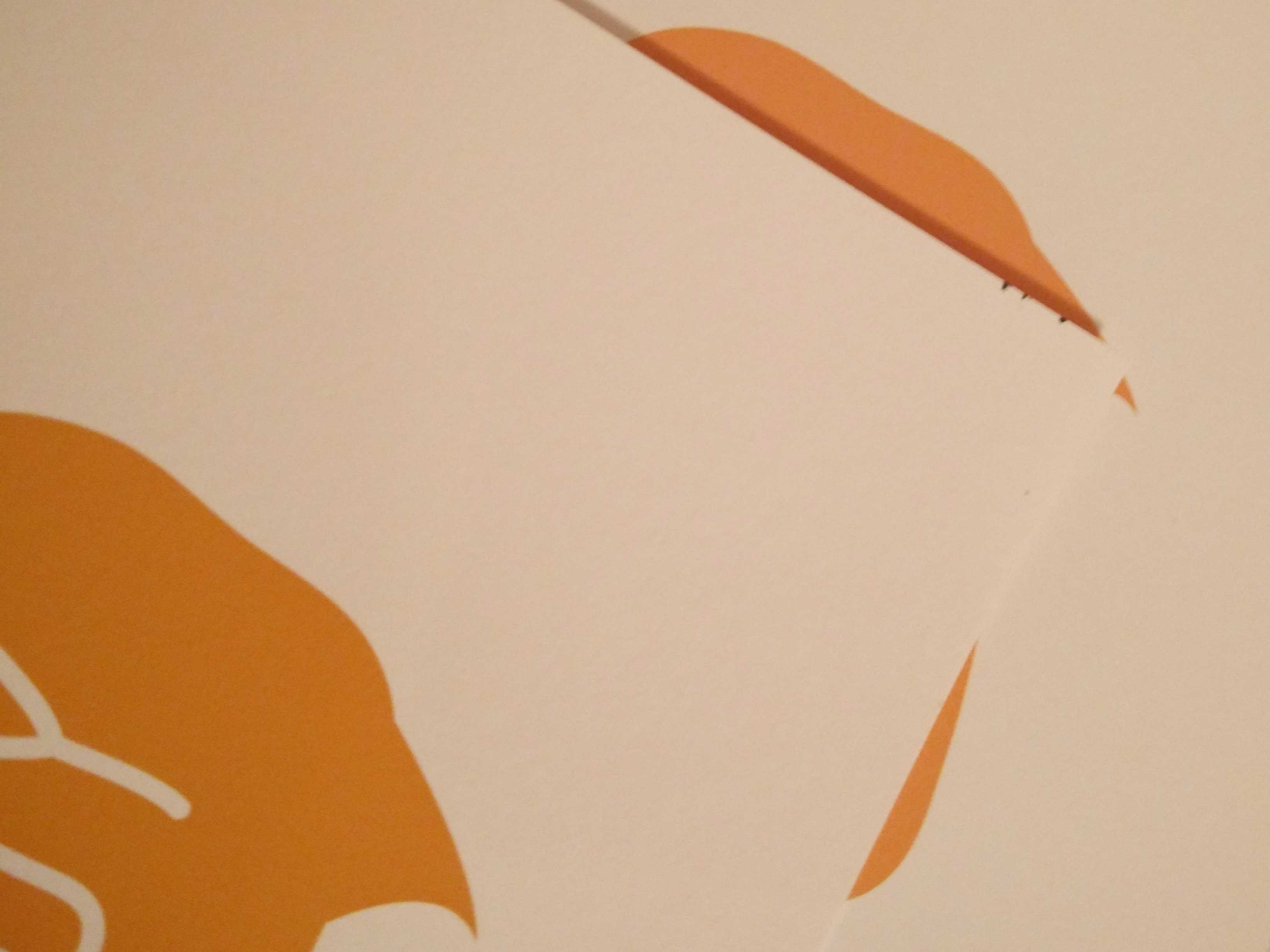
I've printed using the same paper in sizes 7x10" and 12x12" with no problem. But every sheeet of 11x14 I've tried is getting ruined by these small marks in the corners of the paper.
I am printing form Photoshop CC, on a Macbook pro (Sierra OS).
Any ideas?
Image inserted showing the marks I am getting:
09-15-2017 07:34 AM
Hi Borussin,
It is recommended that you contact one of Canon's Technical Support Representatives. To contact a Technical Support Representative, please use the link below:
http://Canon.us/ContactLI
12/18/2025: New firmware updates are available.
11/20/2025: New firmware updates are available.
EOS R5 Mark II - Version 1.2.0
PowerShot G7 X Mark III - Version 1.4.0
PowerShot SX740 HS - Version 1.0.2
10/15/2025: New firmware updates are available.
Speedlite EL-5 - Version 1.2.0
Speedlite EL-1 - Version 1.1.0
Speedlite Transmitter ST-E10 - Version 1.2.0
7/17/2025: New firmware updates are available.
02/20/2025: New firmware updates are available.
RF70-200mm F2.8 L IS USM Z - Version 1.0.6
RF24-105mm F2.8 L IS USM Z - Version 1.0.9
RF100-300mm F2.8 L IS USM - Version 1.0.8
Canon U.S.A Inc. All Rights Reserved. Reproduction in whole or part without permission is prohibited.


